#1 Video to PowerPoint
from your recording
Extract the slides shown in a lecture, meeting or screen recording. Review them, then download a PPTX.
No video file? Record your screen
- Your video stays on your device.
- Free for the first 30 minutes of each recording.
- Also export PDF, Word, Markdown and images.
Decks extracted with Video2Any
Real slides pulled from recordings — see the output, then make your own. Everything runs in your browser.
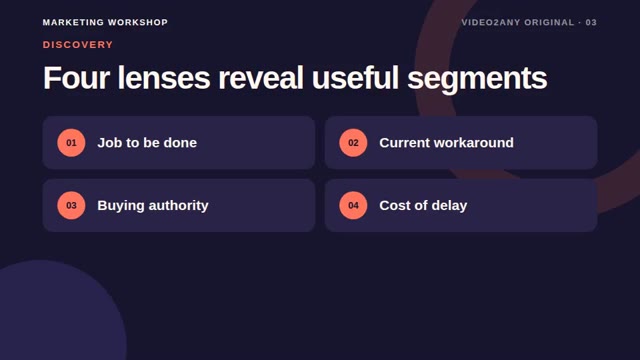 Marketing8 slidesCustomer Segmentation — Marketing Workshop SlidesVideo2Any original sample · Marketing
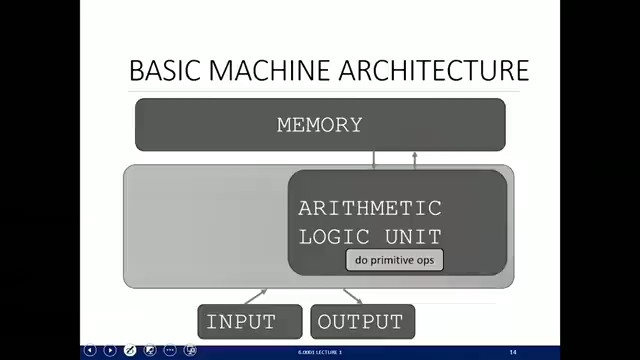 Computer Science46 slidesMIT 6.0001 Lecture 1 — "What is Computation?"MIT OpenCourseWare · 6.0001, Fall 2016
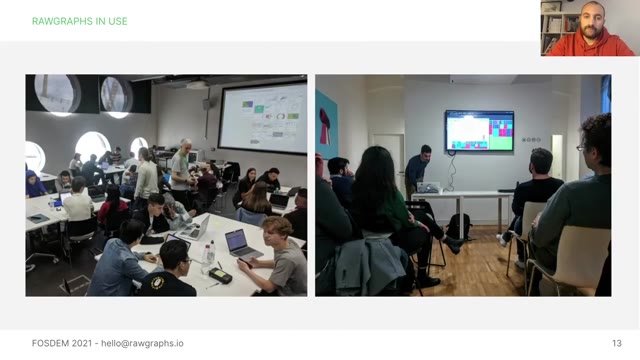 Data Visualization43 slides"RAWGraphs — an open visualization framework" — FOSDEM 2021Giorgio Uboldi · FOSDEM 2021, Open Research Tools and Technologies devroom
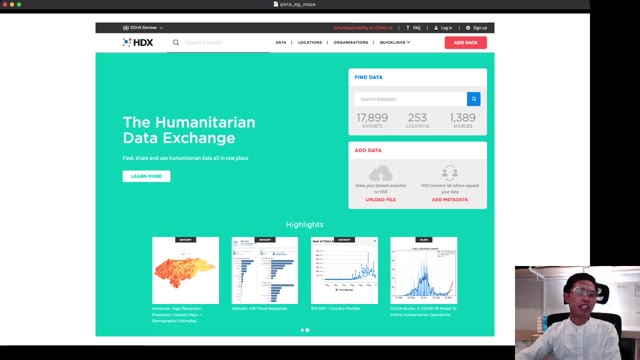 Open Data28 slides"OpenStreetMap features as socio-economic proxies" — FOSDEM 2021Albert Yumol · FOSDEM 2021, Open Research Tools and Technologies devroom
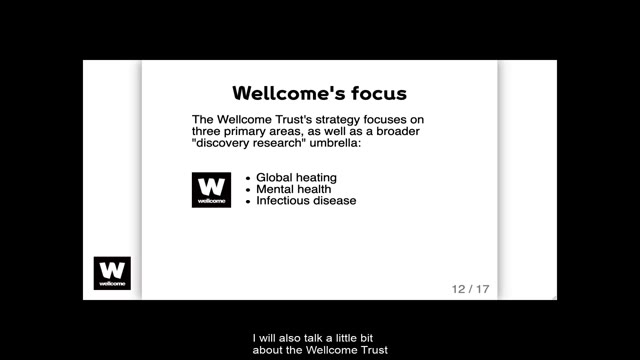 Life Science36 slides"Open research in life science" — FOSDEM 2021Yo Yehudi · FOSDEM 2021, Open Research Tools and Technologies devroom
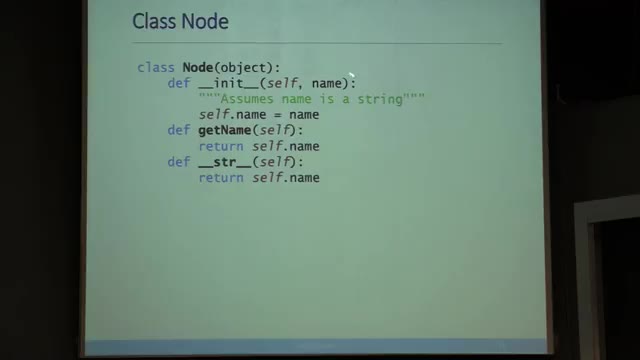 Data Science20 slidesMIT 6.0002 Lecture 3 — "Graph-theoretic Models"MIT OpenCourseWare · 6.0002, Fall 2016
Video to PPT, PDF, images — choose your output
Recover the original slides as PowerPoint or a PDF handout, save still images, or pick a single frame. Need motion instead? The GIF tool creates a separate animation of up to ten seconds.
Video to PowerPoint tools
- Screen recording to PowerPoint
- Zoom recording to PowerPoint
- Teams recording to PowerPoint
- Google Meet recording to slides
- Webinar recording to slides
- Lecture recording to slides
- Panopto recording to slides
- Echo360 recording to slides
- Kaltura recording to slides
- Loom recording to PowerPoint
- MP4 to PowerPoint
- WebM to PowerPoint
- Video to Google Slides
- Video to Keynote
- YouTube to PowerPoint
- NotebookLM video to PowerPoint
Video to document tools
Video frame extraction tools
Browser video utilities
Find slide changes
Detect slide changes, then remove duplicates or add a missed page in the editor.
Process locally
Your browser reads the video. The source file is not uploaded.
Download PowerPoint
Each extracted image becomes a slide. Use text recognition if you need searchable text.
How it works
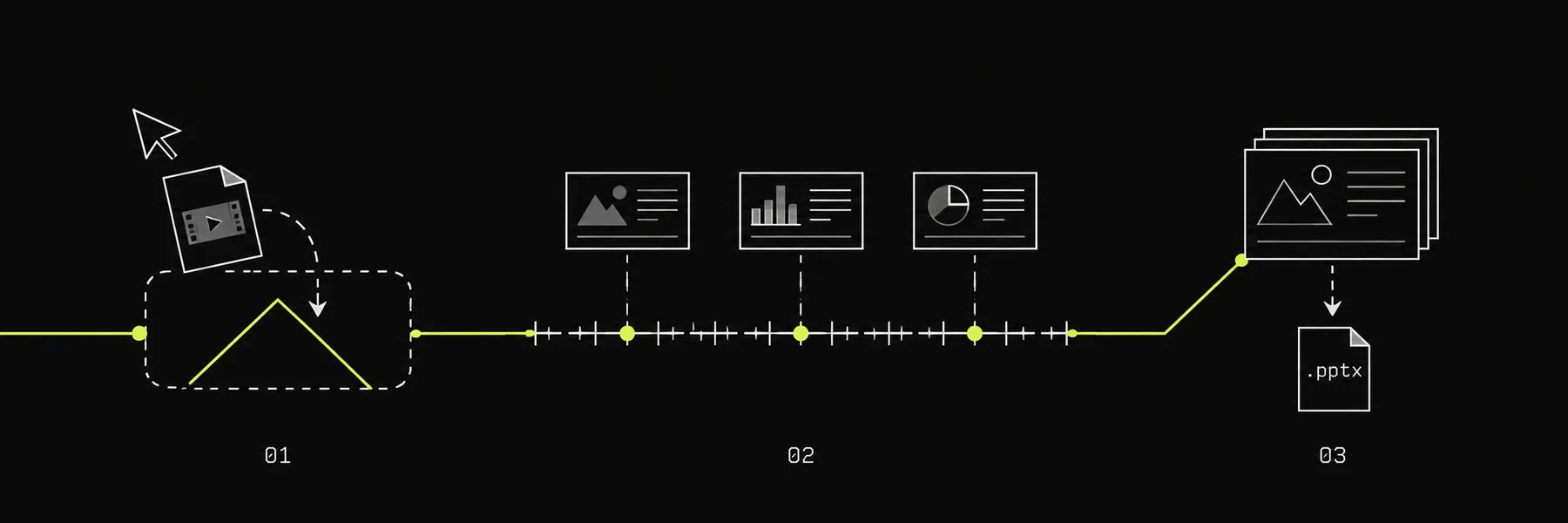
- Choose a video file or record your screen.
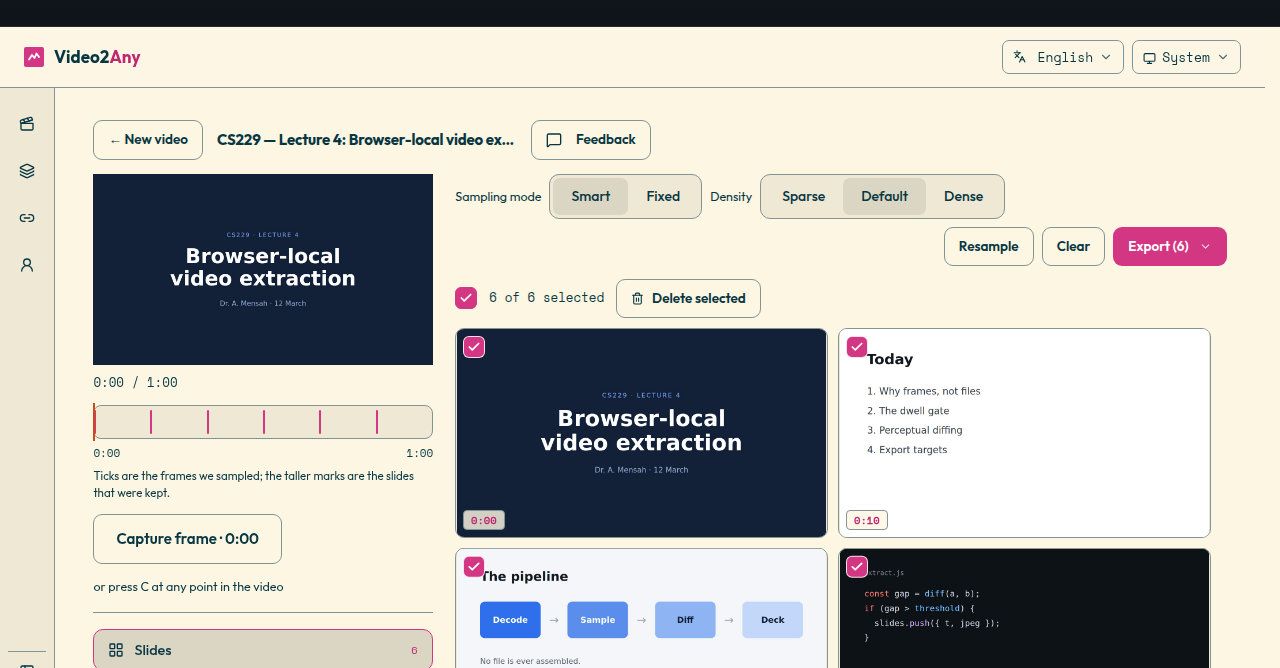
- Review detected slides on the timeline: recapture, crop, or delete any frame.
- Download the deck, PDF, or image frames.
What it costs
Free
$0
no account needed
For the recording you just want the slides out of.
Up to 30 minutes of any recording
- Unlimited videos
- Unlimited conversions
- Every export format
- Batch a whole folder
- Runs on your own machine
- Long videos stop at 30 minutes
- Exports carry a credit slide
Two recordings
$2.99
one-off, never expires
For the lecture you have to get through today.
Two whole recordings, any length
- Two videos of any length
- Credits never expire
- One payment no renewal
Lifetime
$49once — no subscription
Every recording, end to end, with nothing left to pay.
Unlimited video length
- Unlimited conversions
- Batch with no length cap
- Clean exports no credit slide
- One click selects similar shots
- All future features included
FAQ
- What if my video is longer than 30 minutes?
- The first 30 minutes of every video are free. A free account adds one full-length video; after that, $2.99 unlocks 2 more full-length videos, or a one-time $49 removes the limit for good.
- Can I use it without an account?
- Yes. No account is needed for the first 30 minutes per video. Free PPTX and PDF exports include a final credit page.
- Does it work on a phone?
- Yes, in a recent Chrome or Safari, for most MP4 recordings. Very long or high-resolution videos are faster and more reliable on a computer in Chrome or Edge.
- Can I edit the text in the slides?
- No. Video2Any gives you the slides exactly as they appeared on screen, saved as pictures, so the text inside them can't be edited. You can crop, delete and reorder pages, and add your own notes in PowerPoint.
- Do my videos upload?
- No. Open the converter and process the file in your browser. The original video is not uploaded.
- How fast is it?
- On a recent laptop an hour-long lecture usually takes under a minute; long, high-resolution meeting recordings can take a few minutes. Slides appear while it works, so you can start reviewing right away.
- What do I get after conversion?
- You can export a PowerPoint deck, a PDF handout, slide images, Word or Markdown notes, subtitles, or just the audio.
- What kinds of videos work best?
- Use recordings with clear, mostly static slides. Small text, camera movement and animations can reduce detection quality.
Blog
Notes on Video2Any: what it does, how we think about speed and privacy, and where it is going. It runs in this tab — no upload, no account, no watermark.
What changed this month
Undo and redo, a preview that takes the room when you need it, the deck following the video, the frames you added marked as yours, and a dozen smaller fixes.
A Chrome extension that reads your lecture without downloading it
Click the icon on a recorded lecture and its slides open in the next tab. What crosses between the two halves is a few megabytes of still frames, never the recording — and that limit is the design, not a shortcut.