Skip to content
Video2Any
Free local tool
Processed in this tab

Turn a webinar recording into slides

Drop the webinar video, walk away with an editable deck.

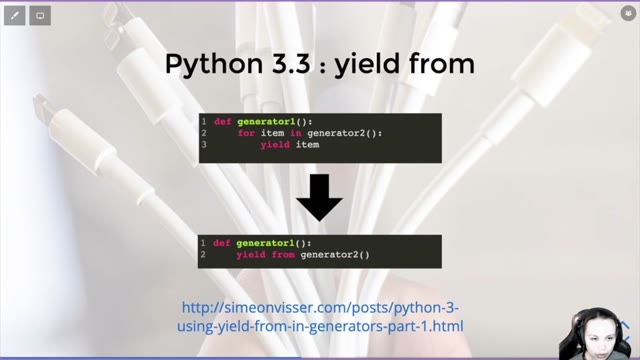
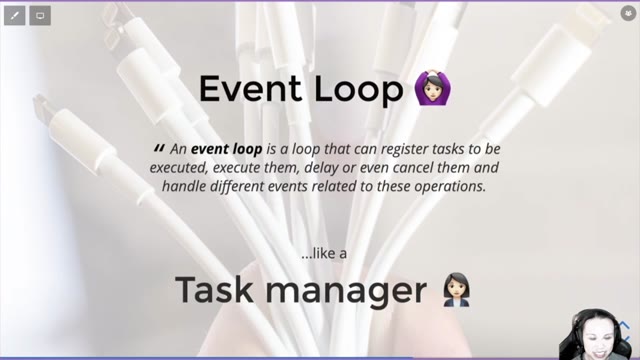
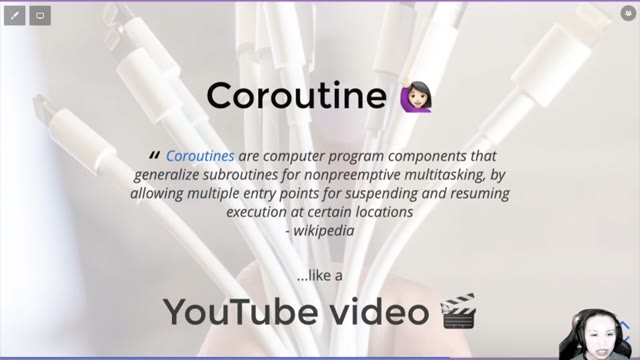
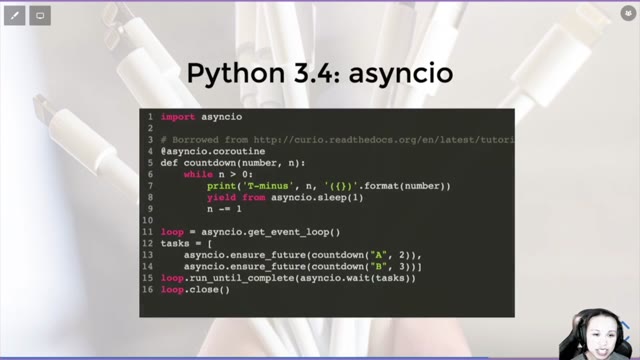
A webinar recording is an hour of video wrapped around a slide deck you actually want. Video2Any extracts that deck: it steps through the footage, keeps one clean frame per slide, and gives you an editable .pptx for notes, review, or reuse. It reads the video on your machine, so nothing uploads and long recordings stay private.

Whatever platform hosted it

Zoom Webinar, GoToWebinar, ON24, Demio, Livestorm — they all hand you a recording, not the deck. Once you have the .mp4 (downloaded from the platform or sent as the replay), that is all Video2Any needs; the presented slides are inside that file regardless of which service produced it.

Skipping the parts that are not slides

Webinars pad the deck with a welcome countdown, polls, live Q&A, and a talking-head intro. Those are not slide changes, so most are ignored; the few that slip through — a poll screen, a holding slide — are quick to delete in the review grid before export, leaving just the deck you came for.

Does the length of the webinar matter?
Uploaded and local files are uncapped — a two-hour webinar is fine. The tool samples smartly so long videos still process quickly.
Can I remove duplicate or blank slides?
Yes. Extracted slides land in a review grid where you can delete, reorder, and clean up before you download the deck.