Video2Any vs Video2PPT
Both tools keep the slides that were on screen, and both convert inside your browser. On free time, monthly caps and the one-off price, the difference is big enough to decide the choice.
Why people pick Video2Any
- The first 30 minutes of every video are free, with no monthly cap. Video2PPT’s free plan stops at 10 minutes.
- Lifetime is $49, or $29 for a year; their lifetime licence is $198.
- Slide extraction stays in the browser tab, with no upload endpoint. Notes and a transcript can come from the same recording.
- One export sheet for PPT, notes, transcript or all three; the interface is available in eight languages.
Video2Any recovers the slides that were already on screen as images in a deck. The pages come from the picture, not from the narration. It can also write notes and a transcript from the audio, but those are separate outputs; it does not generate a new slide deck. If you need editable, AI-written slides, use a generator; if you need the original pages back, use an extractor like this one.
Free tier length
- Video2Any
- 30 minutes per video, unlimited videos, no account
- Video2PPT
- “Up to 10-minute duration” and “3 video conversions per month” on the free plan
Creator · 1 year
- Video2Any
- $29 for a year of full-length recordings, and it does not renew
- Video2PPT
- No Creator · 1 year plan — the paid options are a subscription or a lifetime licence
Buy it once
- Video2Any
- $49, paid once, with nothing that renews
- Video2PPT
- “$198” lifetime, paid once
Subscription
- Video2Any
- $9.99/mo with $10 of credit a month, cancel any time
- Video2PPT
- “$7 /mo” billed monthly, “$7 /mo” on the yearly plan
Desktop app
- Video2Any
- Not offered — browser only
- Video2PPT
- A desktop version with “no conversion limits”
Account to start
- Video2Any
- None
- Video2PPT
- “No signup required”
Where it runs
- Video2Any
- In the browser tab; for slide extraction, there is no upload endpoint; starting notes uploads the audio, and the page images when the job has pages
- Video2PPT
- “All video processing happens locally”
Export formats
- Video2Any
- PowerPoint, PDF, Word, Markdown, image ZIP, all slides on one image, audio; notes as Markdown/Word/PDF; transcript as TXT/SRT. Slide pages are pictures, so the text on them cannot be edited. Notes and a transcript export from the same job
- Video2PPT
- “native PowerPoint, Google Slides, PDF, or HTML”; the page says the PPTX is “fully editable: text, shapes, and layouts can all be adjusted”, and transcriptions come out as DOCX
The honest summary: Video2PPT has a desktop app with no conversion limits, and we have no desktop app at all. Our free tier runs three times longer and has no monthly count; our Creator · 1 year plan is $29 and Creator · Lifetime is $49, against their $198. Their monthly is $7; ours is $9.99/mo with $10 of credit, so theirs is cheaper on monthly price alone. Their page says the PowerPoint text can be edited; ours comes back as pictures of the slides.
Everything in the Video2PPT column is quoted or restated from their own pages, read on 2026-11-02. Video2Any capabilities on this page are current as of 2026-11-02. Prices change — if something here has gone out of date, tell us and we will fix it. On 2026-10-02 we ran the same recording through Video2PPT and Video2Any. The test write-up shows what each one found; this table covers only what their pages say.
What it got out of a real recording
YouthMappers · Laura Mugeha · FOSDEM 2021, Geospatial
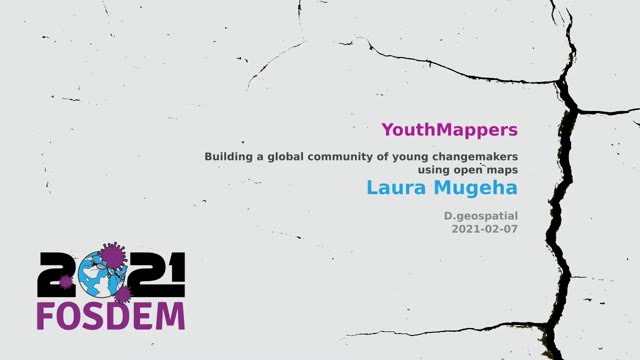
#1 · 0:00
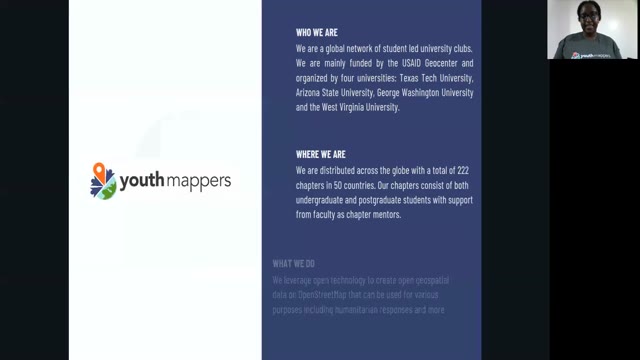
#4 · 1:13
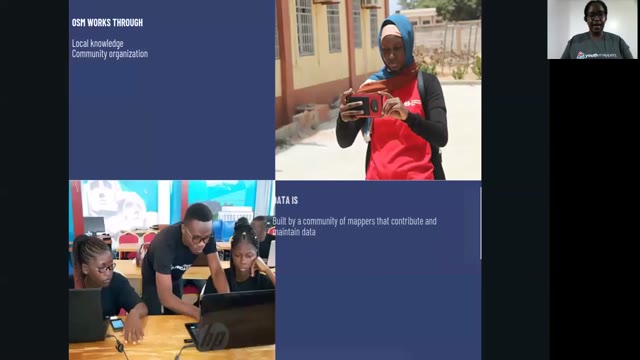
#7 · 3:27
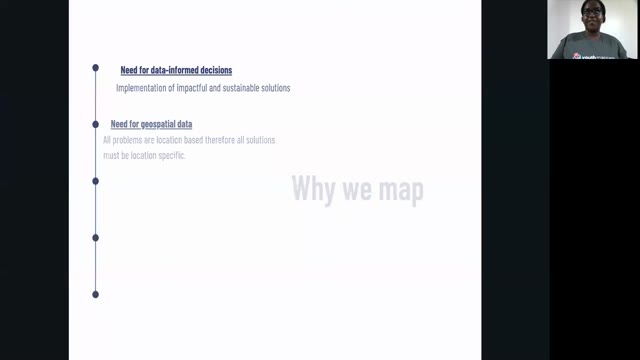
#10 · 5:39
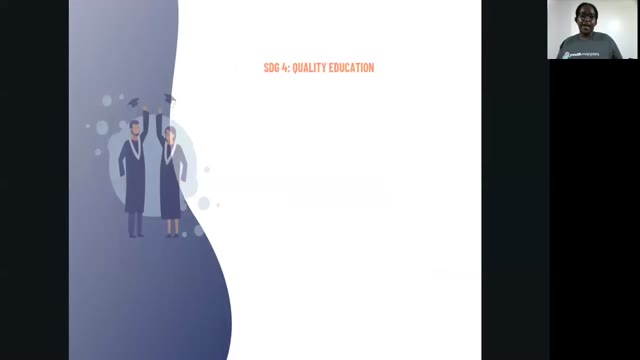
#13 · 13:59
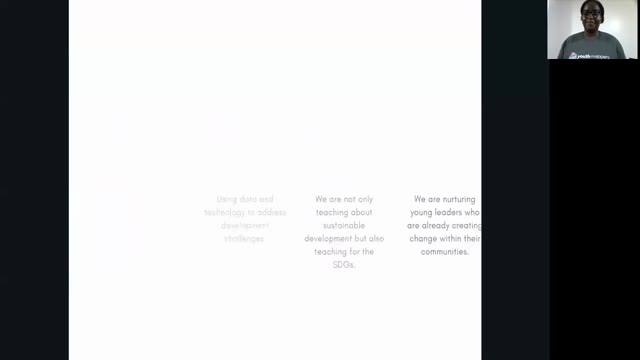
#17 · 20:40
34:01 of the recording → 17 slides kept
Recording from FOSDEM, used under CC BY 2.0 BE. open the recording · Rights concern? request removal