Video2Any vs MagicSlides
The difference here is not a feature, it is what comes out. One product returns the slides the presenter showed. The other writes a new deck about them.
Video2Any recovers the slides that were already on screen as images in a deck. The pages come from the picture, not from the narration. It can also write notes and a transcript from the audio, but those are separate outputs; it does not generate a new slide deck. If you need editable, AI-written slides, use a generator; if you need the original pages back, use an extractor like this one.
What you get back
- Video2Any
- The frames that were on screen, at the moments they changed
- MagicSlides
- An AI-generated presentation; the tool also offers a direct mode that captures frames in the browser
Account to start
- Video2Any
- None
- MagicSlides
- A Gmail or GSuite account
Subscription
- Video2Any
- $9.99/mo with $10 of credit a month, cancel any time
- MagicSlides
- “$8” Essential, “$16” Pro, “$29” Premium
Buy it once
- Video2Any
- $49, paid once, with nothing that renews
- MagicSlides
- No one-off licence — the “$99 one-time” buys a presentation built for you, not the tool
Design and templates
- Video2Any
- None. You get the slides the presenter made, not new ones
- MagicSlides
- “200+ premium templates”, “150+ design system presets”
Someone else does it
- Video2Any
- Not offered
- MagicSlides
- “Done By Us” — “Full presentation built for you — zero work on your end”
Sharing
- Video2Any
- Not offered — share links are retired.
- MagicSlides
- “Secure share — password + view analytics”
Beyond slides
- Video2Any
- Nothing — we convert recordings and stop there
- MagicSlides
- Magic Sheets and Docs with AI editing, and “Magic Talks”, an AI meeting agent
Stated length limit
- Video2Any
- 30 minutes free, any length with Creator · 1 year or Creator · Lifetime
- MagicSlides
- Their pricing page does not say
Export formats
- Video2Any
- PowerPoint, PDF, Word, Markdown, image ZIP, all slides on one image, audio; notes as Markdown/Word/PDF; transcript as TXT/SRT. Slide pages are pictures, so the text on them cannot be edited
- MagicSlides
- “PPTX, PDF, PNG, JPG & HTML”
The honest summary: MagicSlides does far more than convert — templates, design systems, a meeting agent, a designer who will build the deck for you — and it is priced for that. Their subscription costs $8–$29 a month; ours is $9.99/mo with $10 of credit, or $49 once. If what you need is the slides that were actually on screen, you would be paying for a lot of machinery you will never open.
Everything in the MagicSlides column is quoted or restated from their own pages, read on 2026-11-02. Video2Any capabilities on this page are current as of 2026-11-02. Prices change — if something here has gone out of date, tell us and we will fix it. We have not run their converter, so this page says nothing about what it produces.
What it got out of a real recording
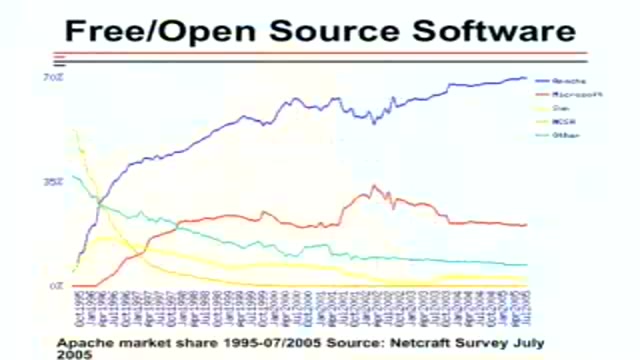
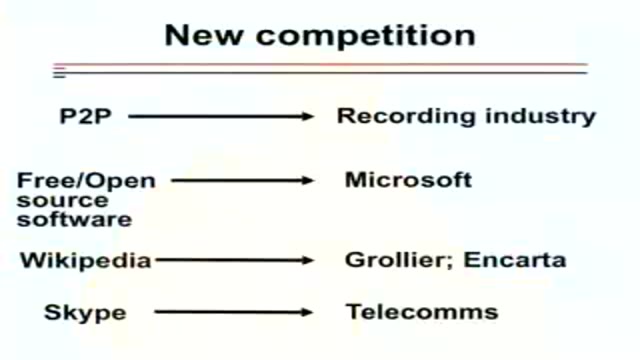
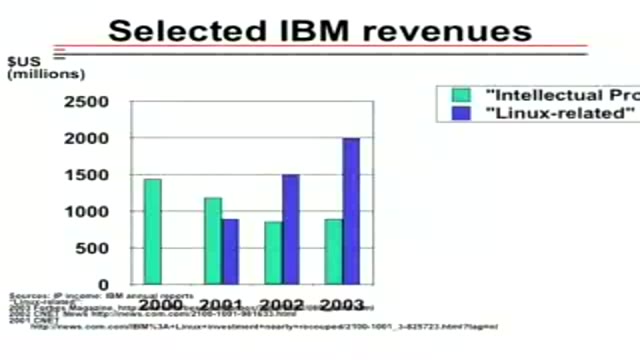
The Wealth of Networks · Yochai Benkler · Center for American Progress, 2006
#1 · 2:29
#6 · 14:39
#12 · 21:58
#17 · 24:32
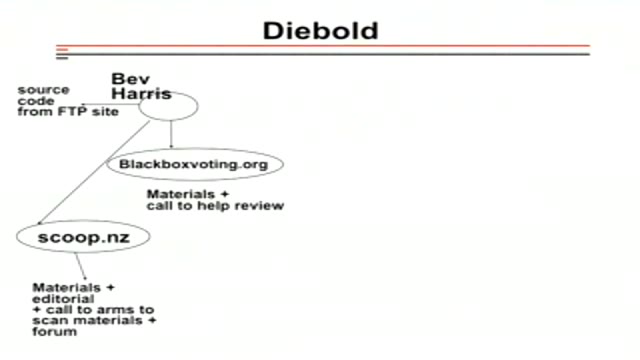
#23 · 33:45
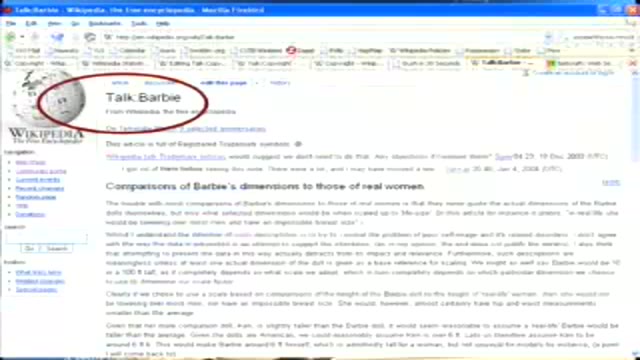
#29 · 36:34
86:32 of the recording → 29 slides kept
Recording from Carl Malamud / Yochai Benkler, used under CC BY 2.5. open the recording · Rights concern? request removal