Video2Any vs CopySlides
Both products rebuild the deck from what was on screen rather than writing a new one. They mostly differ in how each one meters you.
Video2Any recovers the slides that were already on screen as images in a deck. The pages come from the picture, not from the narration. It can also write notes and a transcript from the audio, but those are separate outputs; it does not generate a new slide deck. If you need editable, AI-written slides, use a generator; if you need the original pages back, use an extractor like this one.
Free tier length
- Video2Any
- 30 minutes per video, unlimited videos, no account
- CopySlides
- “Basic plan supports videos up to 30 minutes”
Long recordings
- Video2Any
- Any length — $29 for a year, $49 for good, or $9.99/mo
- CopySlides
- “Pro and LTD plans support recordings up to 2 hours”
Metering
- Video2Any
- We do not cap slides or conversions
- CopySlides
- “Up to 200 slides / month” on Starter, “Up to 600 slides / month” on Plus
Subscription
- Video2Any
- $9.99/mo with $10 of credit a month, cancel any time
- CopySlides
- “$9/ month” Starter, “$19/ month” Plus
Buy it once
- Video2Any
- $49, paid once, with nothing that renews
- CopySlides
- “$149 ONE-TIME”, marked down from $199
Desktop app
- Video2Any
- Not offered — browser only
- CopySlides
- A desktop app, which is how the lifetime licence gets unlimited slides
Where it runs
- Video2Any
- In the browser tab; for slide extraction, there is no upload endpoint
- CopySlides
- Their page does not say
Export formats
- Video2Any
- PowerPoint, PDF, Word, Markdown, image ZIP, all slides on one image, audio; notes as Markdown/Word/PDF; transcript as TXT/SRT. Slide pages are pictures, so the text on them cannot be edited
- CopySlides
- “PPTX or Google Slides”
The honest summary: CopySlides starts cheaper at $9 a month, and its desktop app lifts the slide cap in a way we have no equivalent for. It also counts your slides — “Up to 200 slides / month” on the entry plan — where we count nothing, its lifetime licence costs $149 against our $49, and its page does not say where your video is processed.
Everything in the CopySlides column is quoted or restated from their own pages, read on 2026-11-02. Video2Any capabilities on this page are current as of 2026-11-02. Prices change — if something here has gone out of date, tell us and we will fix it. We have not run their converter, so this page says nothing about what it produces.
What it got out of a real recording
Wikipedia for science communication · Dr. Katelyn Mroczek · Wikimedia Australia, 2024
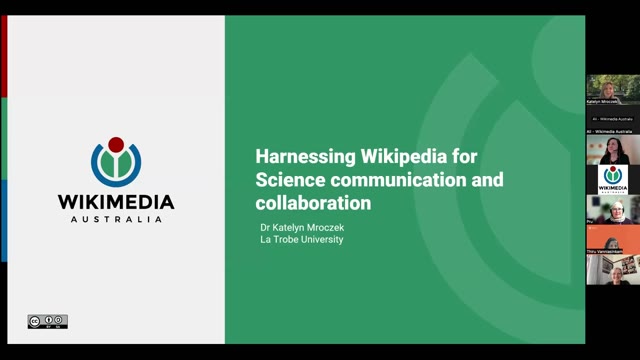
#1 · 0:00
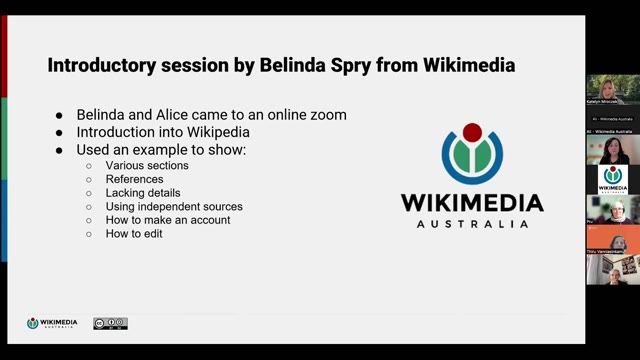
#4 · 2:09
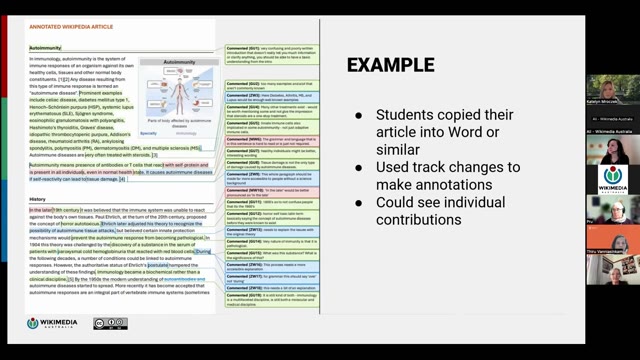
#7 · 7:11
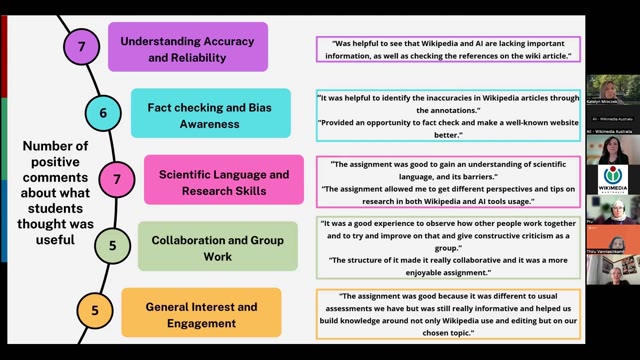
#10 · 11:54
#13 · 16:27

#17 · 24:36
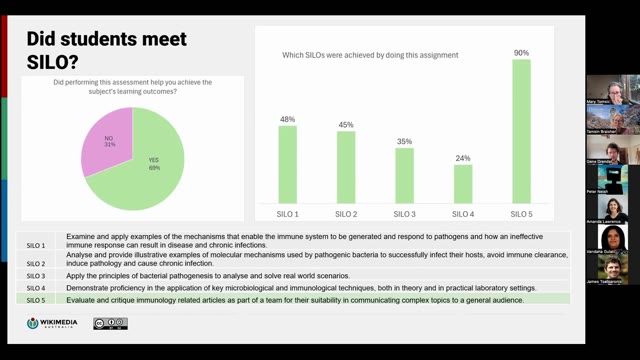
24:40 of the recording → 17 slides kept
Recording from Wikimedia Australia, used under CC BY 4.0. open the recording · Rights concern? request removal