How to convert MP4 to PPT (PowerPoint), free and in your browser
On this page
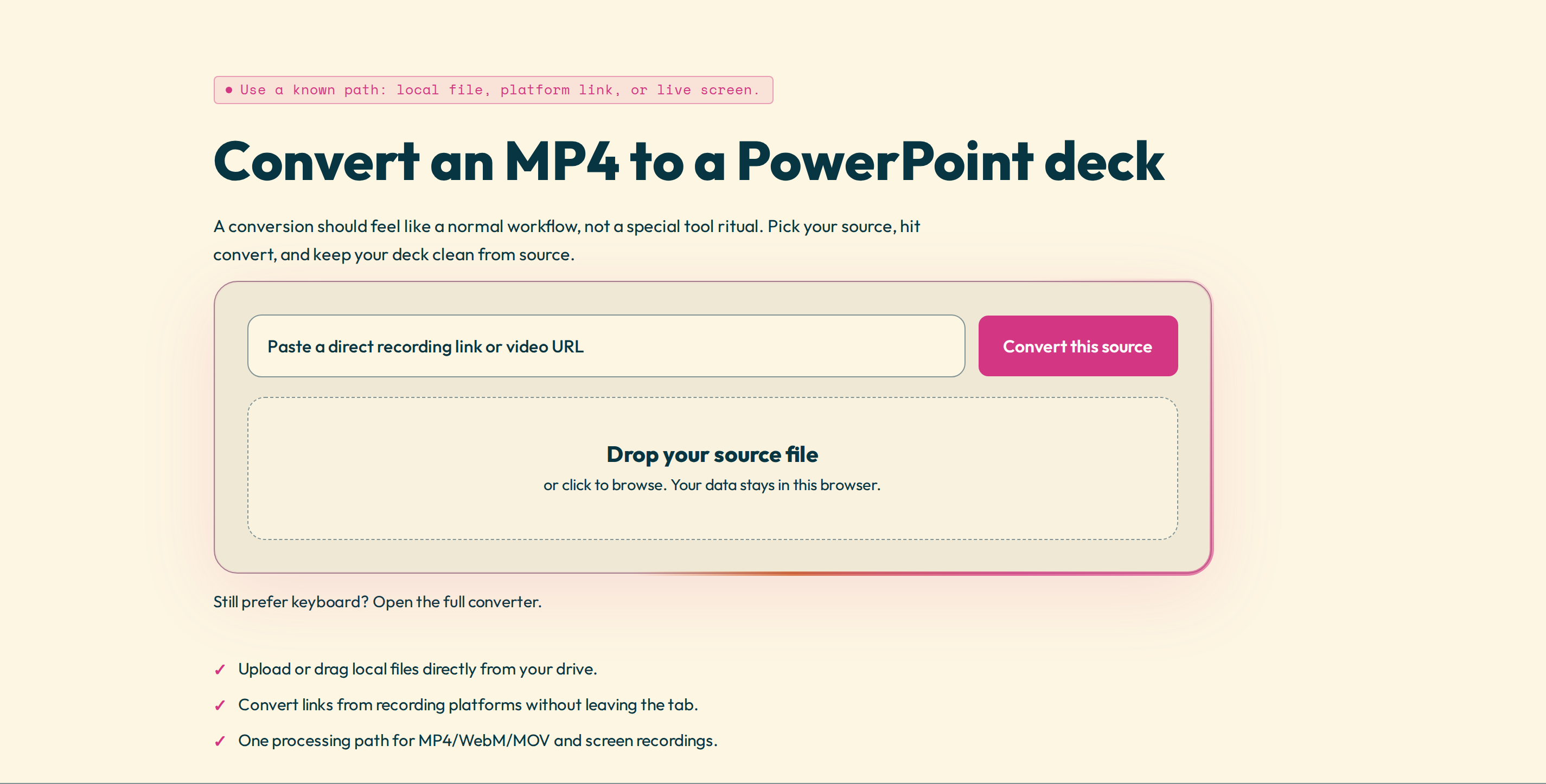
"Convert MP4 to PPT" can mean two different things, and it is worth being clear which one you want. You might want to embed the whole MP4 as a video that plays on one slide, or you might want to turn what the video shows into a set of slides you can present. Most people searching for this want the second one — and that is what this guide covers.
What "MP4 to PPT" actually produces
Video2Any watches the MP4, detects each distinct slide, screen, or scene, and puts each one on its own PowerPoint slide — not a single video pinned to one slide. You can open the deck in PowerPoint, Keynote, or Google Slides, then reorder or delete slides and add your own notes and text boxes. Each slide is a picture of that moment in the video, so the text on it cannot be edited.
Convert an MP4 to PPT, step by step
- Open the MP4 to PowerPoint tool.
- Choose your MP4, any length. It opens straight from your device and is not uploaded to Video2Any.
- Let it detect the slides. Every scene change lands on a timeline with its timestamp.
- Review the result: keep the slides that matter, drop duplicates, and recapture any blurry frame.
- Export: an .pptx, a PDF, or the slides as images.
Why it is free and private
A local MP4 is decoded in your browser, so there is no upload and no queue. Running on your machine also costs us almost nothing, which is why the first 30 minutes of every video are free, for as many videos as you like, with no account. A free export ends with one credit slide.
If you only want the MP4 to play inside a slide
You do not need a converter for that. PowerPoint plays MP4 natively: choose Insert → Video → This Device and pick the file. It is WebM that PowerPoint cannot play — if that is your format, see WebM in PowerPoint.
Tips for a cleaner deck
A steady, straight-on recording gives the cleanest slides; the tool catches scene changes best when the frame is not shaking. Higher-resolution video means sharper slide text. And if the video lingers on the same slide, just delete the duplicates on the timeline before you export.
Convert an MP4 to PowerPoint — free, no account, and the file never leaves your browser.