Turn a video into text
A conversion should feel like a normal workflow, not a special tool ritual. Pick your source, hit convert, and keep your deck clean from source.
Still prefer keyboard? Open the full converter.
- Upload or drag local files directly from your drive.
- Convert links from recording platforms without leaving the tab.
- One processing path for MP4/WebM/MOV and screen recordings.
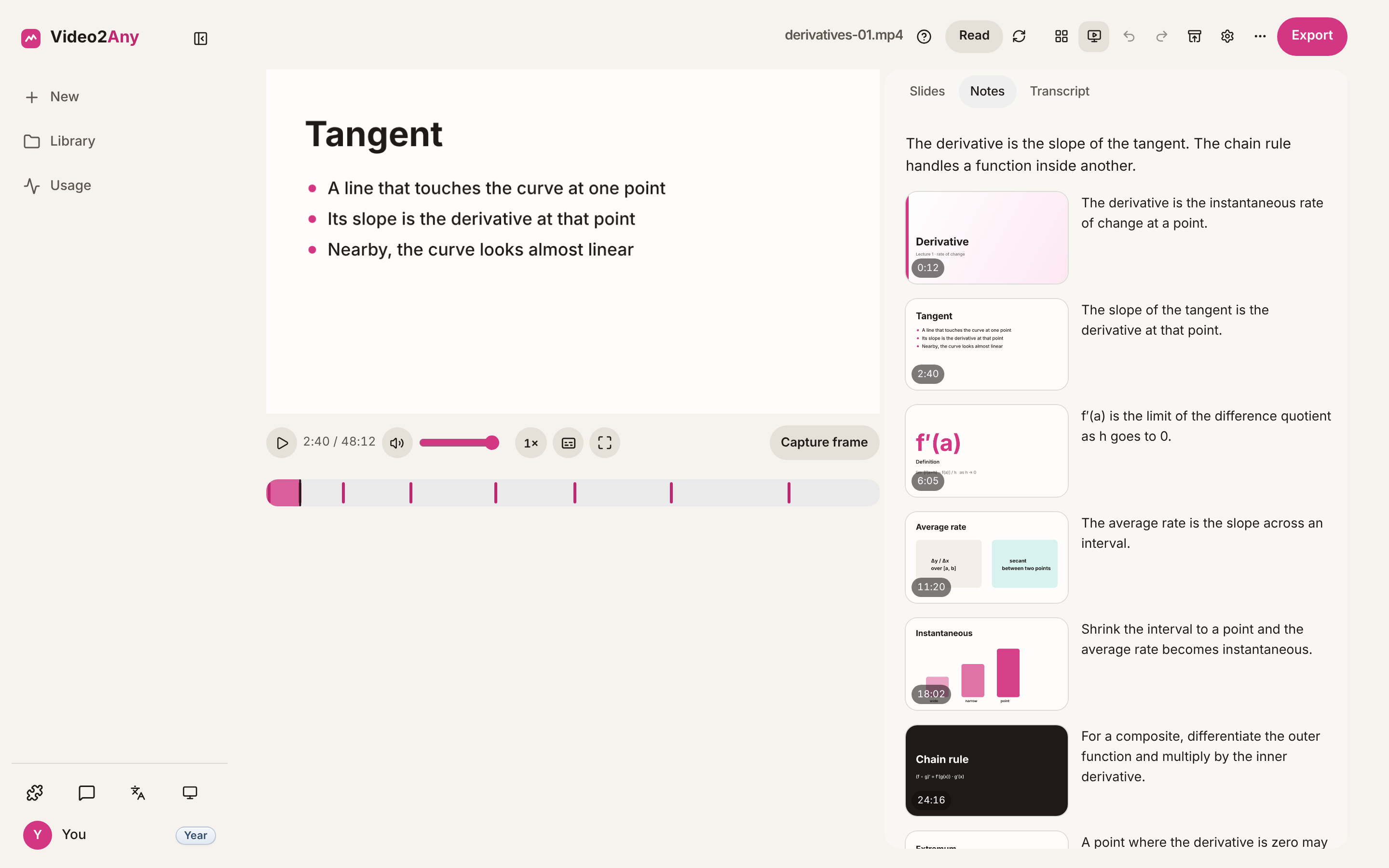
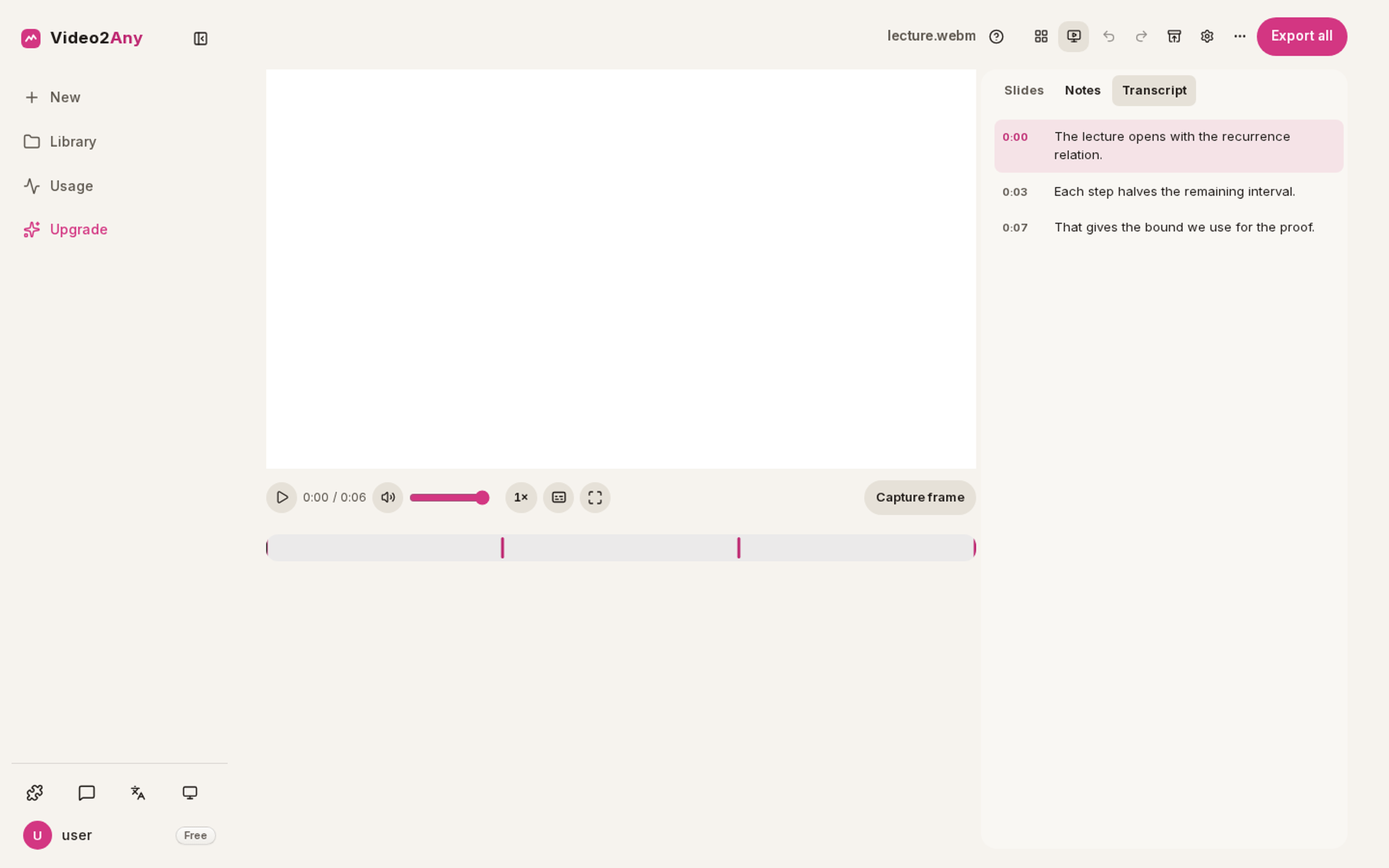
Sometimes you need the words, not the video — to search, quote, translate, or just read faster than you can watch. Video2Any turns a recording into text: a plain transcript you can copy anywhere, or timed .srt / .vtt subtitles. Paste a platform link and the transcript is fetched for you; for local files, speech-to-text runs right in your browser where your device supports it.
Conversion fit
Turn a video into text works best when the recording is mostly a deck, screen share, or document walkthrough. The converter looks for real visual changes, keeps the clean frames, and lets you review them before export.
Best fit
- Slides, screen shares, webinars, classes, and meeting recordings
- Clear text or UI on screen, even if the speaker is also visible
- Recordings where one useful slide stays on screen for several seconds
Harder fit
- Handheld camera footage, fast cuts, gameplay, or heavy motion
- Tiny slides inside a large video layout
- Blurred, low-resolution, or heavily animated slides
What you can export
| Format | Use it for |
|---|---|
| PowerPoint (.pptx) | Editable review decks, class notes, repurposed training material |
| Printable handouts and shareable reading copies | |
| Frame images (.zip) | Archiving or reusing the detected slide frames |
| SRT subtitles | Transcript workflows where speech-to-text is available |
Processing boundary
- Uploaded files are decoded in the browser tab, not sent to Video2Any servers.
- Direct video-file links are read by the browser when the source allows it.
- Platform links and live screen recording require a free account, with limits shown before processing.
How it works
- Drop a video, paste a link, or start a screen recording.
- Review detected slides on the timeline: recapture, crop, or delete any frame.
- Download the deck, PDF, or image frames.
Private by design
Uploaded files are decoded, compared, and assembled inside your browser tab. They never touch our servers; close the tab and nothing is left behind.
FAQ
- What formats can I get the text in?
- A plain-text transcript (.txt) for reading and copying, or timed subtitles (.srt / .vtt) for players and editors. You can also copy the whole thing to the clipboard in one click.
- Can I get the slides too?
- Yes — the same video also exports as an editable PowerPoint or PDF of its slides, so you get the words and the visuals from one pass.