Skip to content

Turn an audio file into text

Open an MP3, M4A, WAV or OGG, generate a transcript, and export TXT or SRT.

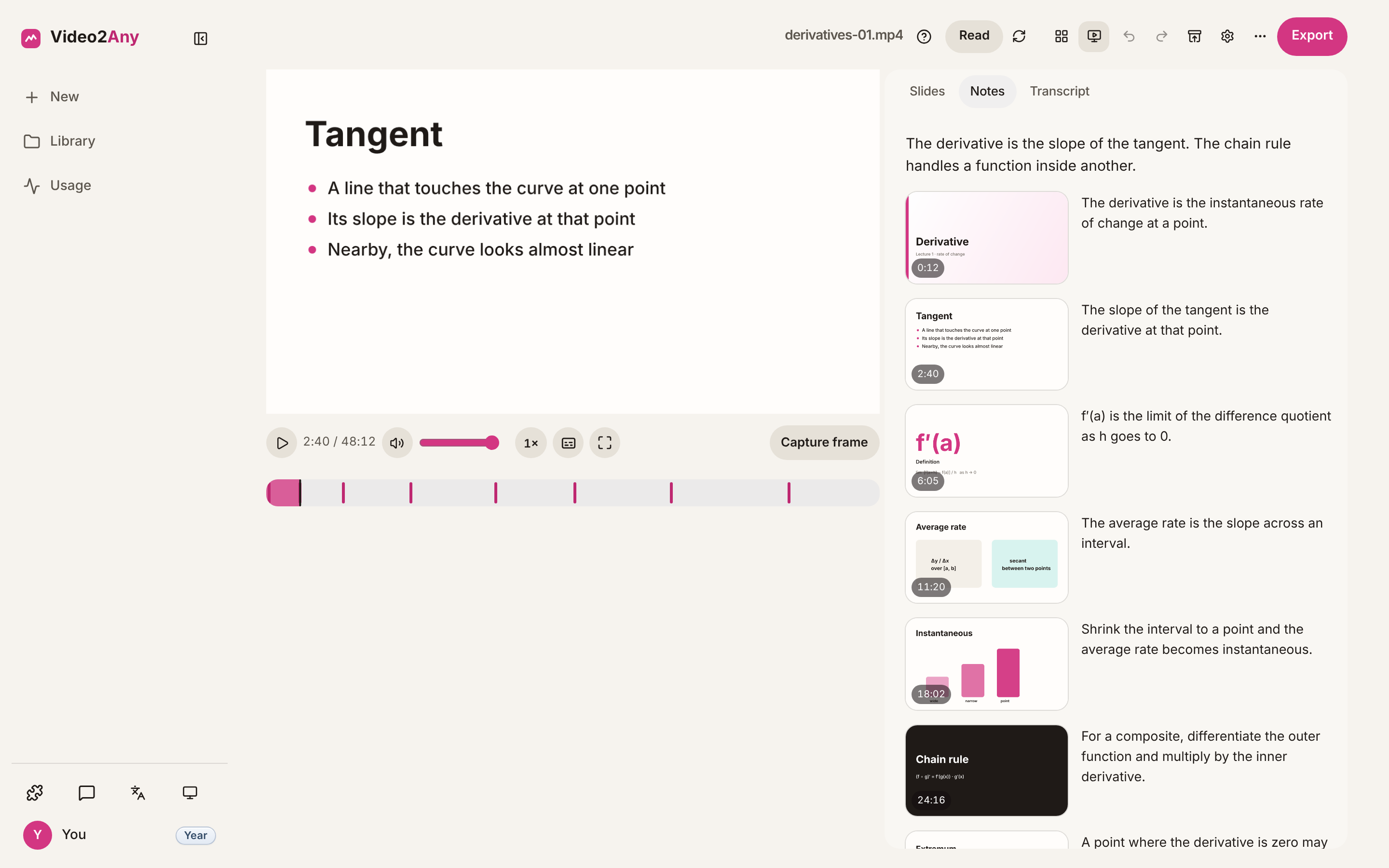
Spoken notes tab in the editor
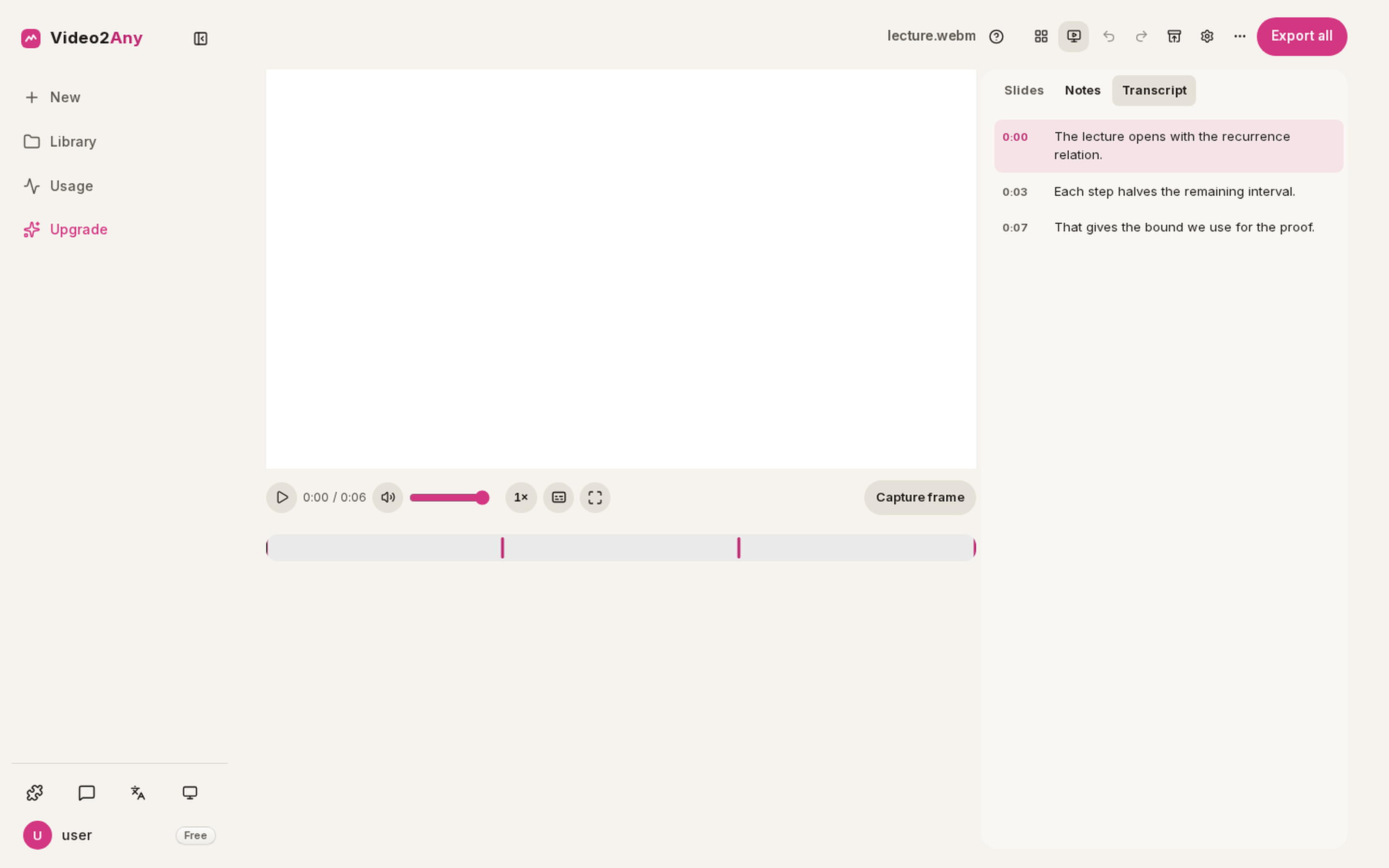
Transcript tab in the editor

The file opens in the editor, and nothing leaves your device until you start a run. A run uploads the audio for speech recognition and writes the full transcript, plus chapter notes you can skip if you only want the words. Starting a run needs an account.

How to turn audio into text

Open an MP3, M4A, WAV or OGG file, or a video with sound. It opens in the editor.

Sign in and start the run. The editor shows the minutes before it begins, then uploads the audio.

When it finishes, open the transcript and export TXT, with or without timestamps, or SRT.

Free runs and minutes

Each account has 3 free completed runs, each up to 30 minutes of audio. After that, a run uses 1 minute ($0.01) per started minute of audio, and the transcript with TXT and SRT export is included. A run that fails is not charged. It is not unlimited free; the current numbers are on the pricing page.

Pricing

What leaves the device

Opening the file uploads nothing. Starting a run uploads the audio for recognition. When you open a video, only its sound is sent, not the video file.

Which page to use

  • An audio file, and you want the words

    Use
    This page
    You get
    A transcript as TXT or SRT
  • A long podcast, and you want chapter notes

    Use
    Notes from a long podcast
    You get
    Chapter notes, with the transcript
  • A video recording

    You get
    A transcript, with pages beside it if you extract them
  • A video, and you only want its sound

    You get
    OGG or WAV, free in your browser
How much does it cost?
Each account has 3 free completed runs, each up to 30 minutes. After that, a run uses 1 minute ($0.01) per started minute of audio, with the transcript and TXT and SRT export included. Failed runs are not charged.
Which formats can I open?
MP3, M4A, WAV, OGG and Opus, or a video with sound that your browser can play.
What gets uploaded?
The audio, once you start a run. Opening the file uploads nothing, and for a video only the sound is sent.
Do I need an account?
Yes, to start a run. You can open the file without one.
How is this different from extracting audio from a video?
Extract audio from a video saves the sound of a video as OGG or WAV, free and in your browser, with no account. This page turns speech into text, which uploads the audio and needs an account.
Other outputs