Drop a video.
Get an editable deck in seconds.
Built for speed without sacrificing reliability.
Live meeting or class right now? Record your screen instead
- Browser-only processing. Your file never touches a server.
- Local files and platform links handled in one flow.
- Export PPT, PDF, frame images, and subtitles.

Private-by-default
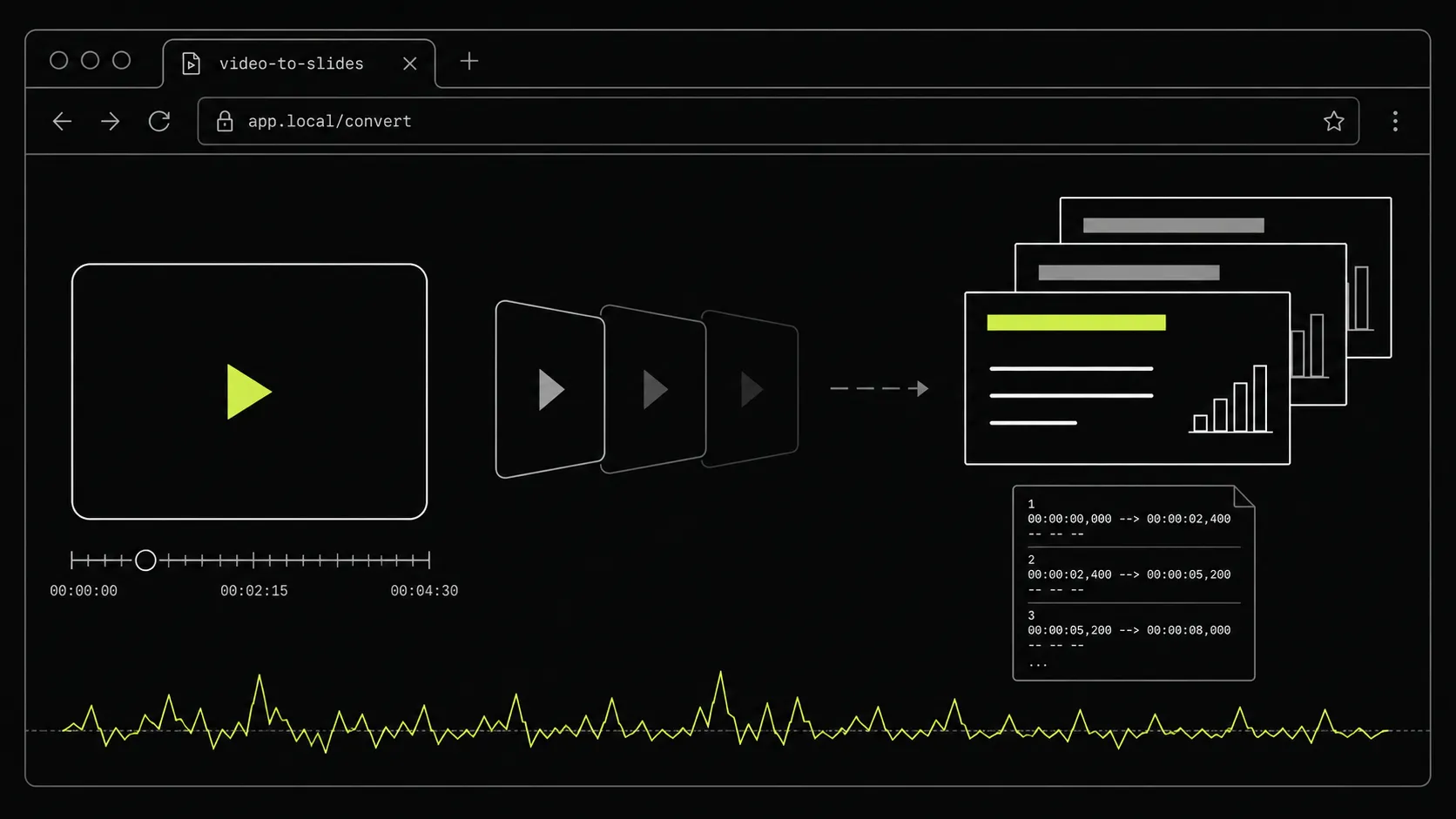
Everything runs in-browser. No upload required for files or platform links unless you enable extra features.
Everything you need for teaching & meeting content
Convert MP4, webinar, meeting, and screen-recording videos into editable PPT quickly.

Export-ready workflow
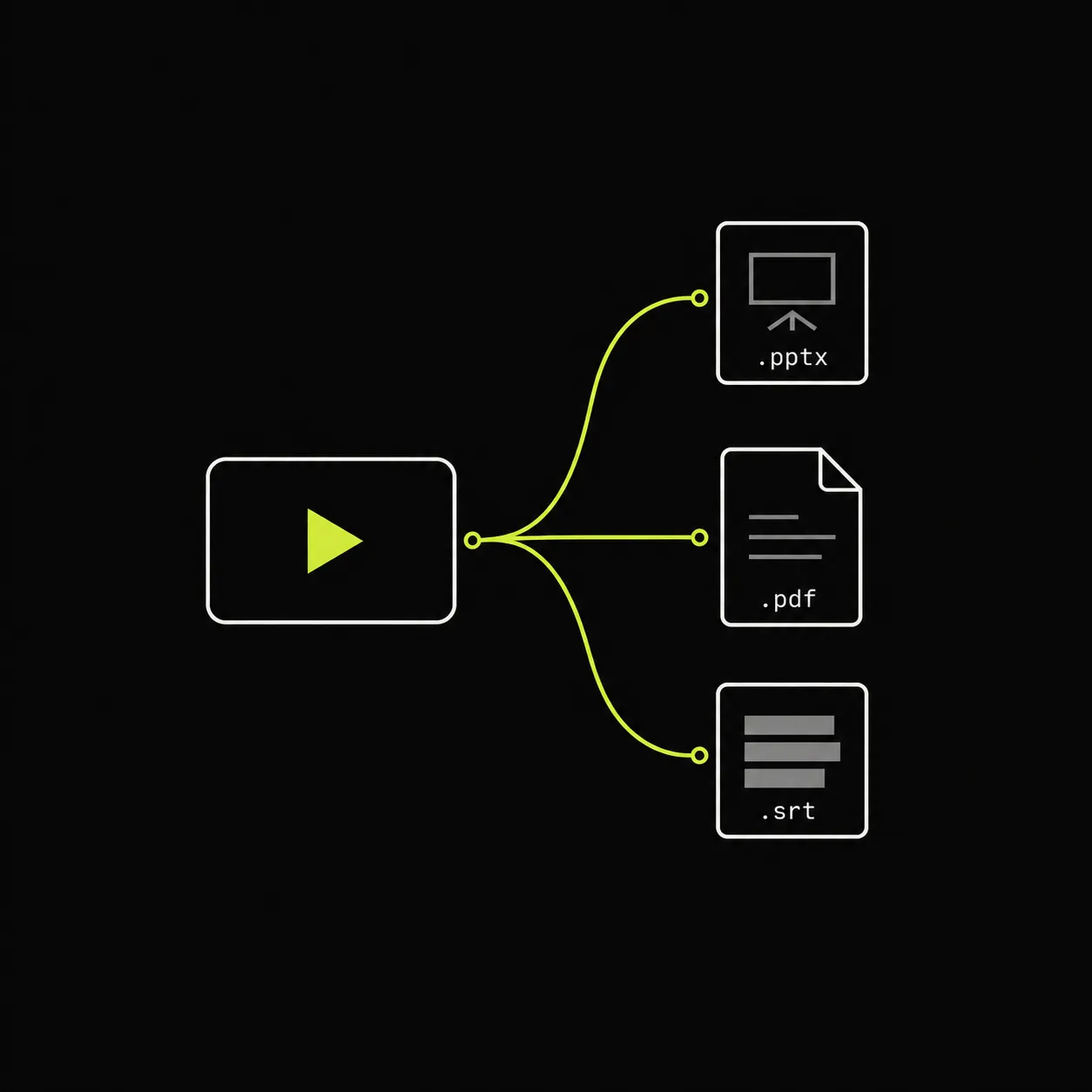
Get PPT, PDF, and image frames in one run, then share or edit without format gymnastics.
Turn any video into an editable PowerPoint deck
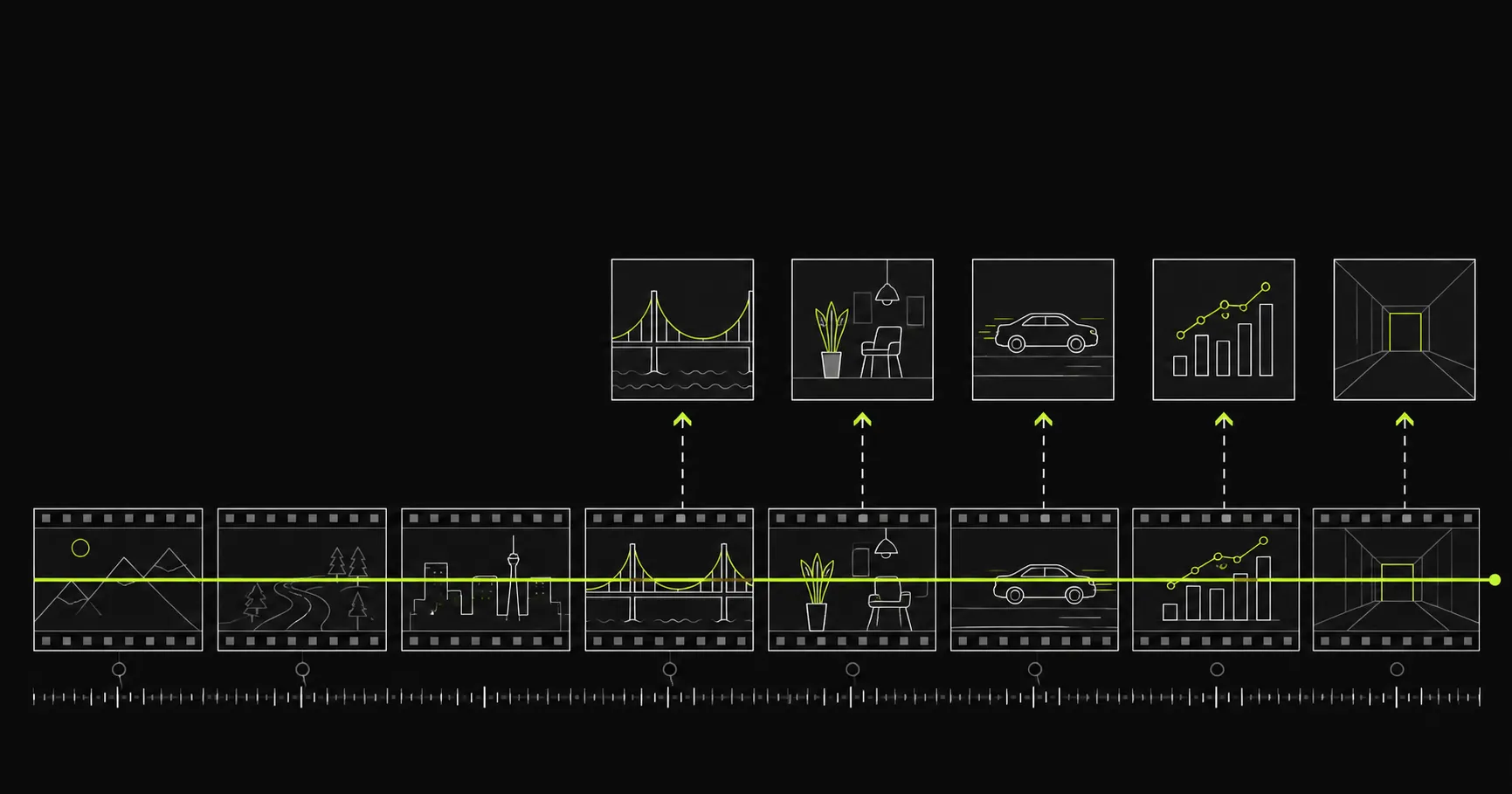
Video2Any watches a video the way you would: it detects slide changes and scene cuts, captures each unique frame, and assembles the result into a deck you can edit. Lecture recordings, webinars, conference talks, screen shares: if slides appear on screen, they come out as slides.
Convert from anywhere
- Upload MP4, WebM, or MOV files
- Paste a direct video file link
- YouTube and X/Twitter links (free account, 720p default)
- Record a tab or screen live (free account)
Export what you need
- Editable PowerPoint (.pptx)
- PDF handouts
- Slide frames as images (.zip)
Private by design
Uploaded files are decoded, compared, and assembled inside your browser tab. They never touch our servers; close the tab and nothing is left behind.
How it works
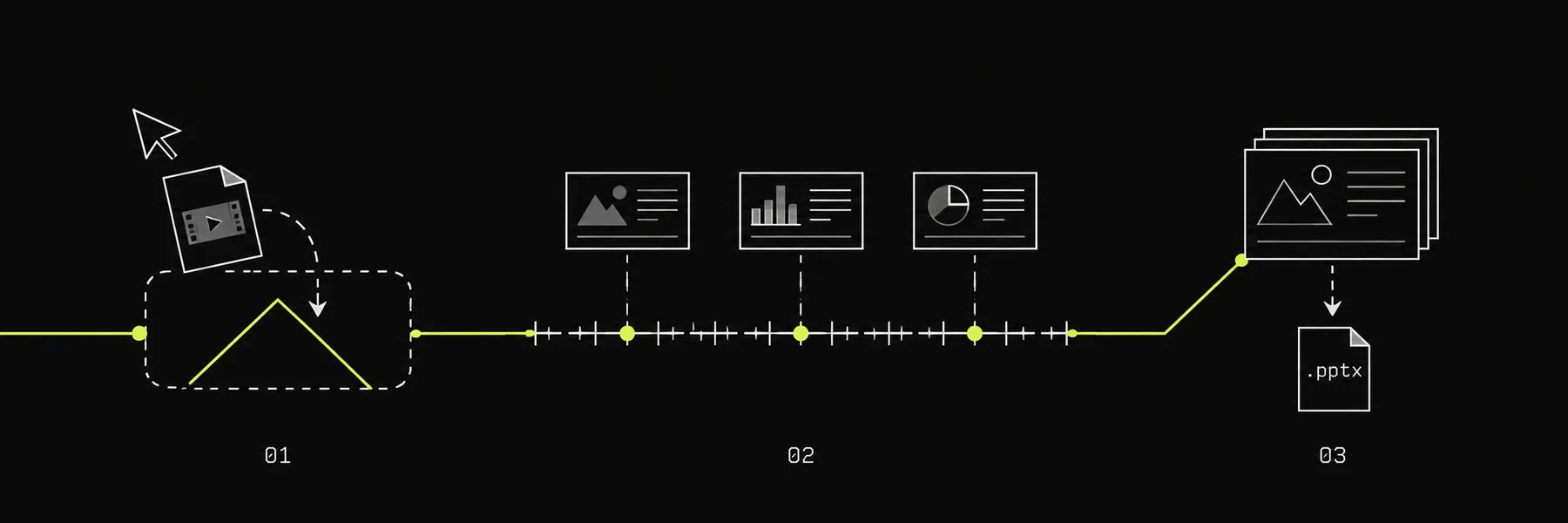
- Drop a video, paste a link, or start a screen recording.
- Review detected slides on the timeline: recapture, crop, or delete any frame.
- Download the deck, PDF, or image frames.
Pricing
Clear pricing, no usage confusion: free gives you production-ready basics, Pro removes limits where teams hit friction.
Free
$0
sign up
Try the converter on real videos.
- Upload files or paste direct video links of any length
- Analyze up to 30 minutes per uploaded or direct-link video
- YouTube and X/Twitter links: 1 hour/month, 20 min per video
- Live screen capture
- Slide extraction with auto mode detection
- Files never leave your browser
Web Pro
$9.60/month
$12 · billed $115.20 a year
Everything in Free, plus the heavy lifting.
- No analysis cap on uploads and direct linksFree stops at 30 min
- 1,000 platform minutes a month, any video lengthFree: 60 min, 20 per video
- Batch queue for whole folders
- Editable text slides (local OCR)
- Speaker notes paired from the transcript
Studio
$39/month
For heavy users: everything in Pro, with triple the platform minutes.
- Everything in Web Pro
- 3,000 platform minutes a month3× Pro
- Priority processing
Re-open any platform video free for 7 days from your History; re-analyzing only costs minutes after that. How pricing works
Pay as you go
Non-expiring platform minutes, no subscription. A balance unlocks 1080p and long videos while it lasts.
- Join the waitlist200 minutes$5 2.5¢/min
- Join the waitlist600 minutes$12 2.0¢/min
FAQ
These are the questions people ask before picking a workflow.
- How fast is it?
- Long recordings usually sample in under a minute on a typical laptop. Short videos around 10 minutes or less often finish in a few seconds. Final export time depends on your browser, device, resolution, codec, and how many slides are detected.
- Do my videos upload?
- No. Open the converter and the video is decoded, sampled, and exported inside your browser tab. The file does not touch our server.
- What kinds of videos work best?
- Video2Any works best for lectures, webinars, screen recordings, meeting recordings, and mostly-static slide decks. Handheld camera footage, heavy animation, or tiny blurred slides are harder.
- Can I use it without an account?
- Yes. You can upload a local video or paste a direct video file link without an account. Free users can analyze the first 30 minutes of each uploaded or direct-link video.
- What do I get after conversion?
- You can export an editable PowerPoint deck, a PDF handout, and slide images. Subtitles are also part of the workflow where available.
Blog
Notes on Video2Any: what it does, how we think about speed and privacy, and where it is going.
Turn any video into an editable deck, in minutes
What Video2Any is, who it is for, and why the fastest path from a recording to a PowerPoint runs on your own machine.
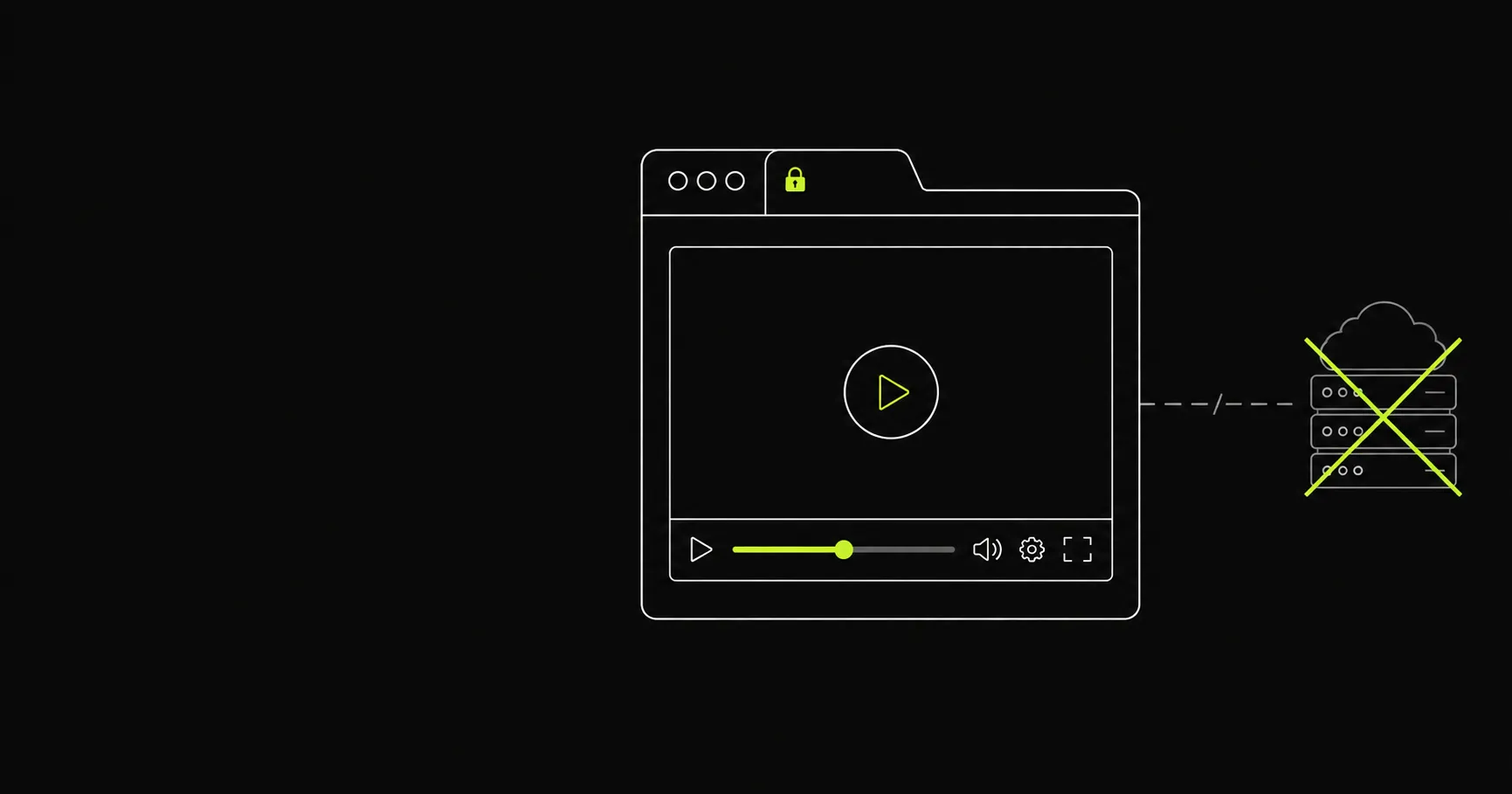
Your video never leaves your browser
Privacy here does not depend on a promise. Conversion happens on your machine, so there is nothing to upload, nothing to store, and nothing to leak.
Turn any recording into slides
- Screen Recording to PowerPoint
- Zoom Recording to PowerPoint
- Microsoft Teams Recording to PowerPoint
- Google Meet Recording to Slides
- Webinar to Slides
- Lecture Video to Slides
- Loom Video to PowerPoint
- MP4 to PowerPoint
- WebM to PowerPoint
- Video to Google Slides
- Video to Keynote
- Video to PDF
- YouTube to PowerPoint
- Video to Text
- Video to Word
- Video to Notes
- NotebookLM to PowerPoint