- Can I paste a YouTube link?
- No. Video2Any does not fetch videos from YouTube, so there is no link box. Use the extension on a video you are playing, or a video file you already have the right to use.
- Does this download the video?
- No. The extension reads the tab you are playing and uploads only the audio for spoken notes. The video is not saved.
- How do I use the extension?
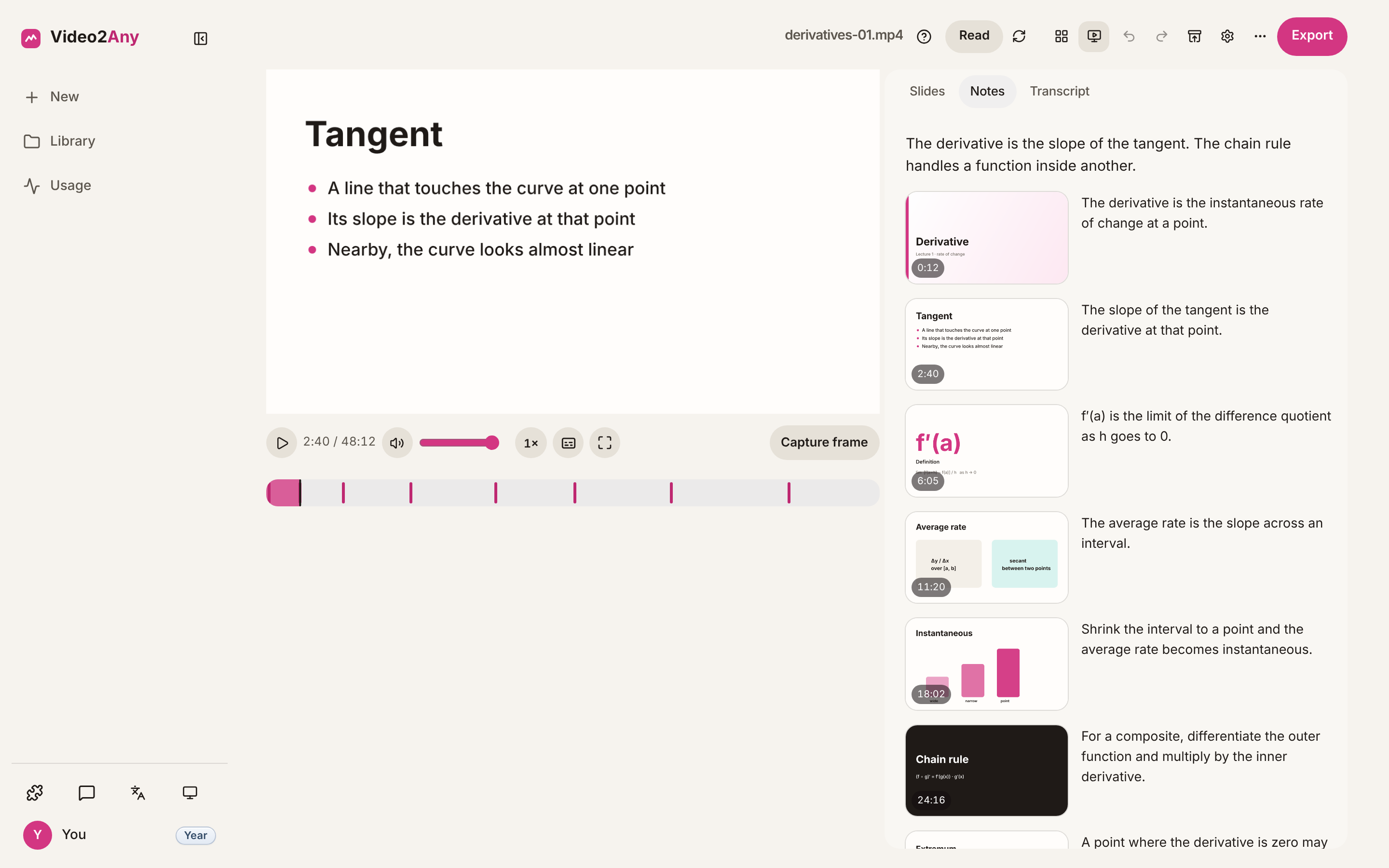
- Install it in Chrome or Edge, open the video on youtube.com, and start spoken notes from the extension. When they finish, open them on video2any.com with the share link and choose Mind map.
- What if I already have a file?
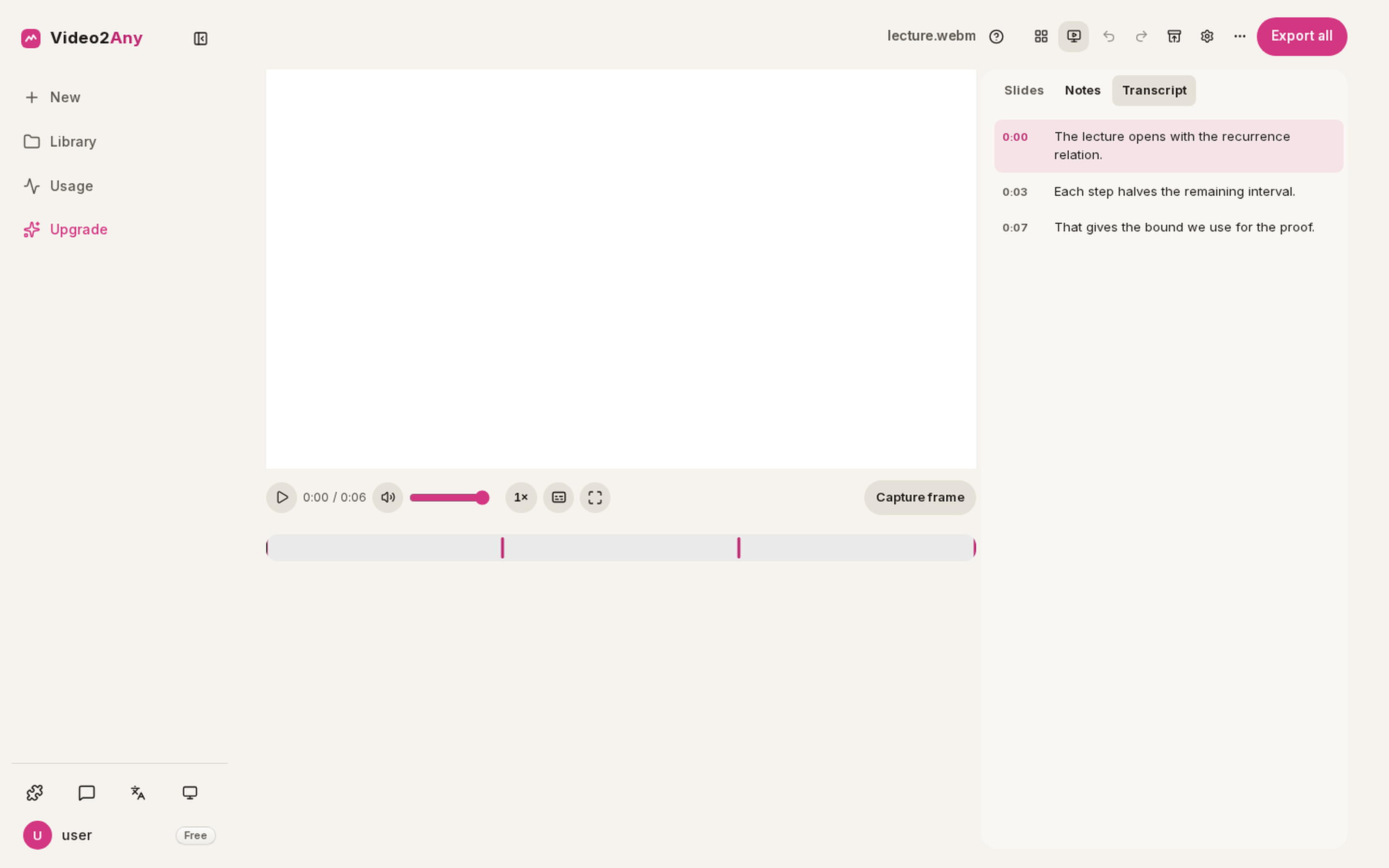
- Drop it in the box on this page. It opens in the editor, where you start spoken notes and then open the mind map.
- Can I use this on a Bilibili tab or another site?
- The extension also runs on other sites it supports, such as Bilibili, when the video plays in the tab. There is no link box there either.
- How much does it cost?
- The map comes with spoken notes: 3 free runs per account, each up to 30 minutes, then 1 minute ($0.01) per started minute of audio. It is not unlimited free; see Pricing.