"Why are we scared of user research?" — FOSDEM 2021
42 slides Video2Any pulled straight from the conference recording — no upload, all in the browser.
Belen Barros Pena · FOSDEM 2021, Open Source Design devroom · video.fosdem.org/2021/D.design/why_are_we_scared_of_user_research.webm
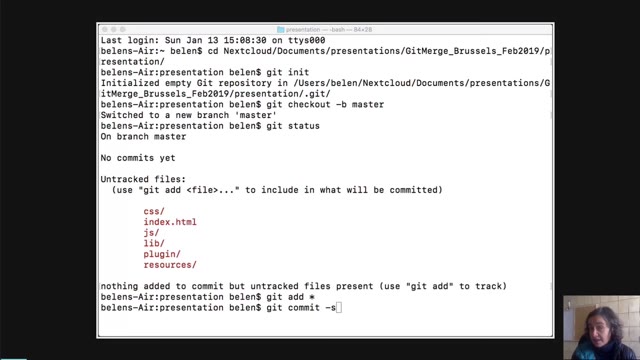
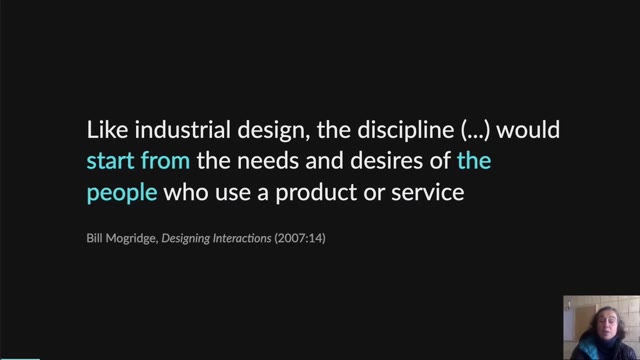
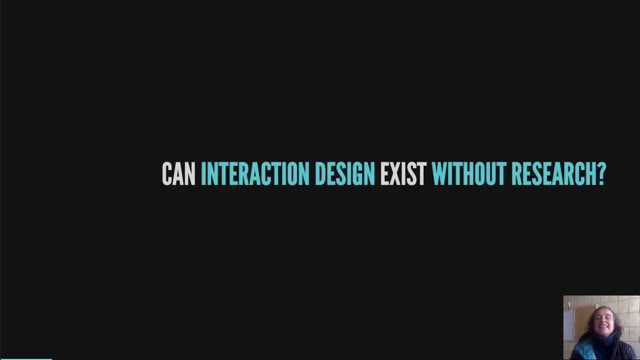
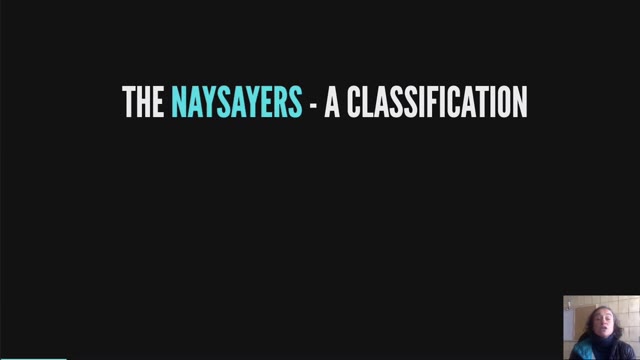
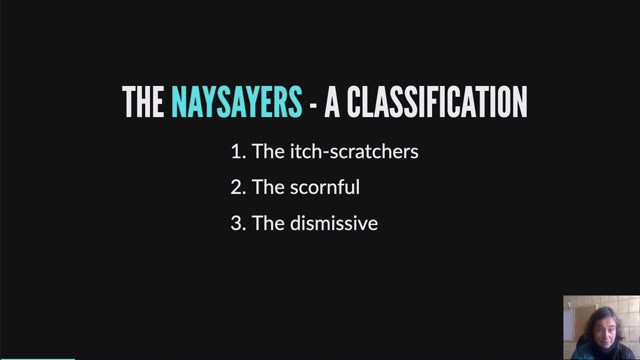
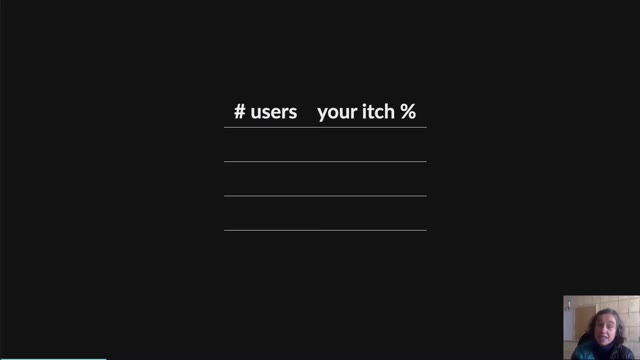
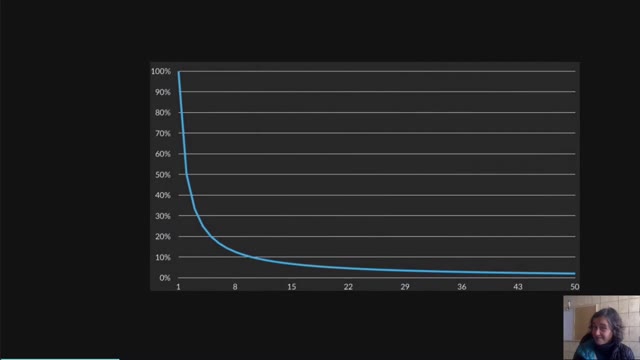
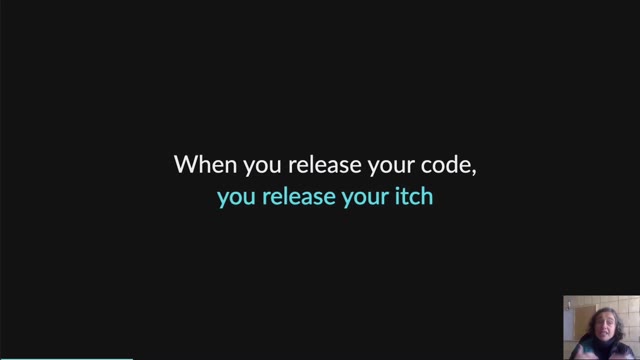
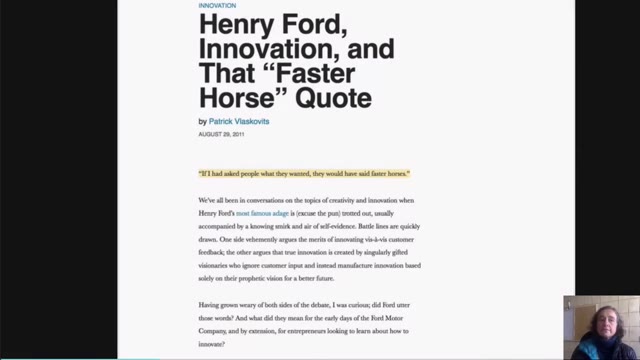
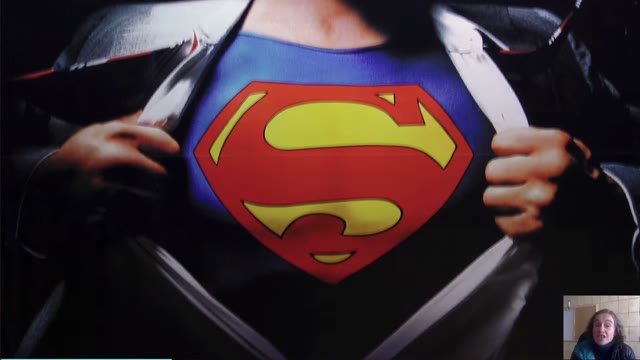
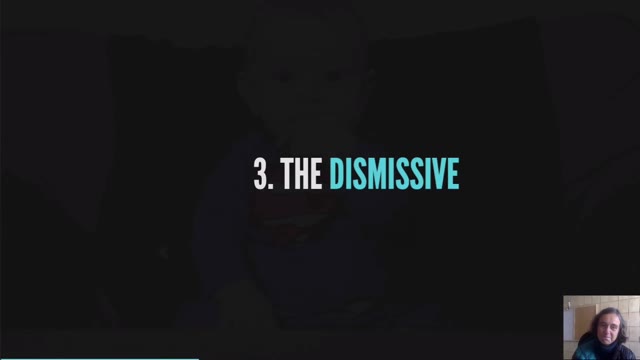
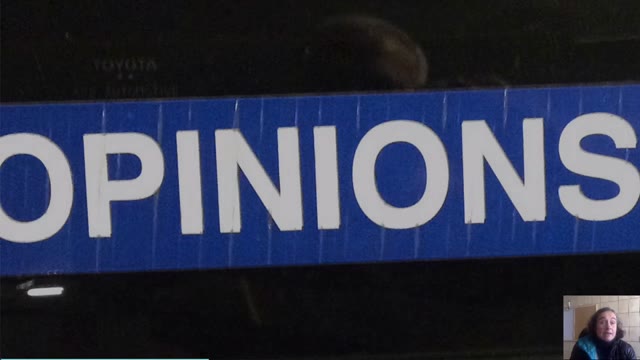
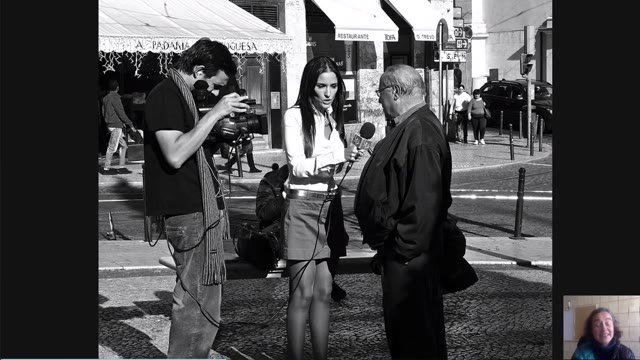
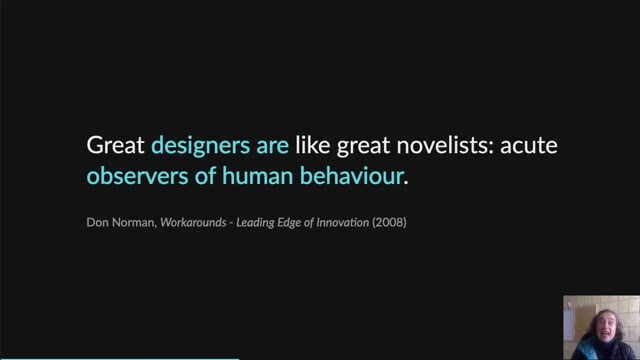
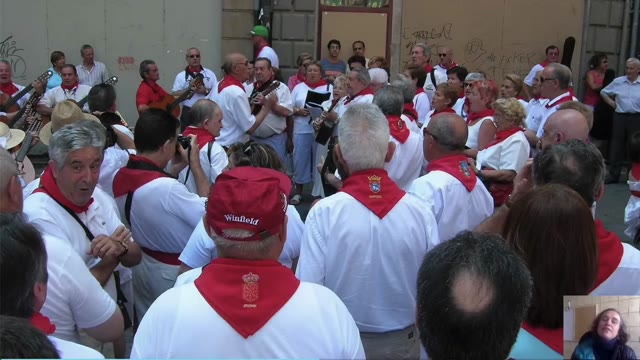
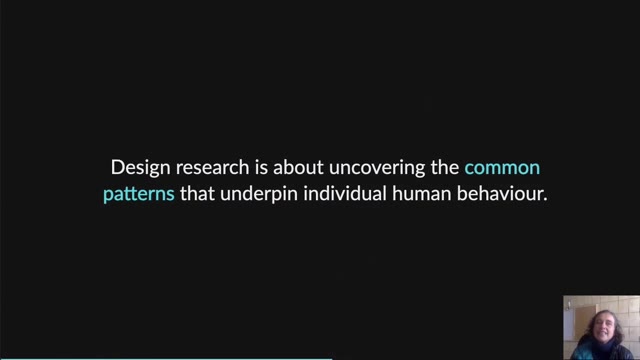
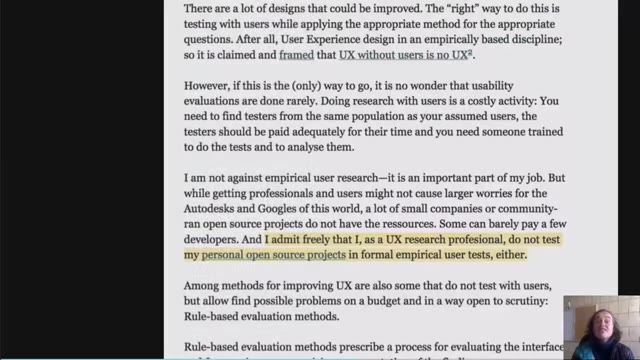
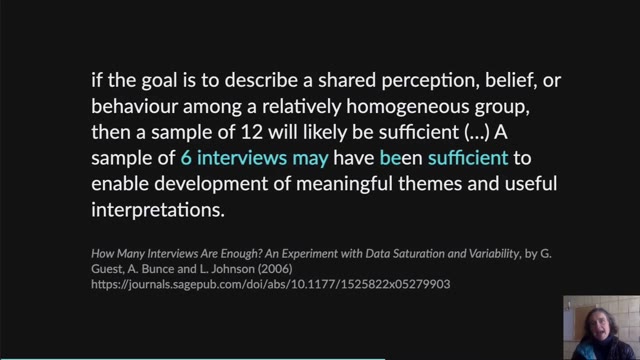
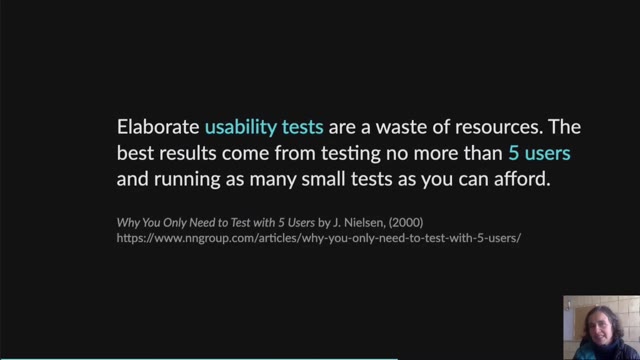
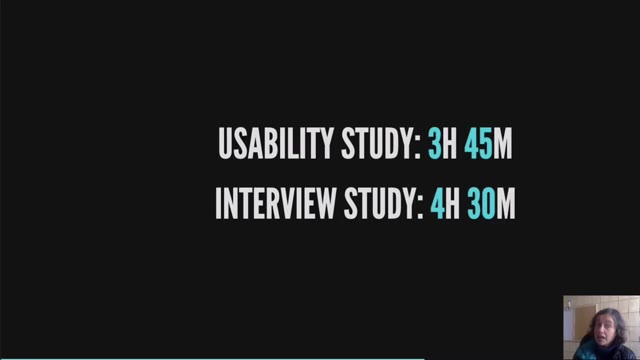
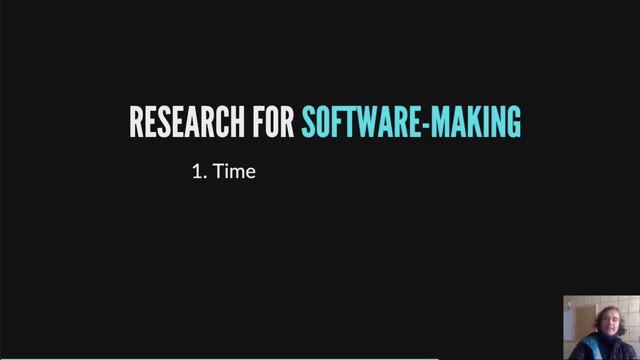
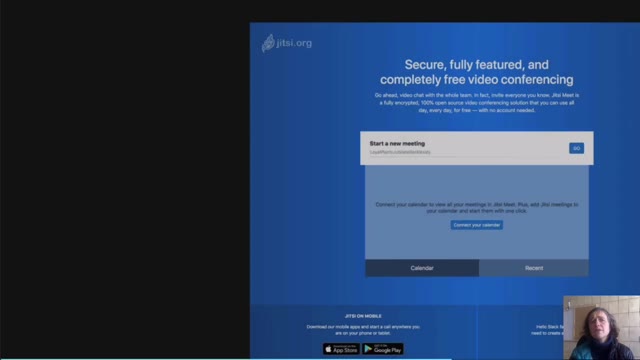
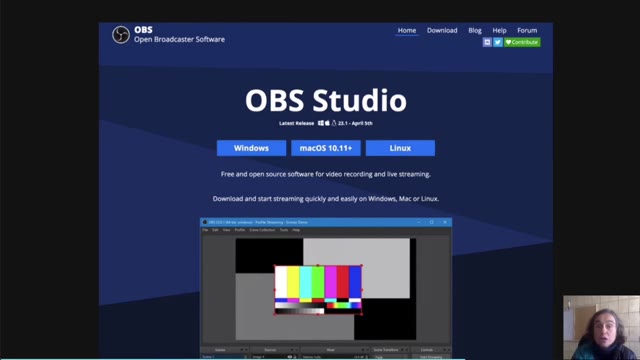
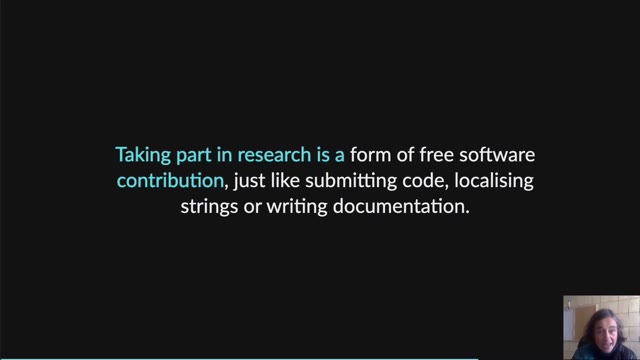
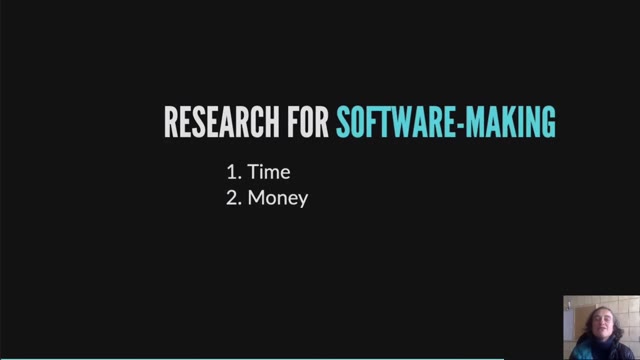
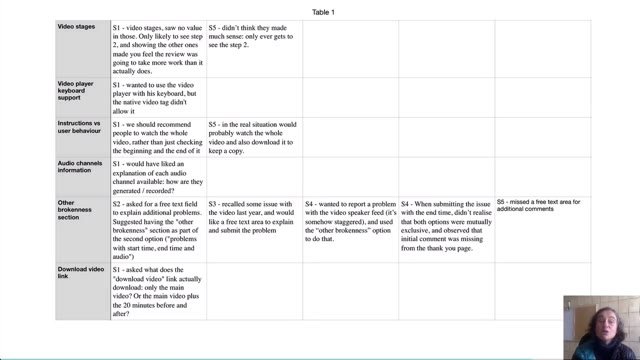
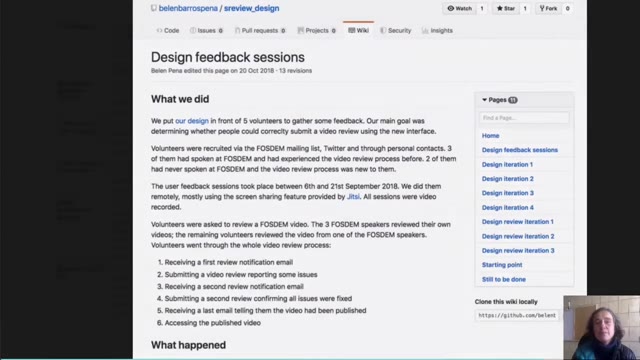
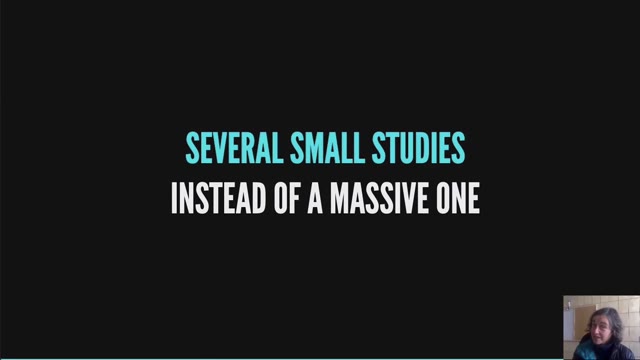
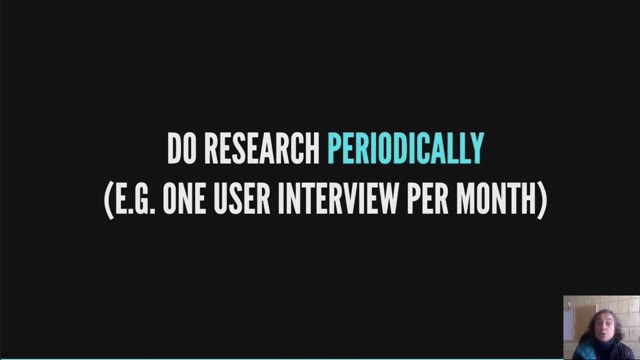
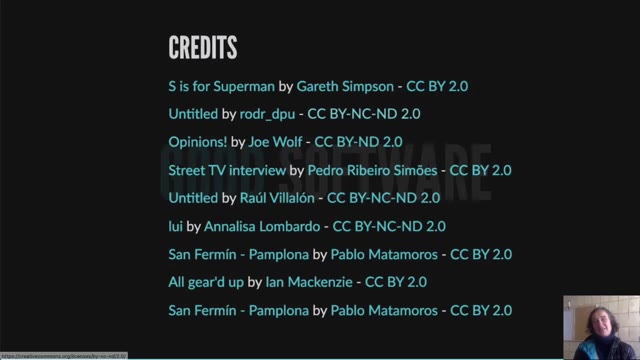

Belen Barros Pena gave this talk in the Open Source Design devroom at FOSDEM 2021, on why free software projects avoid talking to the people who use them. Video2Any stepped through the 14-minute recording and kept one clean frame each time the slide changed — 42 in all, ready to open in PowerPoint, Keynote or Google Slides. The speaker's camera sits in the corner of this recording for most of its length, which is the case that usually breaks frame-by-frame comparison; here it was found and excluded automatically, so the deck follows the slides rather than the face. Every image below is real output, extracted in a browser tab with nothing uploaded.
Private by design
Uploaded files are decoded, compared, and assembled inside your browser tab. They never touch our servers; close the tab and nothing is left behind.
FAQ
- Are these the actual slides from the talk?
- Yes. Video2Any read the published recording frame by frame and kept one image per slide change. FOSDEM publishes its 2021 recordings under CC BY 2.0 BE, which permits reuse with credit; we credit FOSDEM and link to the original file above.
- The speaker was on camera the whole time. How did that not break it?
- Video2Any looks at the whole recording first and finds the regions that never stop moving — here, the camera bubble in the corner — then leaves them out when comparing one frame to the next. Nothing had to be cropped by hand.
- Can I do this with a talk or webinar I have?
- Yes. The first 30 minutes of every video are free. Drop the recording in and Video2Any detects each slide, keeps one clean frame per change, and exports an .pptx or PDF — all in your browser, with nothing uploaded.