"Automate IaC documentations with terraform-docs" — FOSDEM 2021
26 slides Video2Any pulled straight from the conference recording — no upload, all in the browser.
Martin Etmajer and Khosrow Moossavi · FOSDEM 2021, Tool the Docs devroom · video.fosdem.org/2021/D.docs/ttdterraform.webm
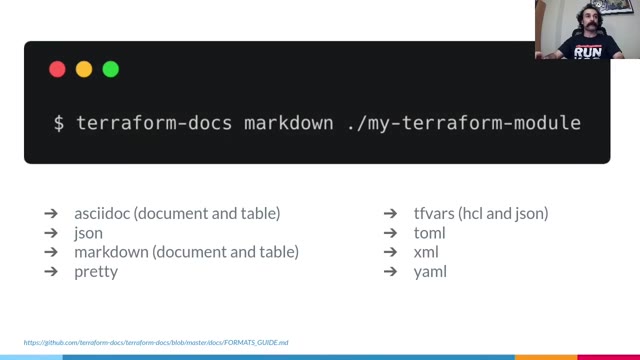
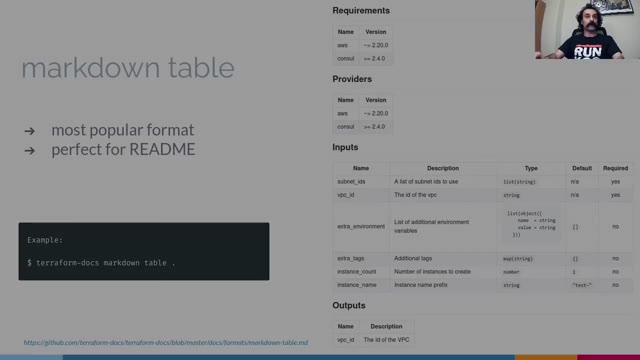
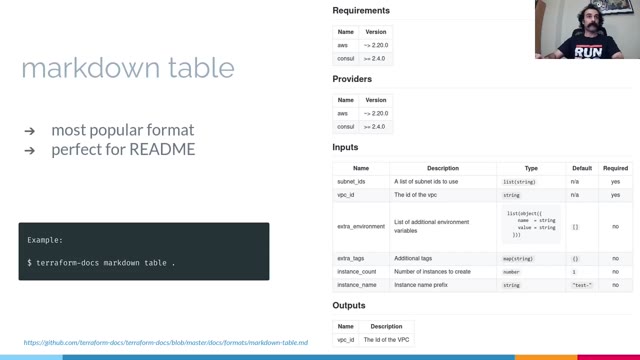
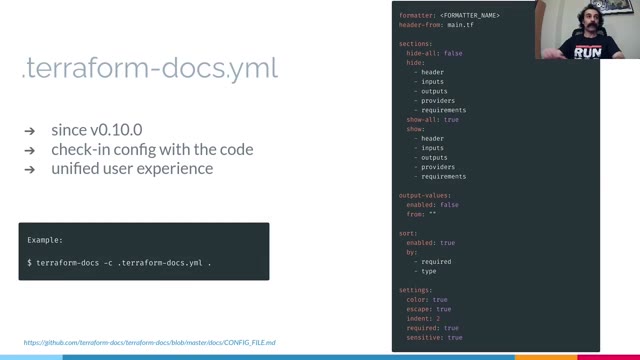


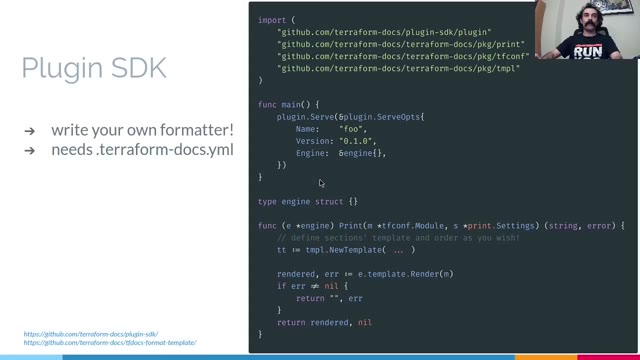
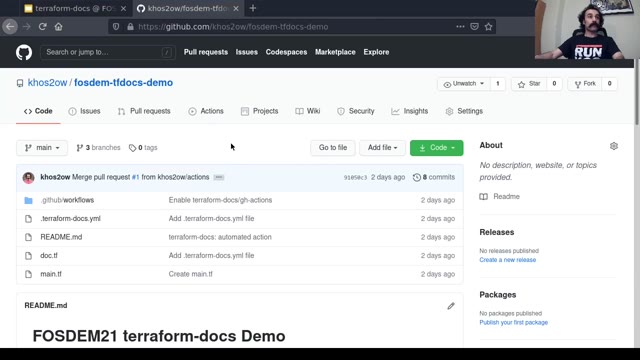
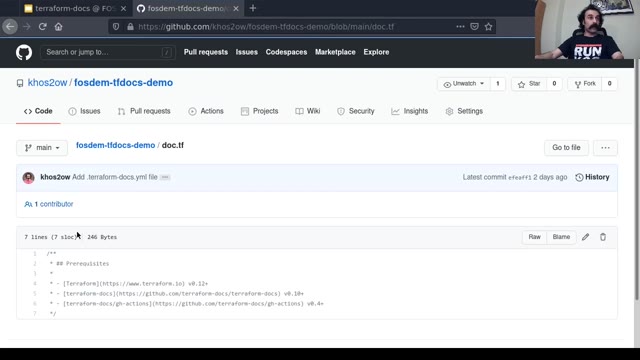
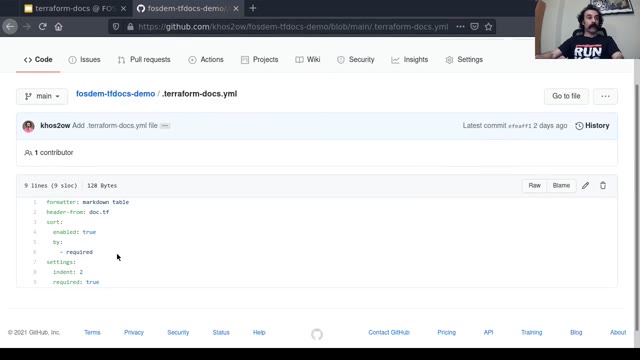
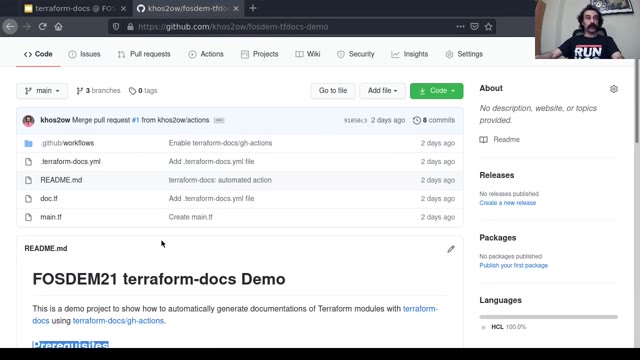
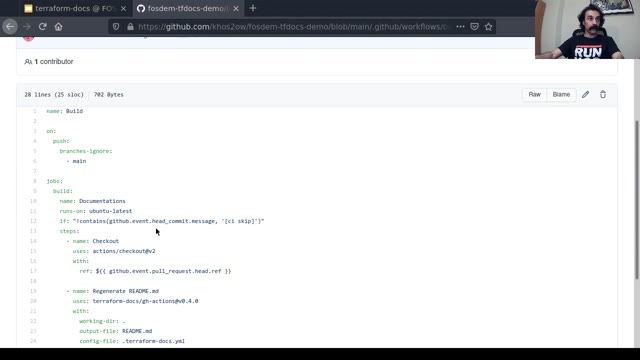
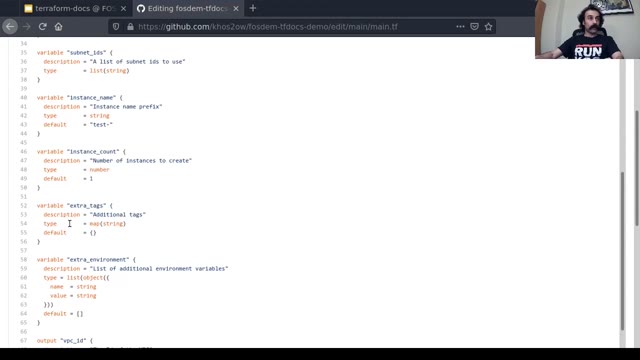
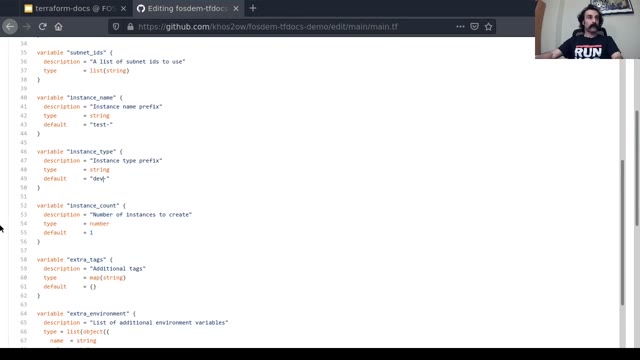
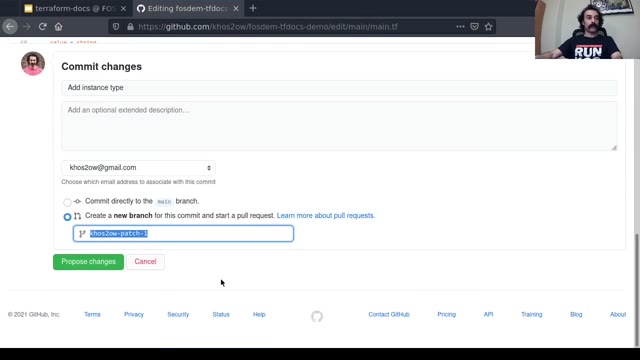
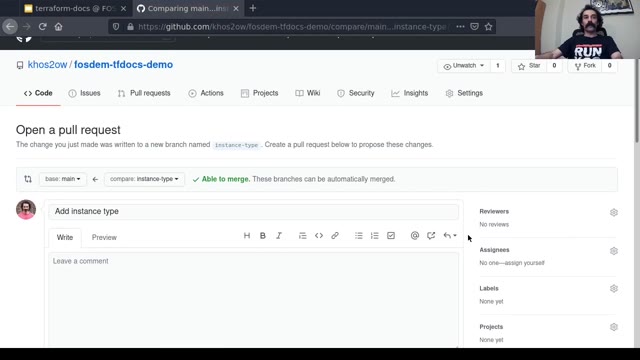
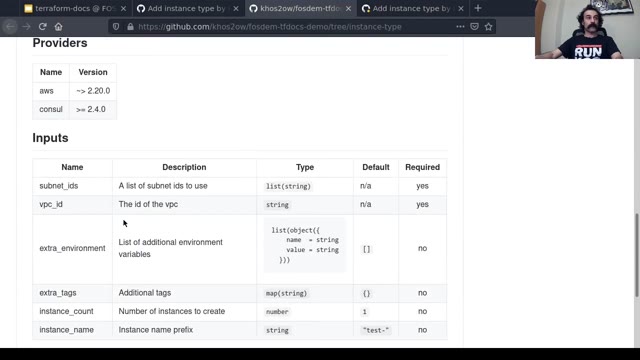
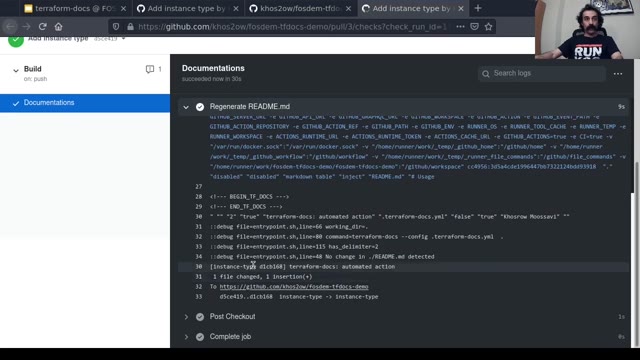
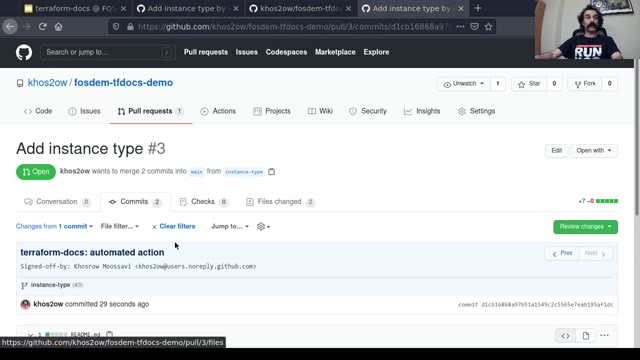
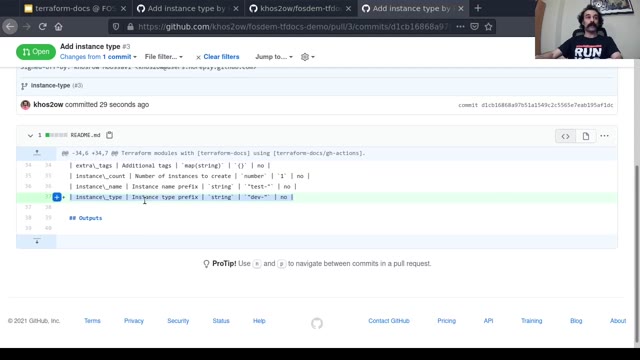

Martin Etmajer and Khosrow Moossavi presented terraform-docs in the Tool the Docs devroom at FOSDEM 2021: what it is, why infrastructure code goes undocumented, and a walkthrough of a real project. Video2Any stepped through the 17-minute recording and kept 26 clean frames, one per slide change. This talk mixes slides with terminal demonstrations, which is a useful thing to see in the output — the deck keeps the states the screen settled into and skips the typing in between, because a frame is only kept once the picture has changed and then held still. Every image below is real output, extracted in a browser tab with nothing uploaded.
Private by design
Uploaded files are decoded, compared, and assembled inside your browser tab. They never touch our servers; close the tab and nothing is left behind.
FAQ
- Are these the actual slides from the talk?
- Yes. Video2Any read the published recording and kept one image per slide change. FOSDEM publishes its 2021 recordings under CC BY 2.0 BE, which permits reuse with credit; we credit FOSDEM and link to the original file above.
- Part of this talk is a terminal demo, not slides. What happened to it?
- The states the screen came to rest on were kept, and the live typing between them was not. That is the same rule everywhere: the picture has to change and then hold still. It is why a demo produces a readable sequence rather than one frame per keystroke.
- Can I do this with a talk I have?
- Yes. The first 30 minutes of every video are free. Drop the recording in and Video2Any detects each slide, keeps one clean frame per change, and exports an .pptx or PDF — in your browser, with nothing uploaded.