Flashcards from a lecture video, with the original slides kept
If you already have a lecture recording, you can turn the presented pages into Anki cards without retyping them. Video2Any extracts the slides in the browser, then exports an .apkg you import straight into Anki. The back of each card is the slide as it appeared on screen, and the card remembers the second of the lecture it came from.
The cards are not written by a model. Detection finds the pages, and on occlusion cards it finds the text boxes. Nothing is summarised or invented. That is the point of this path, and also its limit: a whiteboard talk or a conversation with no slides will not become a useful deck of cards.
On this page
Two kinds of cards
Open the flashcards page or the lecture to Anki page, drop the recording, and extract the slides first, the same way you would for a PowerPoint export. A lecture that only plays in a tab goes through the extension; there is no paste-a-link box.
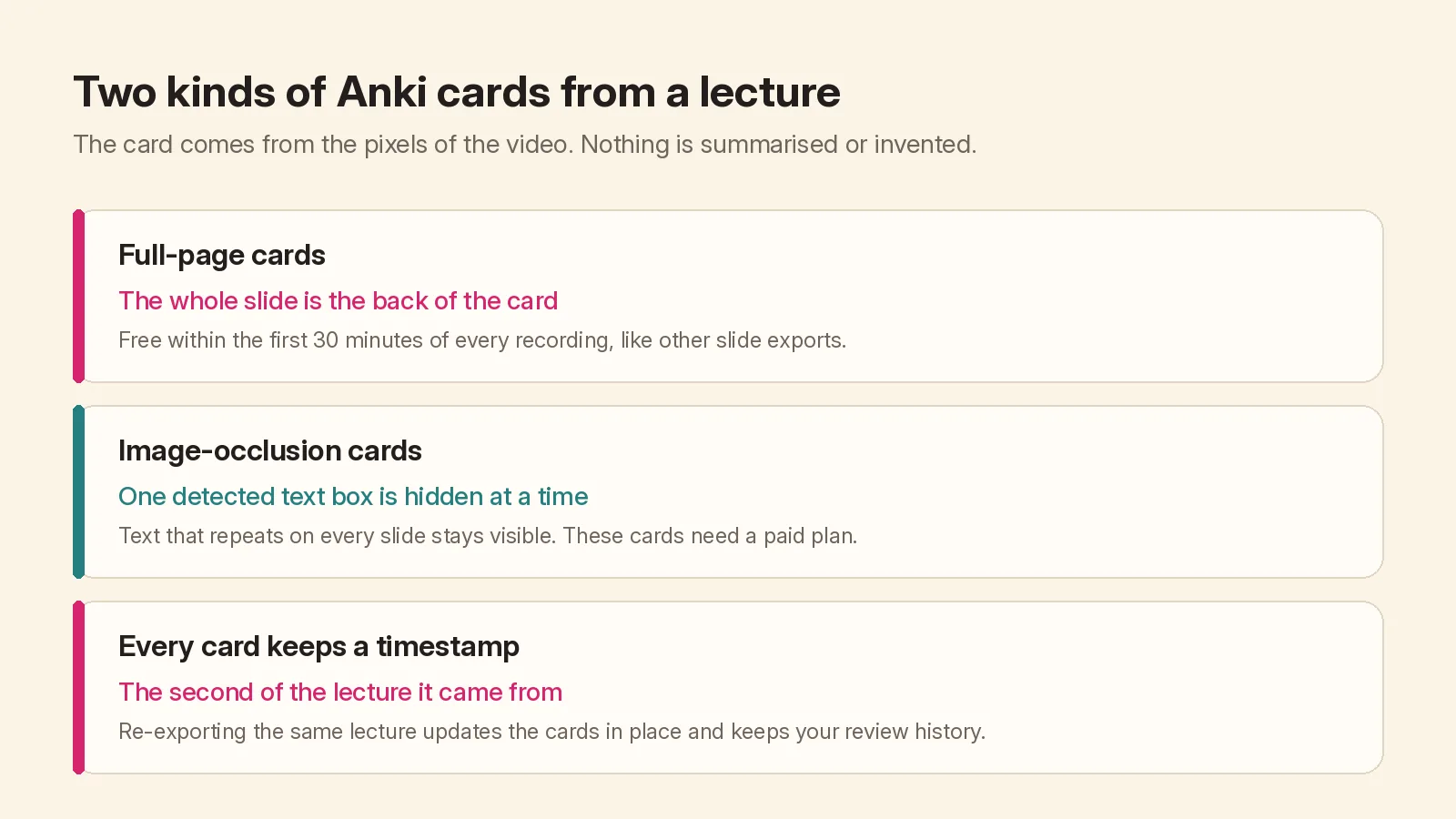
- Full-page cards. The front names the recording and the moment, then asks what was on the slide. The back is the whole page. These use the same free minutes as every other slide export: the first 30 minutes of each recording, with no account.
- Image-occlusion cards. One detected text box is covered at a time. Text that repeats on every slide, such as a header or a footer, stays visible. You tap a box to reveal it. Occlusion needs printed slide text, and it needs a paid plan; the pricing page has the current options. A whiteboard lecture should be exported as full-page cards instead.
In the editor, delete transition frames, merge builds, and crop a camera tile before you export. A clean deck becomes a clean Anki file. Then pick Anki deck (.apkg) or Anki image occlusion (.apkg) in the export menu. The file downloads under the recording's name.
Importing, and re-exporting later
Double-click the .apkg, or use File → Import in Anki. Card IDs come from the recording, its length and the slide time, so a later export of the same lecture updates the cards in place and keeps your review history. It does not create a second, duplicate deck.
The timestamp on the card is there so you can jump back to the lecture if a page does not make sense on its own. The card will not play the video; it only stores the second.
When this is the wrong export
If you wanted a prose handout rather than a card for each page, use spoken notes. If you wanted the words in order, use a transcript. If you wanted a file to present from or to print, export PowerPoint or PDF instead; which export format to pick walks through that choice.
And if the lecture never showed slides, skip Anki: there is nothing on screen for a card to show. A transcript or spoken notes is the honest export in that case. When the slides are there, extract them first, then decide whether the useful next file is a deck, a handout, or a set of cards.