How in-browser extraction handles a two-hour lecture
A two-hour lecture is the same job as a twenty-minute one: each time a slide appears and holds, that page can be kept as an image. The file is just longer. Video2Any runs that job in the browser tab, and the video is not uploaded, which is why a long recording is practical on a laptop you already have. It is also why the tab has to stay healthy for the whole run.
If the presenter can send the original deck, ask for that first. It has editable text and every slide, including ones they skipped. This post is for the common case where the recording is what you have.
On this page
What the free 30 minutes covers
The first 30 minutes of each recording are free without an account, including on the lecture to slides page and the general extract-slides page. Open the file, start extraction, and those first 30 minutes are converted in the tab. A two-hour lecture does not stop being a two-hour lecture: to take pages from the rest of the file you need a plan or a one-time unlock. The current options are on the pricing page; this post does not freeze those prices.
There is no paste-a-link box. A file on your computer can be dropped in directly. A lecture that only plays on YouTube, Panopto, Echo360 or Kaltura goes through the Chrome extension on the open tab.
Keep the tab in the foreground
Because the work happens in the browser, the tab is the machine. On a long file that matters more than it does on a short clip.
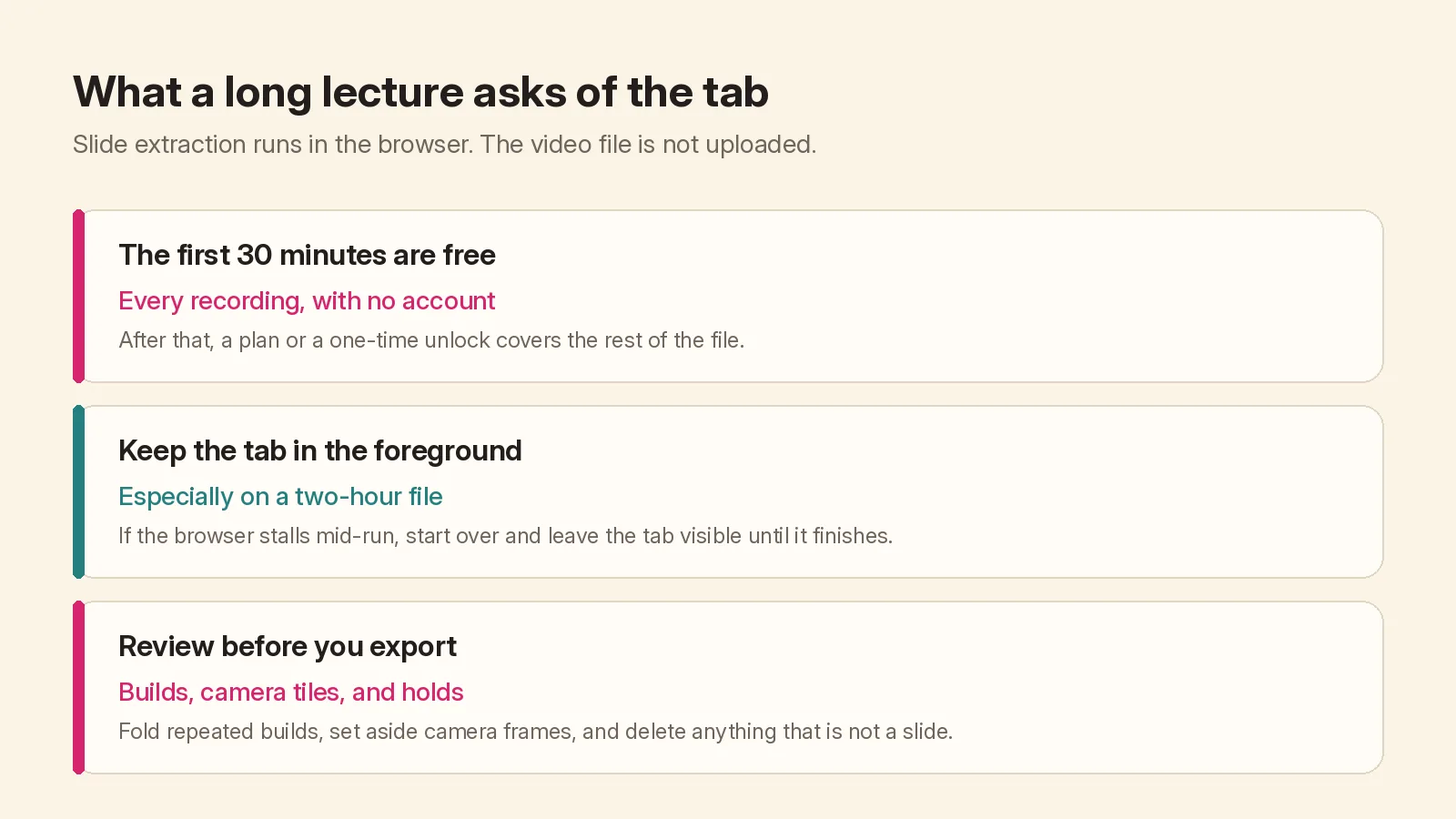
If the browser stalls in the middle of a long conversion and then tries to resume, a run can lose the pages from before the stall, and a slide at the boundary can appear twice. If that happens, open the deck, choose Start over, and leave the tab visible until it finishes. Do not send the window to the background and assume the job will quietly complete.
The video file still stays on your device. The files never leave your browser post is the longer version of that rule; spoken notes and transcripts are a different path, because those jobs upload audio.
What a long lecture usually leaves in the editor
A two-hour recording often includes more than slides: a camera of the lecturer, a few minutes of waiting before the first page, bullet builds, and holds on a title. The editor is where that gets cleaned up, and it is the same editor as for a short file.
- Camera frames. Before and after someone presents, the recording may show a person or a room. Video2Any can set those frames aside and tell you how many it moved. Nothing is deleted: Put them back restores them.
- Bullet builds. A slide that reveals one line at a time is caught several times. The editor folds those frames into one card and keeps the most complete one; Split them all undoes it. If you still have far more pages than the lecture had, move the pages slider towards Fewer. There is a separate guide to cutting a 300-slide export down to 40.
- Review. Step through the pages and delete anything that is not a slide: a break screen, a browser tab, a zoomed fragment.
Then export to PowerPoint, PDF, or the other formats on the export menu. Each page is a picture of what was on screen, so it looks the way it did in the lecture, but the text is not rebuilt as editable objects. On the free tier, PPTX and PDF exports end with a short Video2Any credit page.
When a two-hour file is the wrong starting point
Extraction only helps if slides were actually on screen. A two-hour talking-head recording, or a seminar that never left a video tile, will not become a useful deck. In that case a transcript or spoken notes is the honest export. A talking-head interview, with no slides in the file, is the same limit: extraction has nothing to keep.
If you do have slides in the file, start with the guide to extracting slides from a lecture video, then come back here for the long-file part: the 30-minute cap, the tab, and the review.