Save a Bilibili lecture as a PDF
Course videos on Bilibili play in the site's own player, and the deck behind them is almost never offered as a file. The route that works is the screen: open the lecture on bilibili.com in desktop Chrome or Edge, let the extension read the pages while the video plays, review them, and export a PDF with one image per page. Grant the site when the extension asks. If you also want the lecture written up page by page, start Spoken notes on the same video — you sign in, the audio is uploaded, and a new account gets 3 free runs.
No file to download? The extension captures the slides from the Bilibili player while the lecture plays.
The extension reads the pages already showing in the tab. The Bilibili video itself is not uploaded for extraction.
1

2
3
4
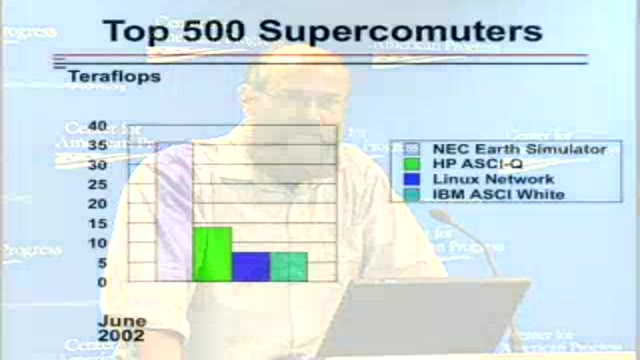
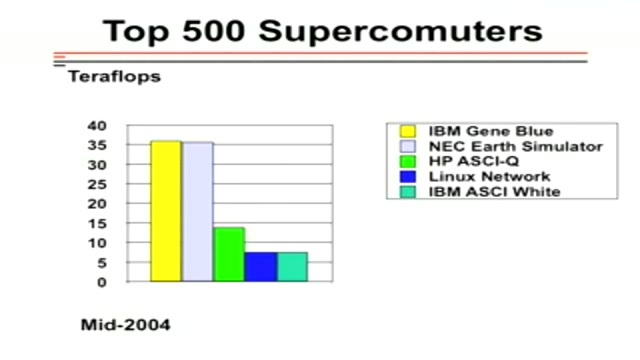
Real pages, one image per page, from a public talk (CC BY 2.5). A Bilibili lecture exports as the same kind of PDF.
- One image per page
- Chrome or Edge, on the video's own page
- First 30 minutes free
From playback to PDF
Open the lecture on its own page
Play the video on bilibili.com in desktop Chrome or Edge. The extension reads the frames the page is already showing: nothing is downloaded, and for extraction the video is not uploaded.
Capture the pages while they are on screen
Start the extension when a slide fills the player, grant bilibili.com when asked, and let the run finish. The tab has to stay open, but it does not have to stay in front.
Review, then export the PDF
Delete the transition frames and crop the player edges in the editor, then save the PDF: one image per page, in the order the slides appeared. PowerPoint is the other export if a .pptx serves you better.
The PDF, described exactly
- One image per page. The PDF has no text layer: nothing inside it is searchable, and the slide text cannot be edited.
- The handout PDF from a Spoken notes run is a different document, written from the transcript. This page is about the pages themselves.
- Video2Any does not download Bilibili videos and has no paste-a-link box. Use it on recordings you are allowed to take notes from.
Pricing
- The first 30 minutes of every recording are free.
- $2.99 unlocks 2 full-length recordings, paid once, and never expires.
- Monthly $9.99 with $10 of credit each month; one-year pass $29; Lifetime $49. Prices include tax.
Questions
- Can I paste a Bilibili link?
- No. There is no link box and no downloader. Open the video on bilibili.com and use the Chrome/Edge extension on that tab while the video plays.
- Does this download the video?
- No. The extension reads still frames from the tab while you watch. It never saves the video file, and for slide extraction nothing is uploaded either.
- Is this allowed?
- The extension reads the frames already showing in a tab you are watching. Keep to recordings you have permission to take notes from; nothing here bypasses playback restrictions or access controls.
- Why does the extension ask to grant the site?
- The extension reads a page only after that site's access is granted, and Bilibili is granted per site, from the click that starts a run. One click answers the prompt; the grant covers that site from then on.
- Can the lecture be written up too?
- Yes. Start Spoken notes on the same video: you sign in, the audio and the page images are uploaded, and the handout comes back organized page by page with the full transcript inside. A new account gets 3 free completed runs.