A PPT from a Kaltura recording
MediaSpace usually keeps the original deck behind a download permission that nobody switched on. The deck you can still get is the one the recording shows: open it in the standalone MediaSpace player, let the extension read the pages as they appear, and export them as PowerPoint, one image per slide. Before you start, check whether the media page offers a downloadable attachment, because that file beats anything rebuilt from frames.
The recording only plays in MediaSpace? The extension captures the pages from the player while it plays.
The extension reads the pages already showing in the tab. For extraction, the Kaltura video is not uploaded.
1
2
3
4
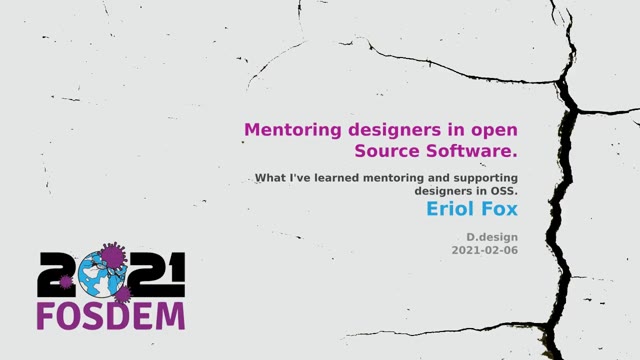
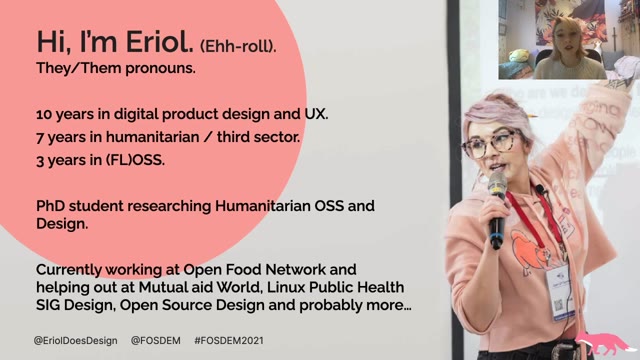
Real pages from a FOSDEM 2021 talk (CC BY 2.0 BE), as they land in the .pptx: one image per slide.
- One image per slide
- MediaSpace standalone player, not the course embed
- First 30 minutes free
From the recording to the deck
Look for an official attachment
On the media page, check for a download link or an attachments panel. A deck published there is the original file, with text you can edit, and it includes slides that may never have been shown.
Capture the pages from the player
With nothing offered, open the recording on its own MediaSpace page, put the slides in the large view and start the extension. The tab stays open until the run finishes.
Export the PPT
In the editor, delete the transition frames and crop the player edges, then save PowerPoint. Each slide carries one image of the screen, so the deck opens in PowerPoint but the text stays part of the picture.
About the deck, said plainly
- The PPT is a stack of images. The text on the slides cannot be edited as text, and the deck does not carry speaker notes unless you also ran Spoken notes.
- The original file, when MediaSpace offers it, is the better deck: real text, the whole uploaded deck, not just what was shown.
- A copy-protected player shows the extension blank frames, and no feature here gets around that.
Pricing
- The first 30 minutes of every recording are free.
- $2.99 unlocks 2 full-length recordings, paid once, and never expires.
- Monthly $9.99 with $10 of credit each month; one-year pass $29; Lifetime $49. Prices include tax.
Questions
- Why are the slides images instead of editable text?
- The recording holds the slides as pixels, so each export is one image per page. The editable version exists only where the media page offers the original file, which is why the attachment check comes first.
- Does the Kaltura video get uploaded?
- No. The extension reads the frames already showing in the tab, and extraction stays in your browser. Something is only sent if you start Spoken notes, which uploads audio and page images.
- Why not the course page?
- The player inside a course page is embedded and often protected. The standalone MediaSpace page shows the slides in the large view, which is what the extension reads.
- Is this allowed?
- Run it on recordings you have permission to take notes from. The extension reads frames already visible in a tab you are watching; nothing here bypasses playback restrictions or access controls.
- Can I get a PDF instead?
- Yes. The same pages save as a PDF with one image per page and no text layer, or as plain JPG images.