"Zig: the perfect language for a Wayland compositor?" — FOSDEM 2021
89 slides from a 59-minute talk — extracted in the browser, nothing uploaded.
Isaac Freund · FOSDEM 2021, Zig devroom · video.fosdem.org/2021/D.zig/zig_wayland.webm
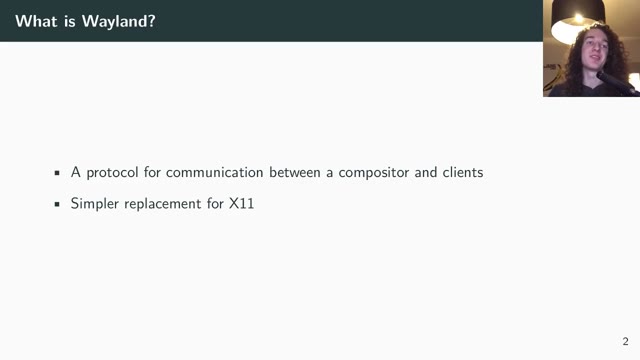
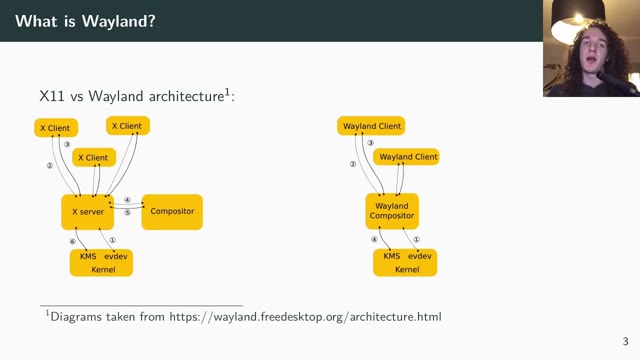
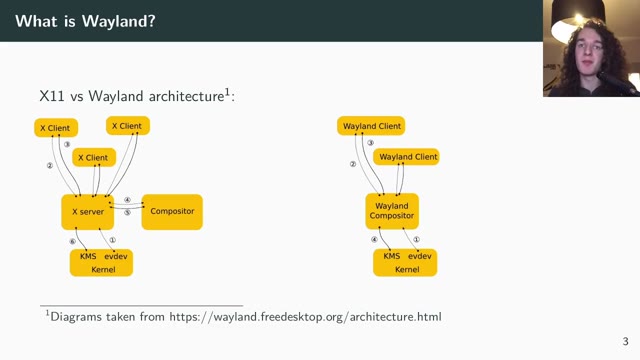
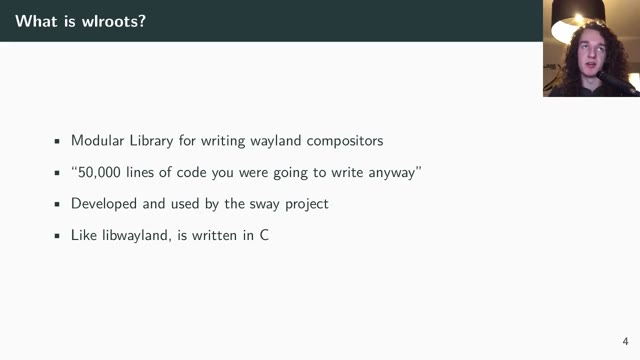
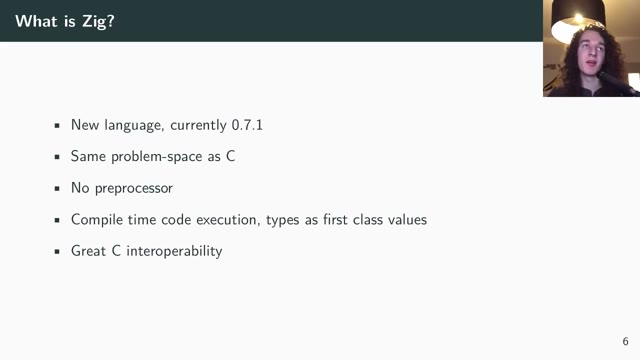
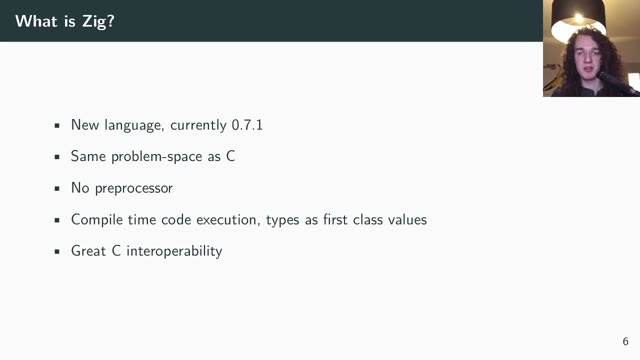
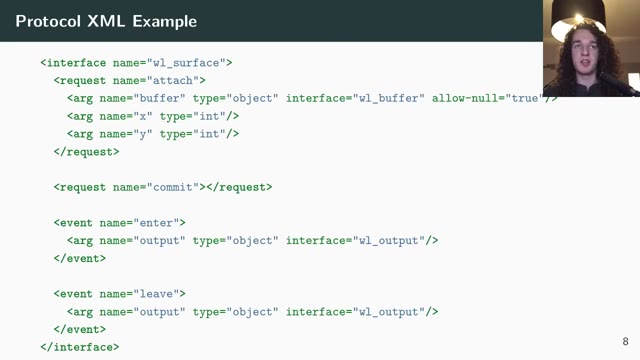
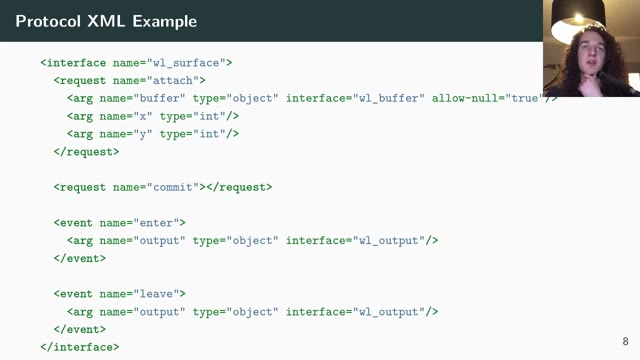
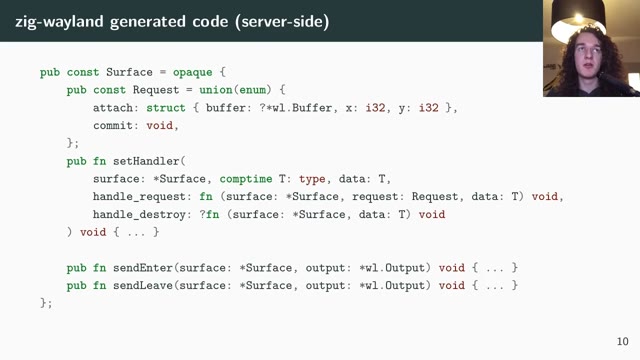
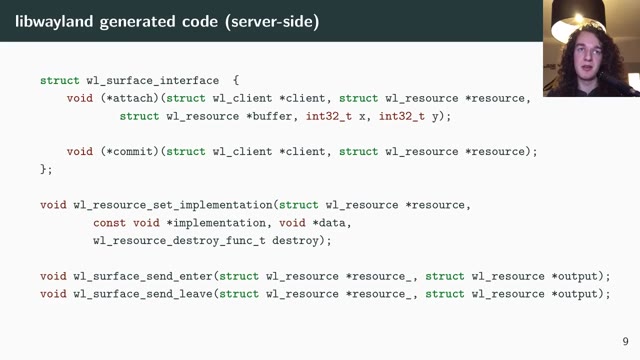
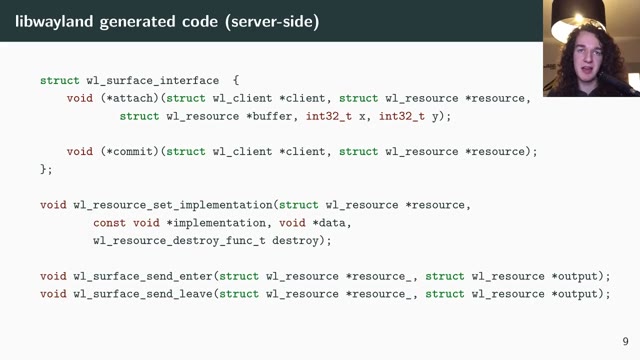
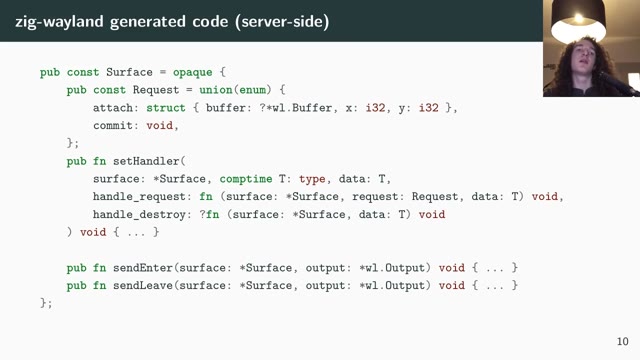
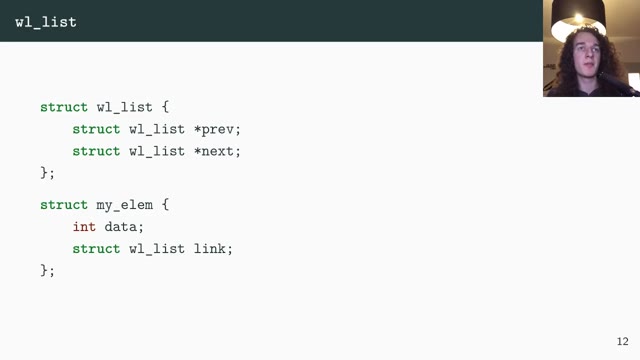
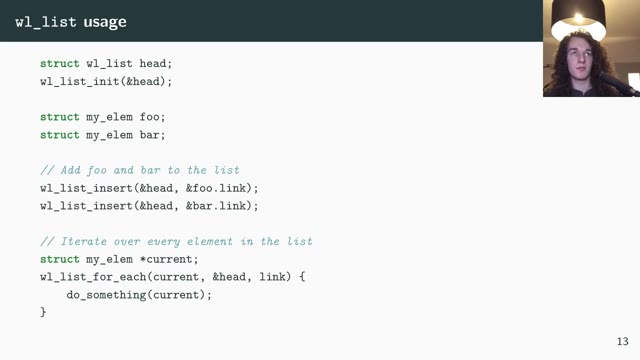
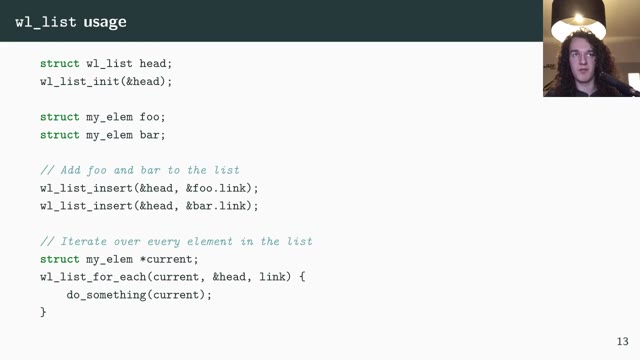
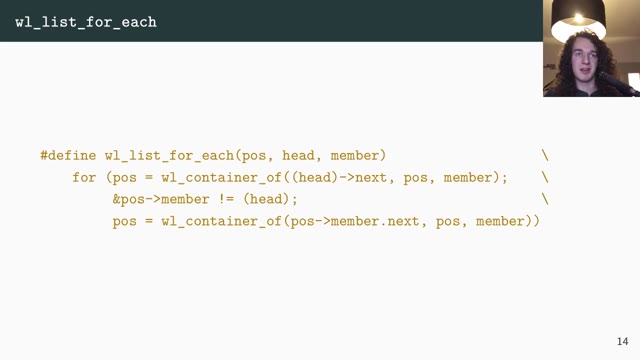
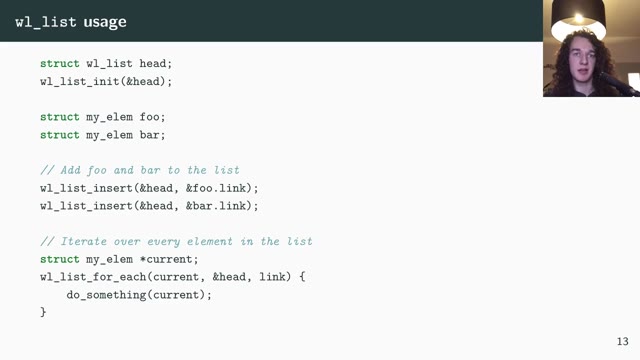
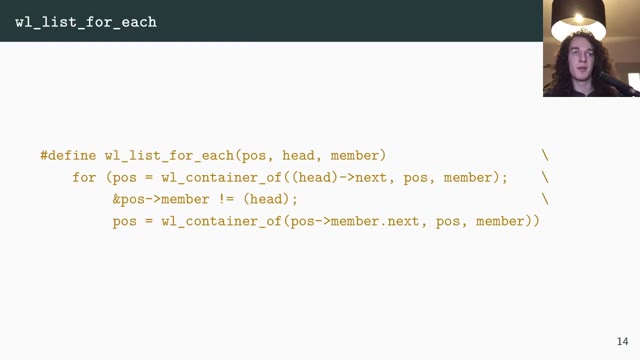
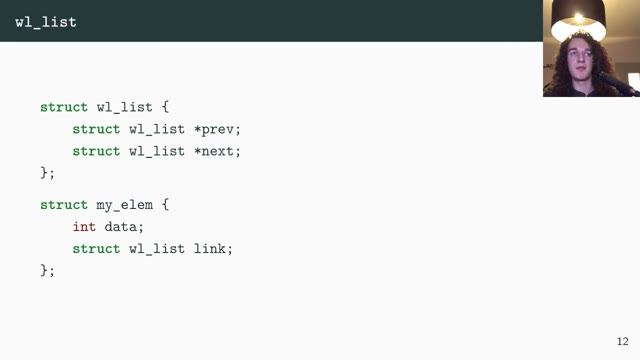
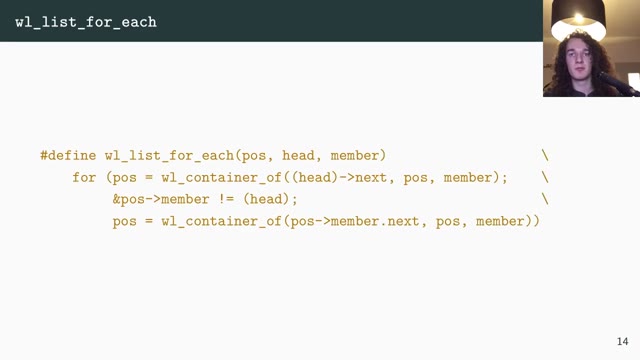
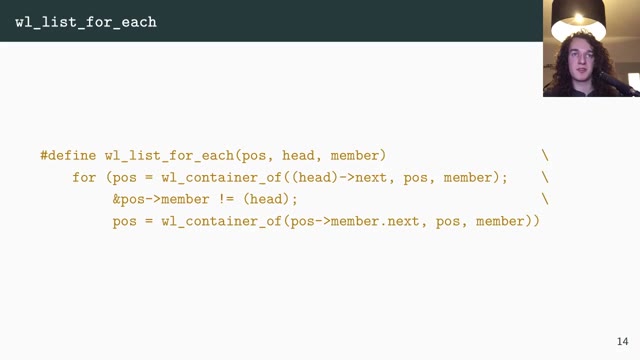
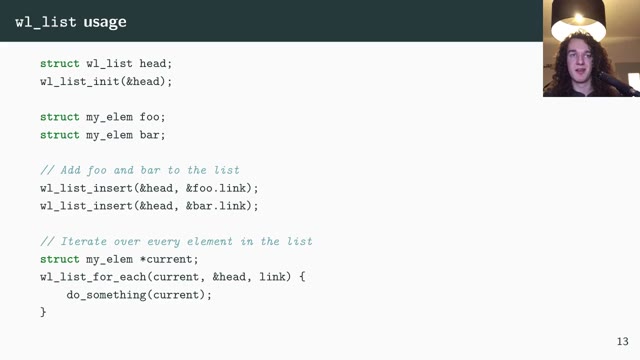
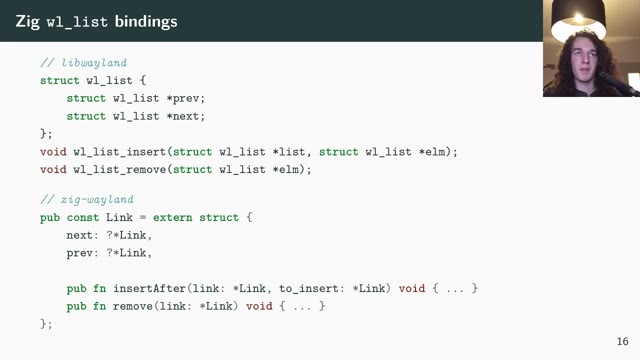
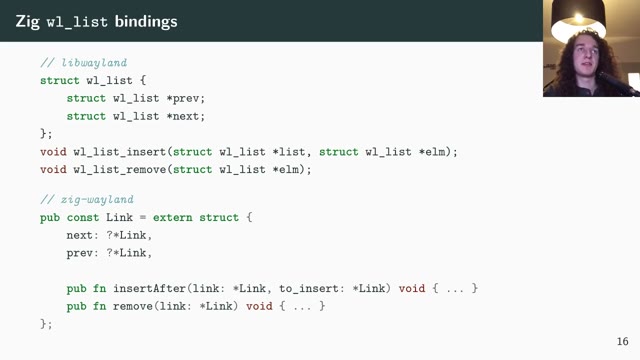
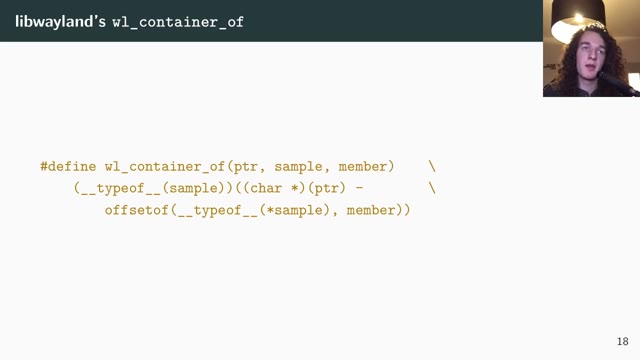
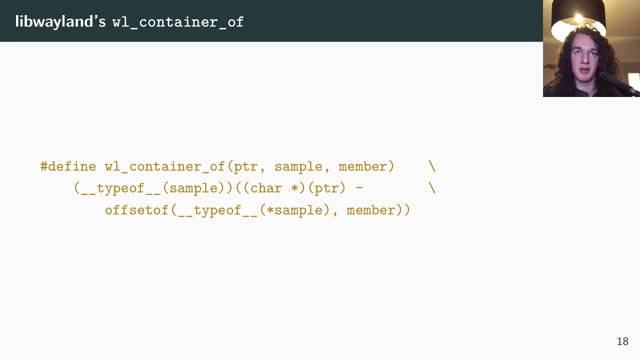
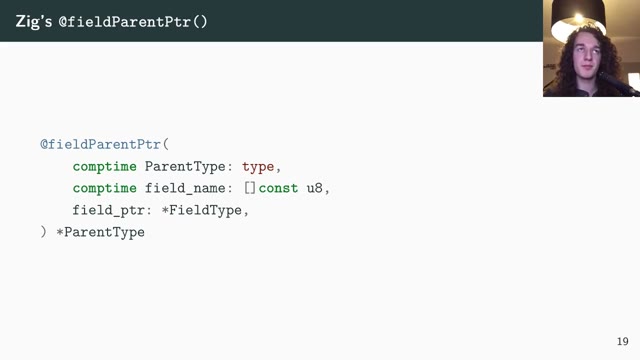
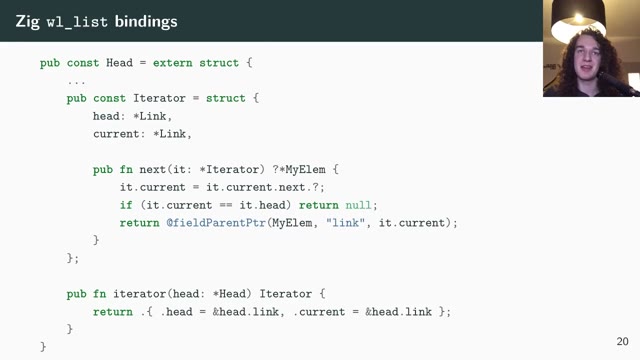
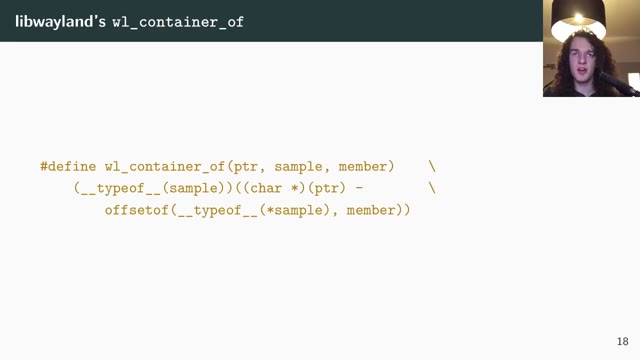
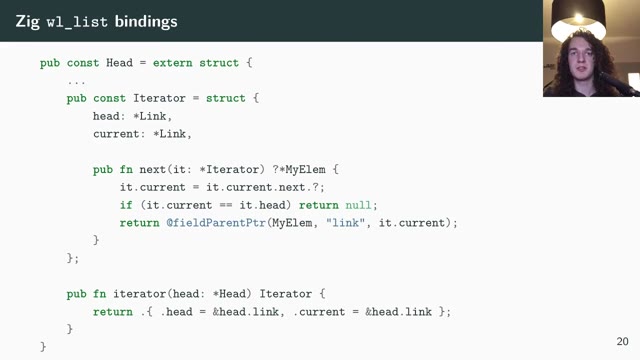
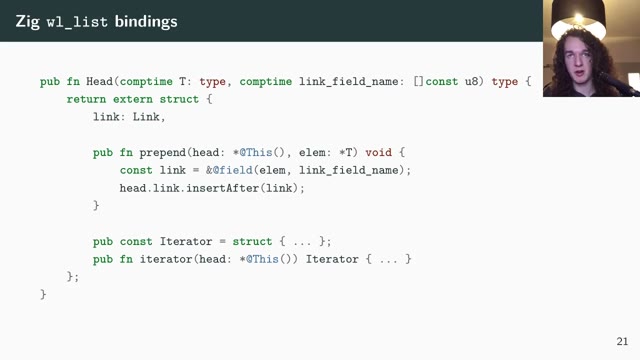
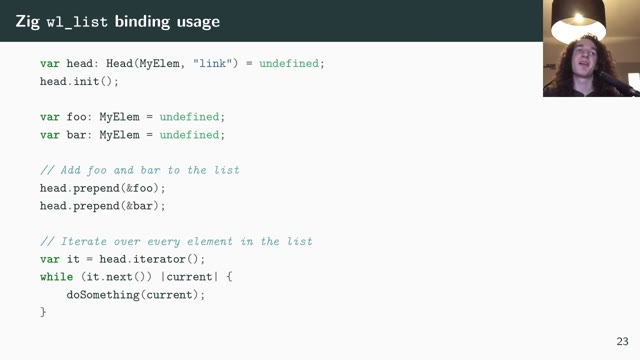
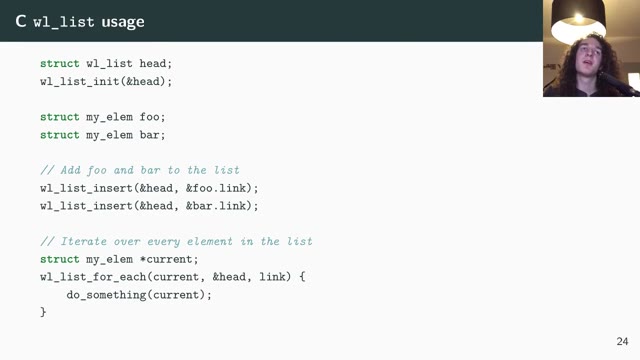
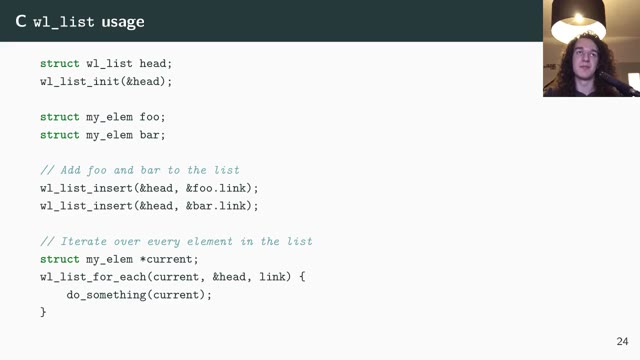
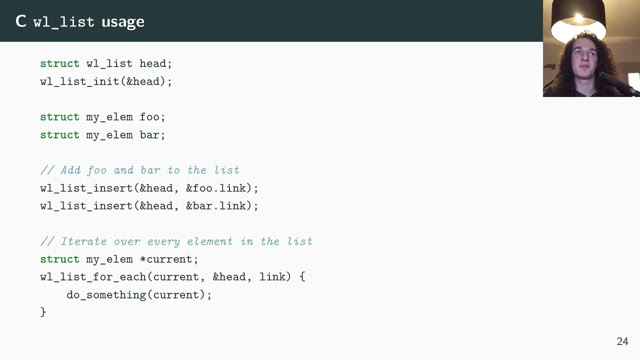
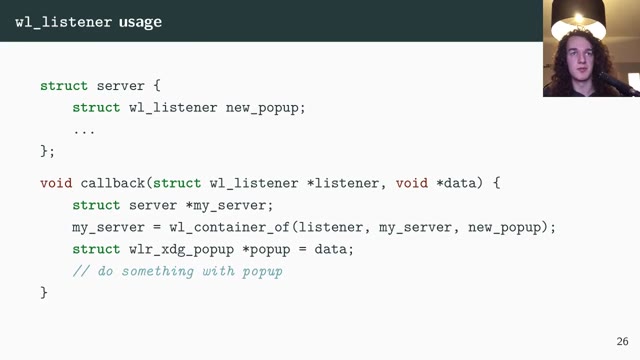
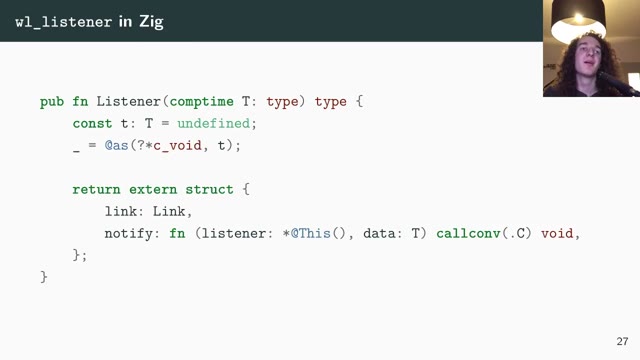
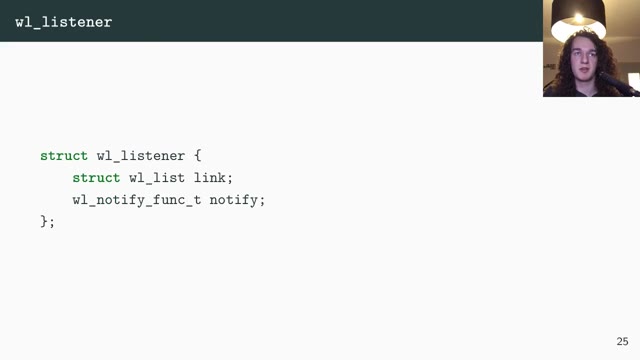
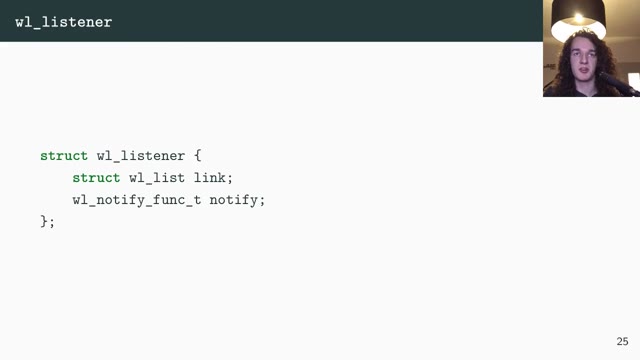
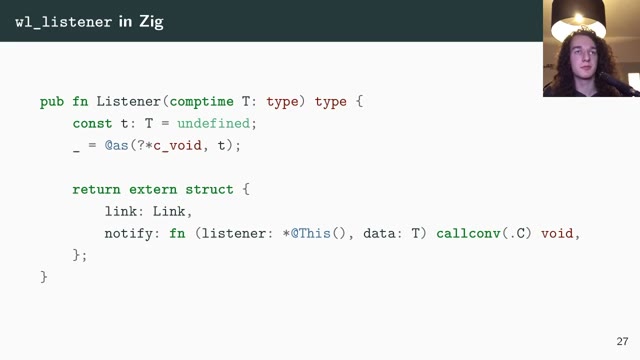
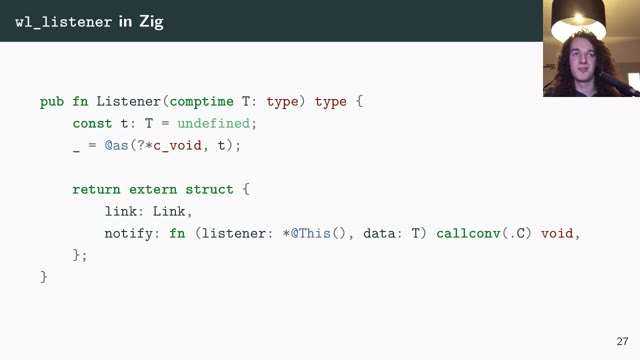
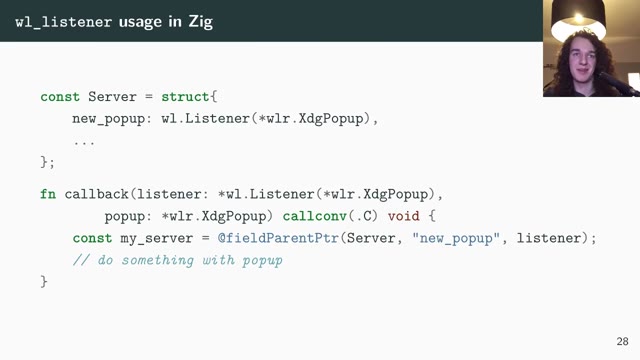
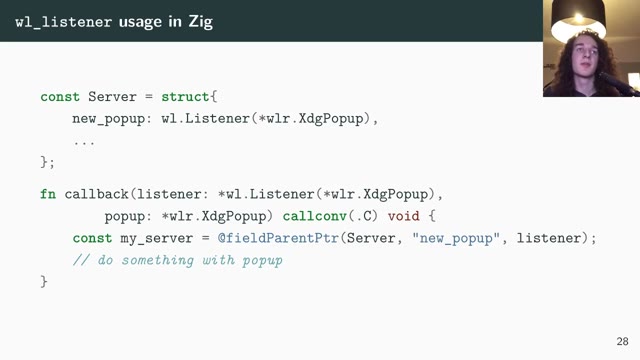
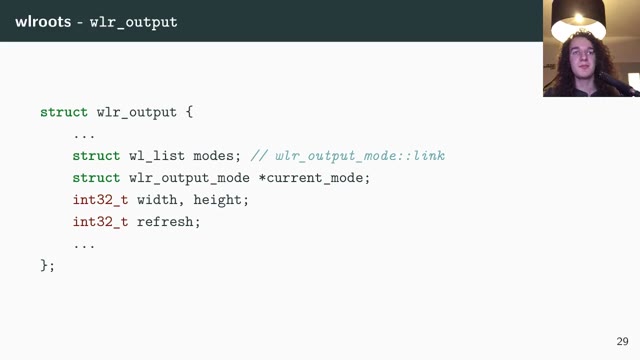
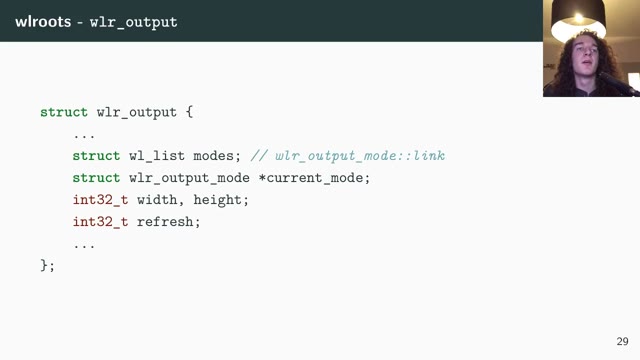
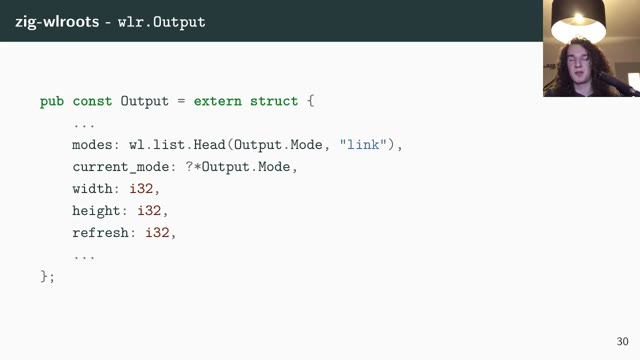
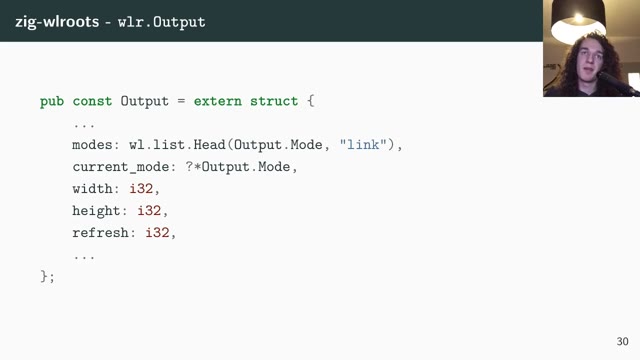
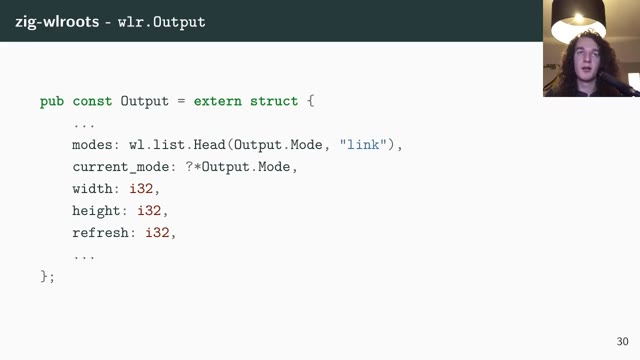
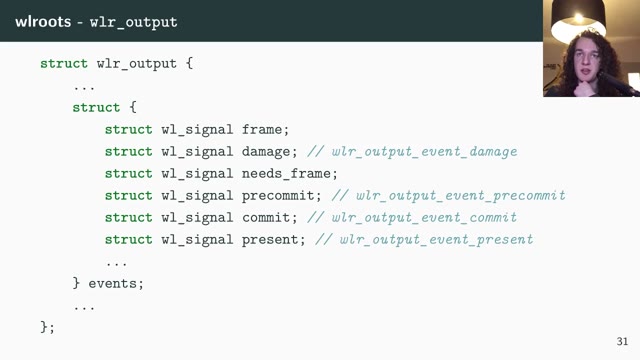
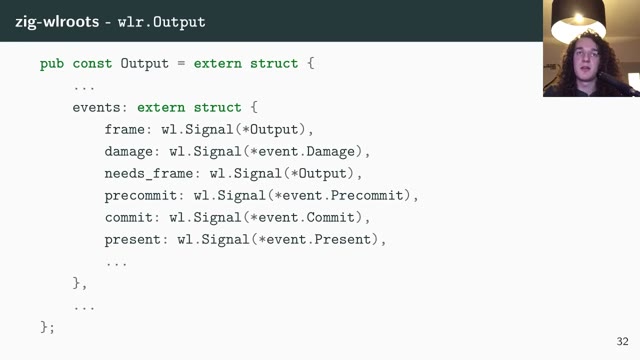
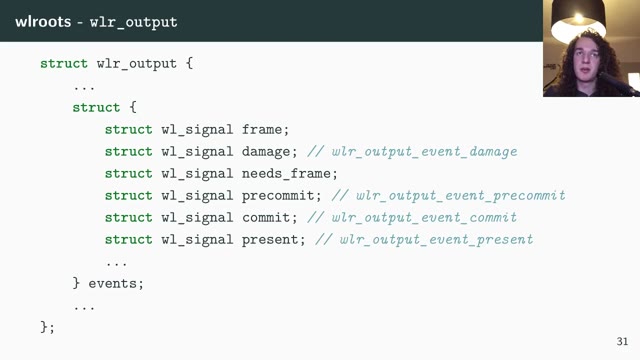
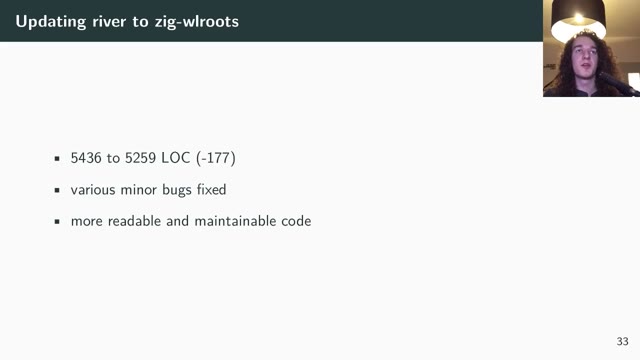
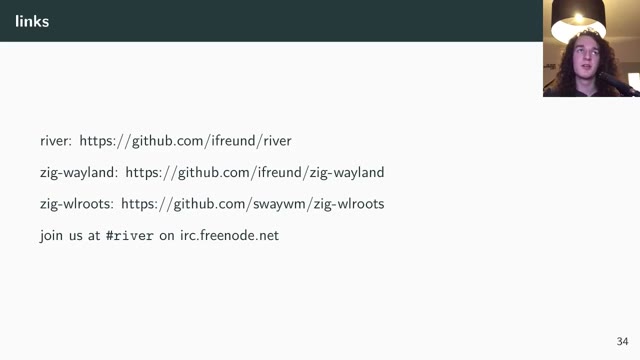




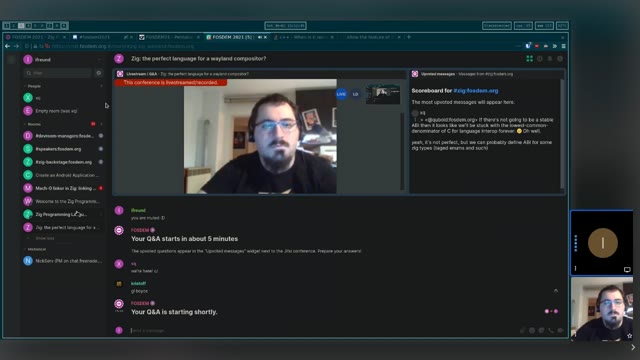
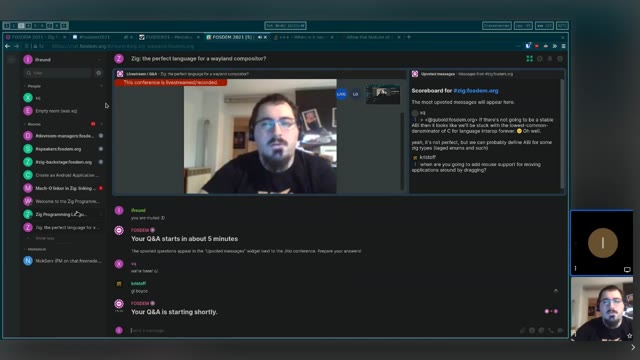
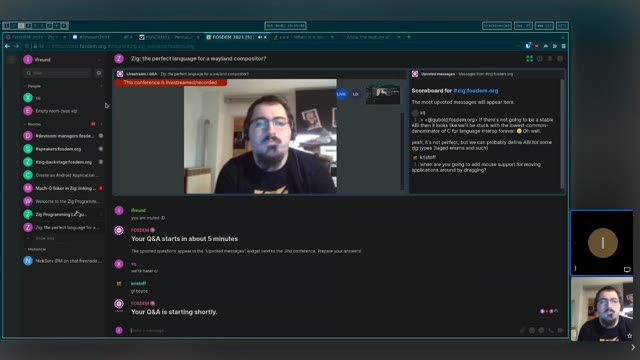
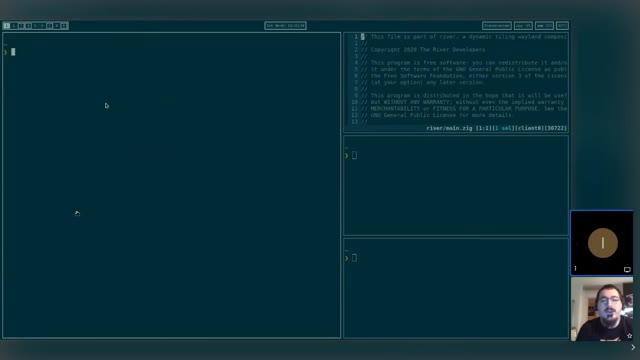
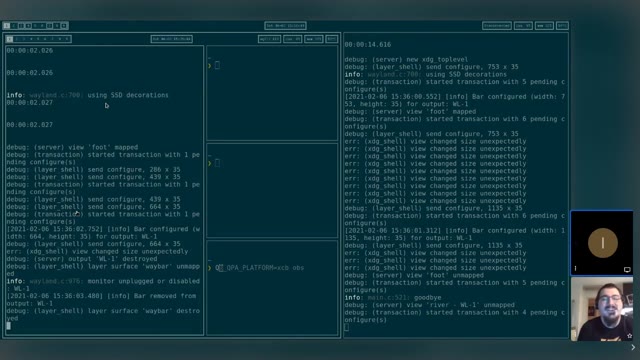
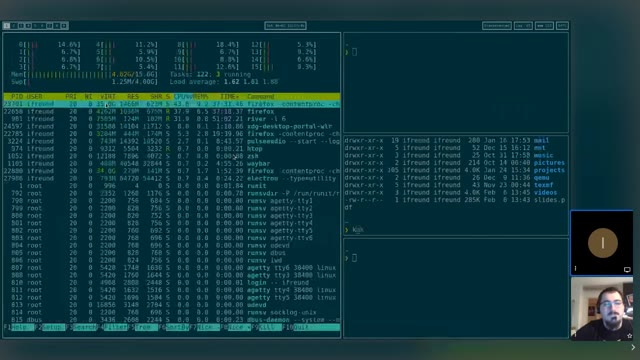
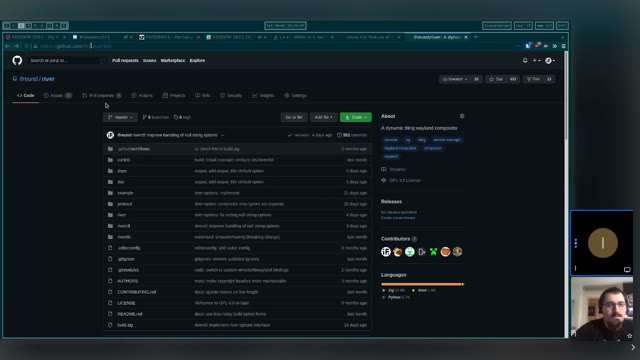
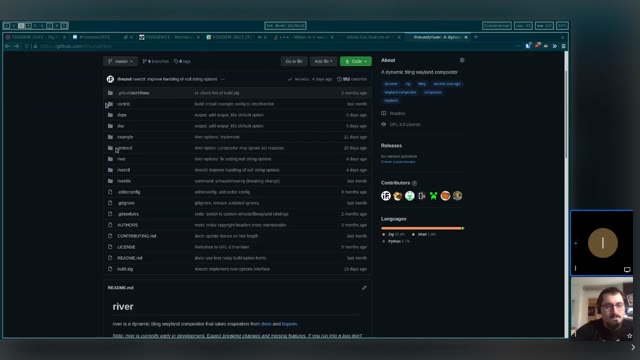
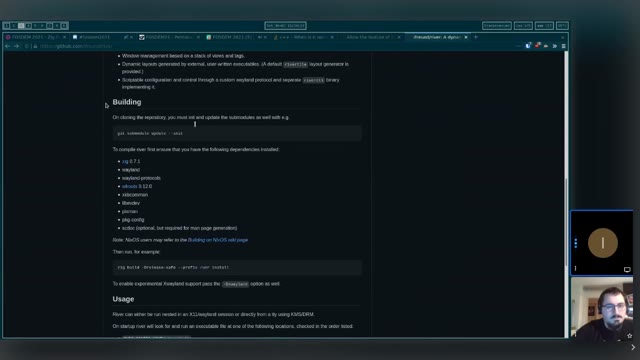
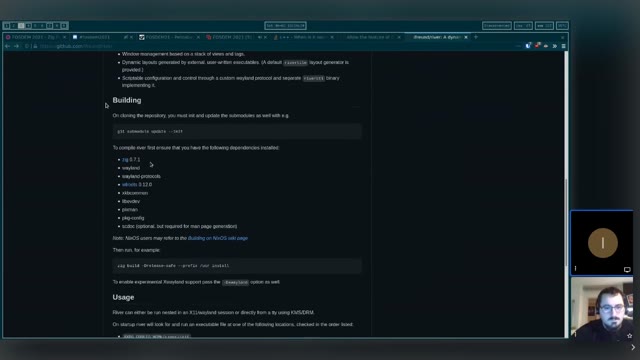
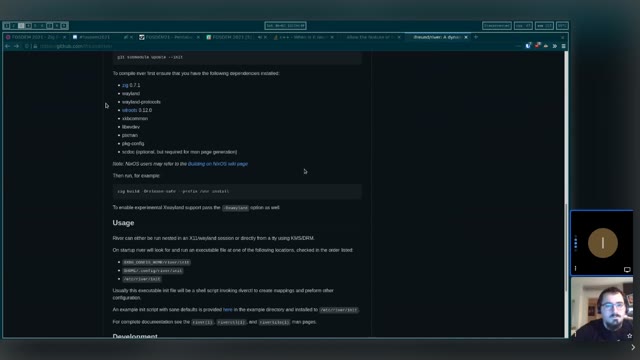
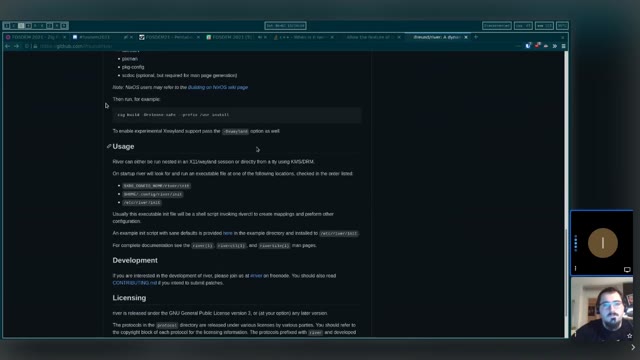
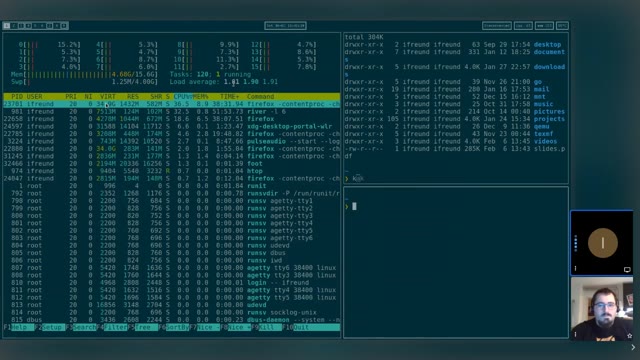
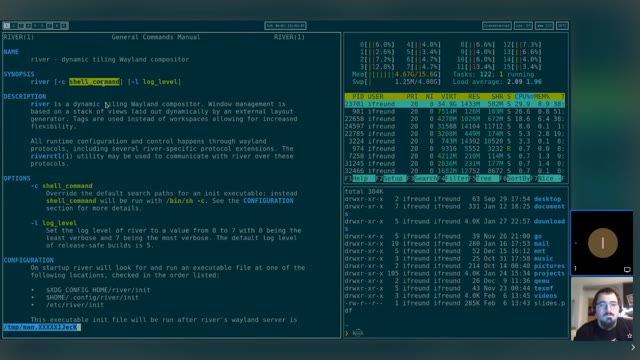
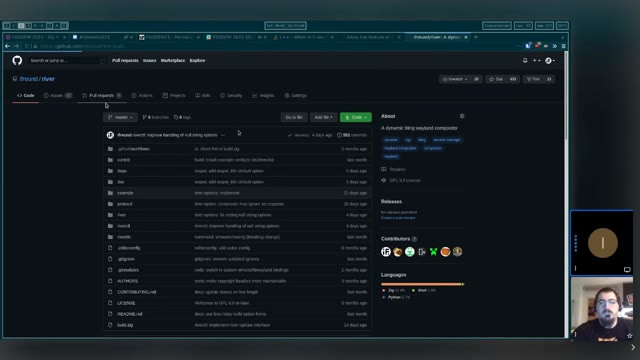
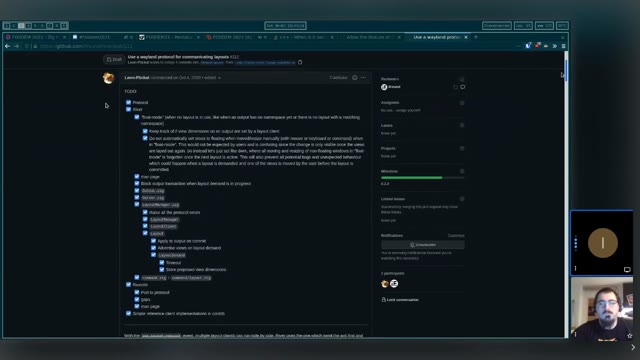
Isaac Freund spoke in the Zig devroom at FOSDEM 2021 on bringing stronger type safety to libwayland and wlroots by writing a compositor in Zig, with the bindings and the C interop shown as code on the slides. Video2Any stepped through the 59-minute recording and kept 89 clean frames, one per slide change. Two Zig talks were tried for this gallery and only this one is here: the other walked through a terminal and a browser, which produces screens rather than slides. The difference is not the language, it is whether the speaker put the code on a slide. Every image below is real output, extracted in a browser tab with nothing uploaded.
Private by design
Uploaded files are decoded, compared, and assembled inside your browser tab. They never touch our servers; close the tab and nothing is left behind.
FAQ
- Are these the real slides from the talk?
- Yes — frames from the published recording, one per slide change. FOSDEM publishes its 2021 recordings under CC BY 2.0 BE, which permits reuse with credit; we credit FOSDEM and link the original above.
- Why is only one of the Zig talks here?
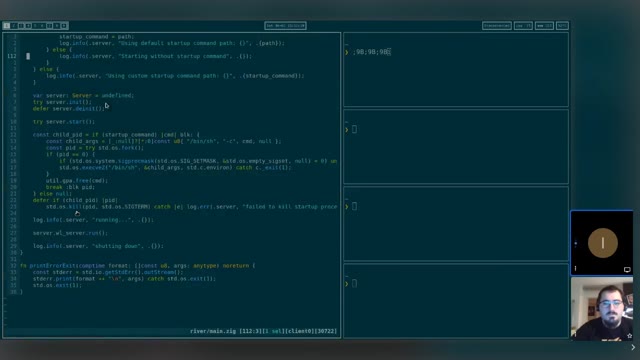
- The other is a live walkthrough in a terminal and a browser, which extracts as dozens of near-identical screens rather than a deck. What converts well is code shown on a slide, because a slide holds still and a terminal being typed into does not.
- Can I convert an hour-long talk myself?
- Yes. A video under 30 minutes converts free and in full, and a longer one has its first 30 minutes read; a free account covers one long recording in full, and a one-time $2.99 or $49 removes the limit. The file stays on your own machine.
Turn any source type quickly, with no guesswork.
Start converting nowTurn a lecture recording into a study deckConvert MP4 to PowerPoint, right in your browser