Skip to content
Decks extracted with Video2Any

"XALT: lessons from attaching to almost every program in Linux" — FOSDEM 2021

23 slides Video2Any pulled straight from the conference recording — no upload, all in the browser.

Robert McLay · FOSDEM 2021, HPC, Big Data and Data Science devroom · video.fosdem.org/2021/D.hpc/xalt.webm
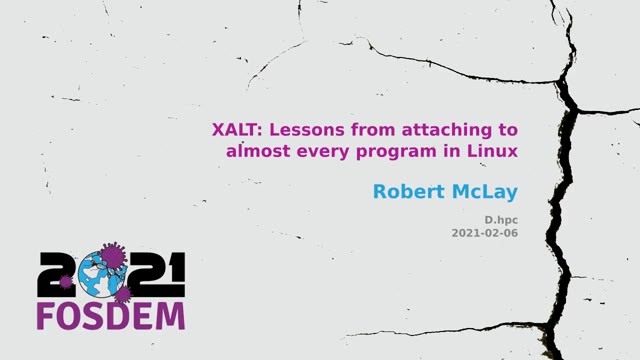
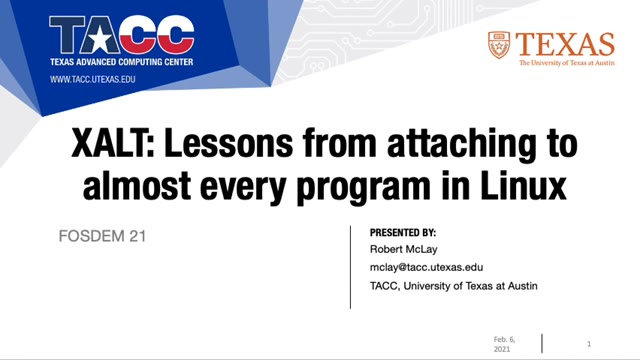
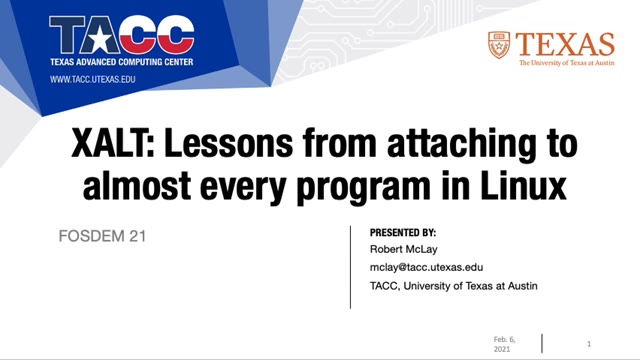
"XALT: lessons from attaching to almost every program in Linux" — FOSDEM 2021 — slide 1
"XALT: lessons from attaching to almost every program in Linux" — FOSDEM 2021 — slide 2
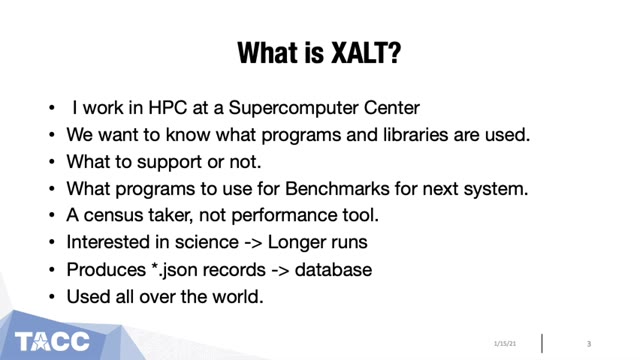
"XALT: lessons from attaching to almost every program in Linux" — FOSDEM 2021 — slide 3
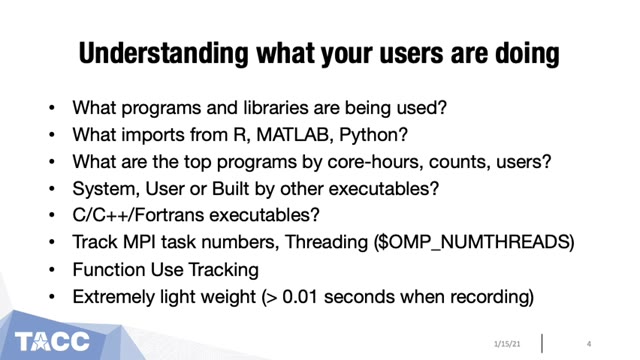
"XALT: lessons from attaching to almost every program in Linux" — FOSDEM 2021 — slide 4
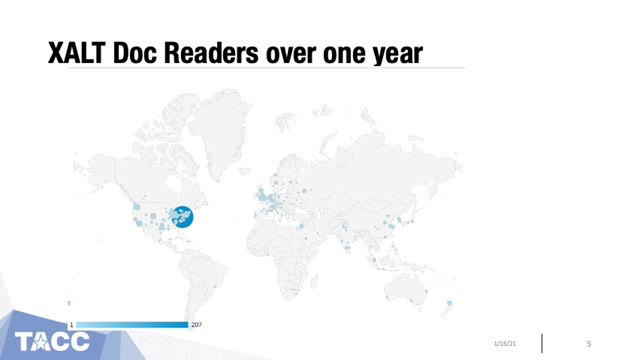
"XALT: lessons from attaching to almost every program in Linux" — FOSDEM 2021 — slide 5
"XALT: lessons from attaching to almost every program in Linux" — FOSDEM 2021 — slide 6
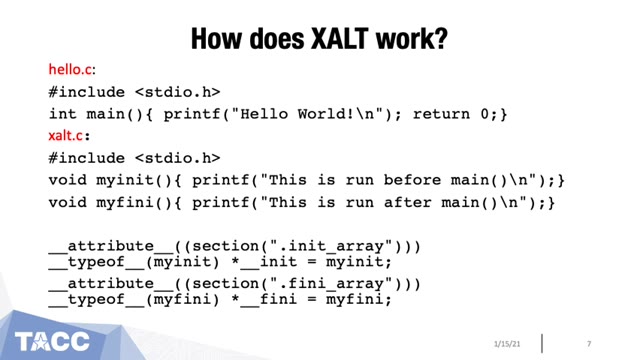
"XALT: lessons from attaching to almost every program in Linux" — FOSDEM 2021 — slide 7
"XALT: lessons from attaching to almost every program in Linux" — FOSDEM 2021 — slide 8
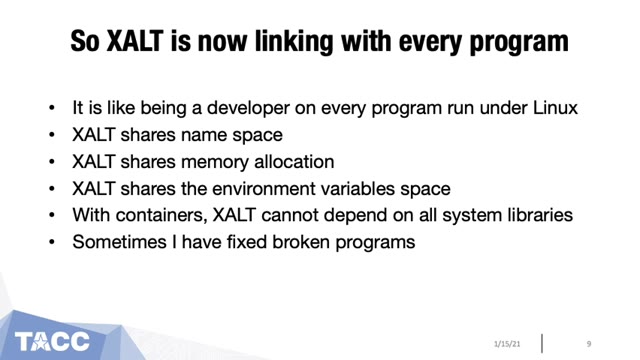
"XALT: lessons from attaching to almost every program in Linux" — FOSDEM 2021 — slide 9
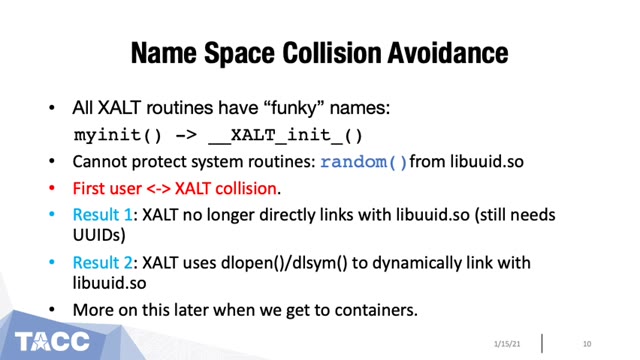
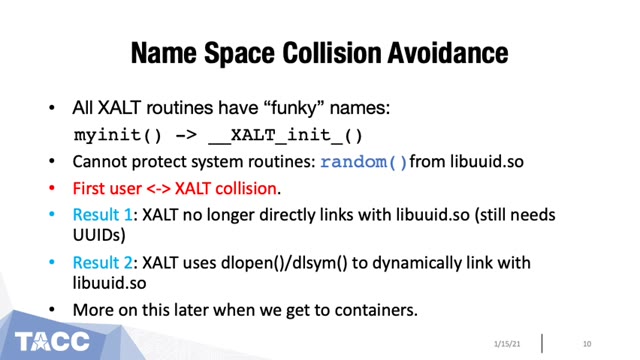
"XALT: lessons from attaching to almost every program in Linux" — FOSDEM 2021 — slide 10
"XALT: lessons from attaching to almost every program in Linux" — FOSDEM 2021 — slide 11
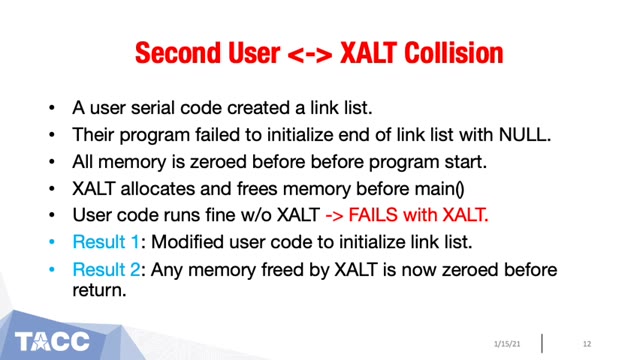
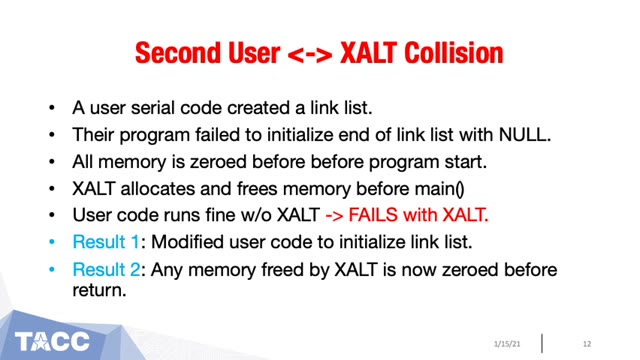
"XALT: lessons from attaching to almost every program in Linux" — FOSDEM 2021 — slide 12
"XALT: lessons from attaching to almost every program in Linux" — FOSDEM 2021 — slide 13
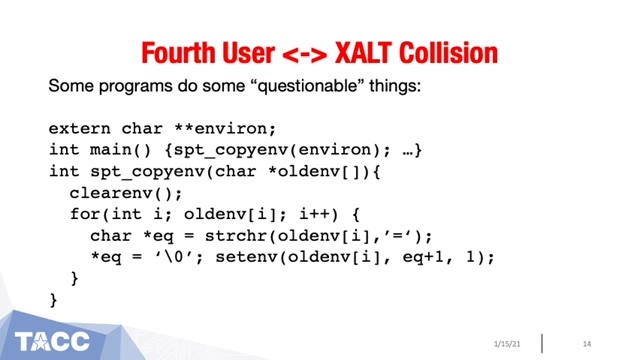
"XALT: lessons from attaching to almost every program in Linux" — FOSDEM 2021 — slide 14
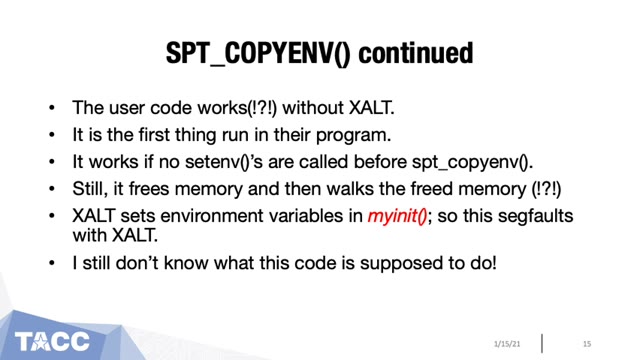
"XALT: lessons from attaching to almost every program in Linux" — FOSDEM 2021 — slide 15
"XALT: lessons from attaching to almost every program in Linux" — FOSDEM 2021 — slide 16
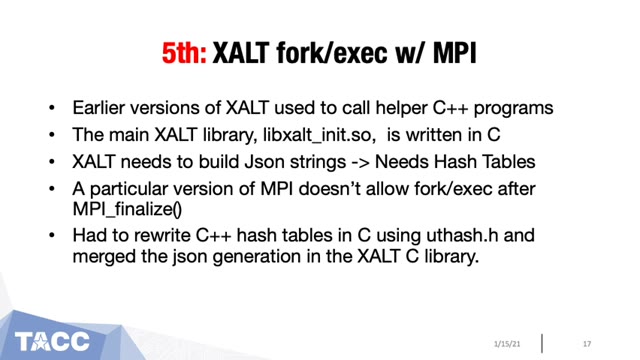
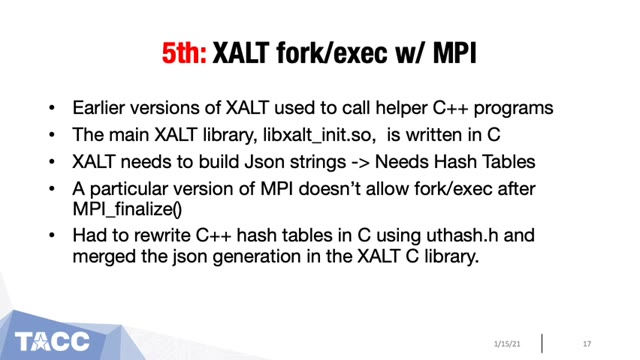
"XALT: lessons from attaching to almost every program in Linux" — FOSDEM 2021 — slide 17
"XALT: lessons from attaching to almost every program in Linux" — FOSDEM 2021 — slide 18
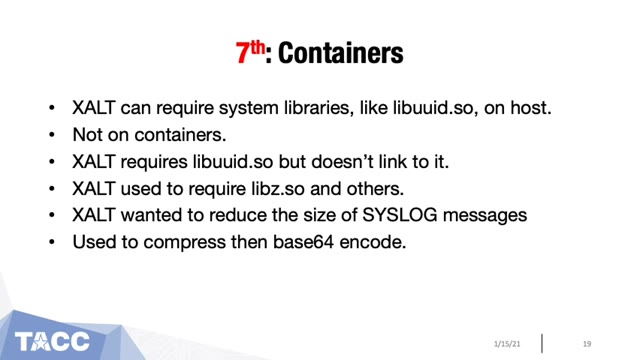
"XALT: lessons from attaching to almost every program in Linux" — FOSDEM 2021 — slide 19
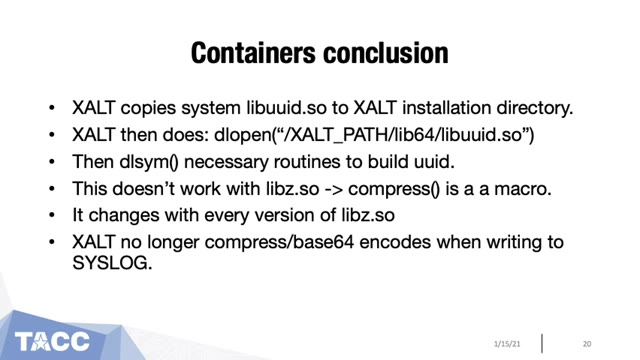
"XALT: lessons from attaching to almost every program in Linux" — FOSDEM 2021 — slide 20
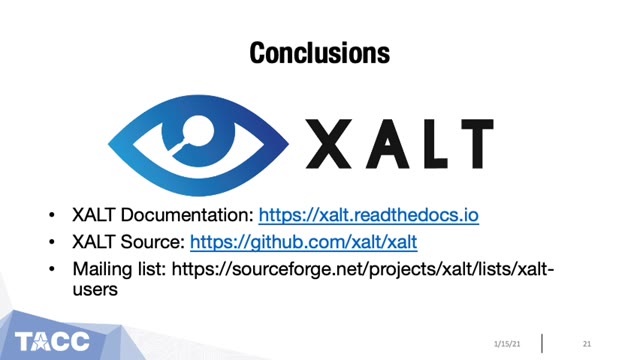
"XALT: lessons from attaching to almost every program in Linux" — FOSDEM 2021 — slide 21
"XALT: lessons from attaching to almost every program in Linux" — FOSDEM 2021 — slide 22
"XALT: lessons from attaching to almost every program in Linux" — FOSDEM 2021 — slide 23

Robert McLay spoke in the HPC, Big Data and Data Science devroom at FOSDEM 2021 on XALT, which records what actually runs on a cluster by attaching to nearly every binary — and on what breaks when you do that, from missing host libraries inside containers to syslog messages that are too large. Video2Any stepped through the 29-minute recording and kept 23 clean frames, one per slide change, and set aside 7 more that were not slides: a black screen and the speaker's camera during the Q&A at the end. Every image below is real output, extracted in a browser tab with nothing uploaded.

Slides from FOSDEM, used under CC BY 2.0 BE. Extracted from the original recording (linked above) and credited to FOSDEM; not affiliated with or endorsed by them. Rights concern? request removal.

Private by design

Uploaded files are decoded, compared, and assembled inside your browser tab. They never touch our servers; close the tab and nothing is left behind.

FAQ

Are these the real slides?
Yes — frames from the published recording, one per slide change. FOSDEM publishes its 2021 recordings under CC BY 2.0 BE, which permits reuse with credit; we credit FOSDEM and link the original above.
Fewer than one slide a minute — is that all of them?
It is what the speaker showed. This gallery ranges from 0.4 slides a minute to 3.0, all from the same detector; the count follows the presenter rather than a setting.
Can I do this with a talk I have?
Yes. The first 30 minutes of every video are free. Drop the recording in and Video2Any detects each slide and exports an .pptx or PDF in your browser, with nothing uploaded.

Turn any source type quickly, with no guesswork.

Start converting now

Lecture recording to slidesMP4 to PowerPoint