"Networking performance in the Linux kernel" — FOSDEM 2021
47 slides from a 47-minute talk — extracted in the browser, nothing uploaded.
Maxime Chevallier · FOSDEM 2021, Embedded, Mobile and Automotive devroom · video.fosdem.org/2021/D.embedded/network_performance_in_kernel.webm
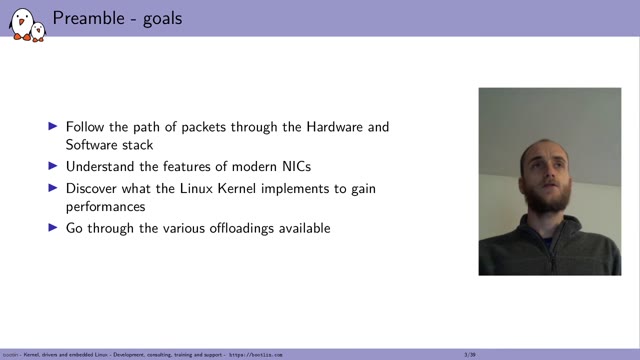
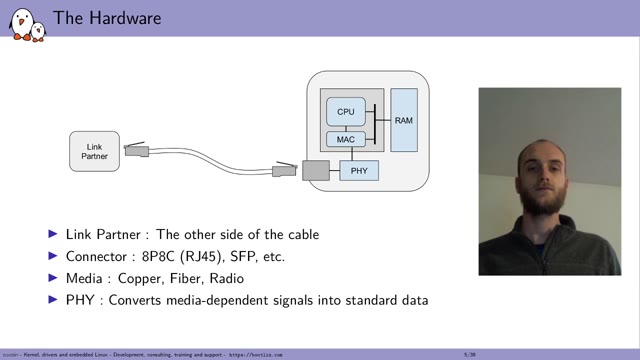
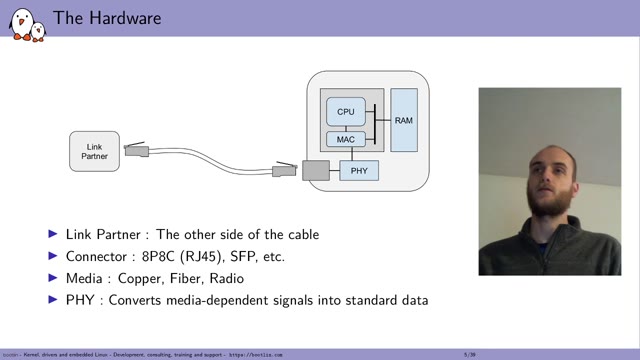
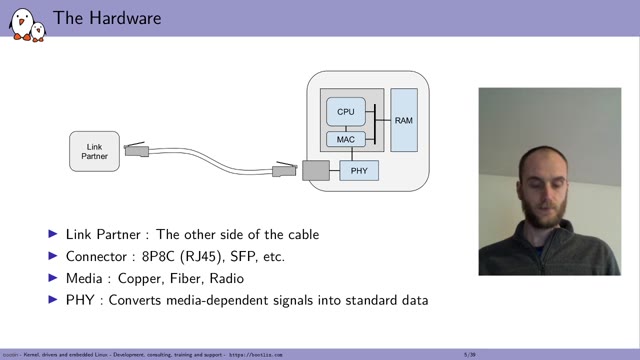
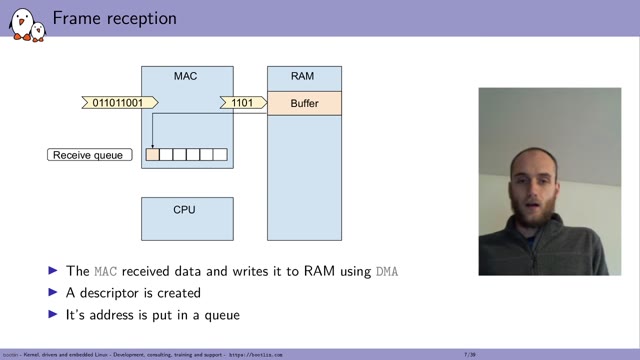
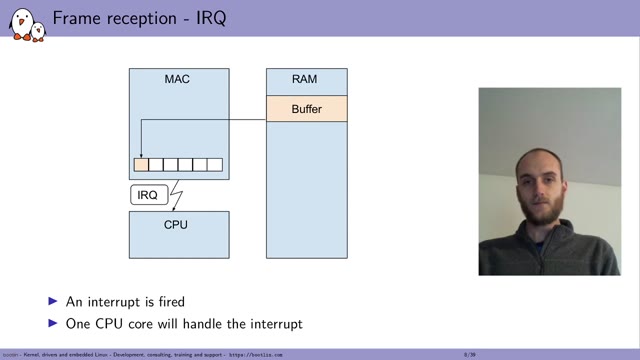
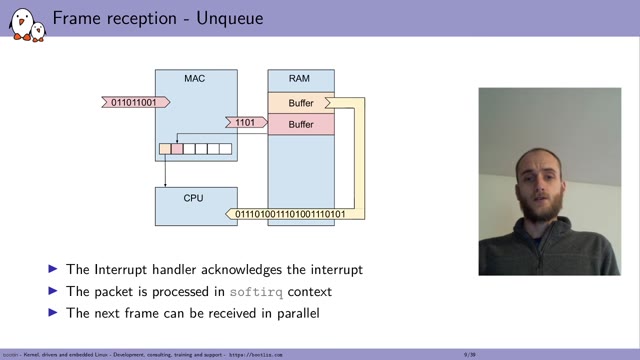
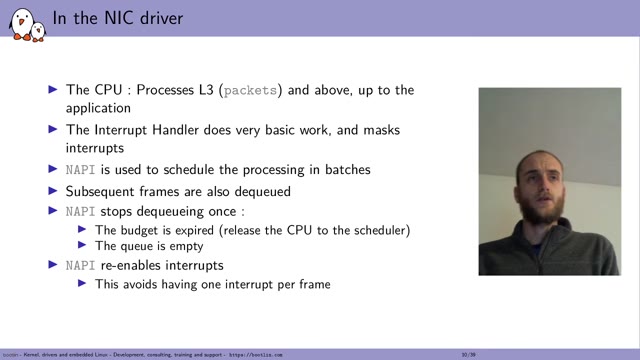
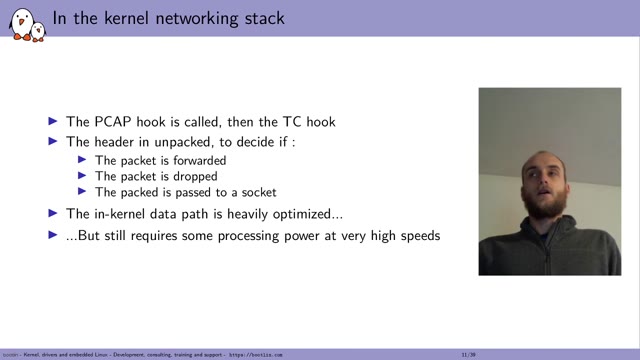
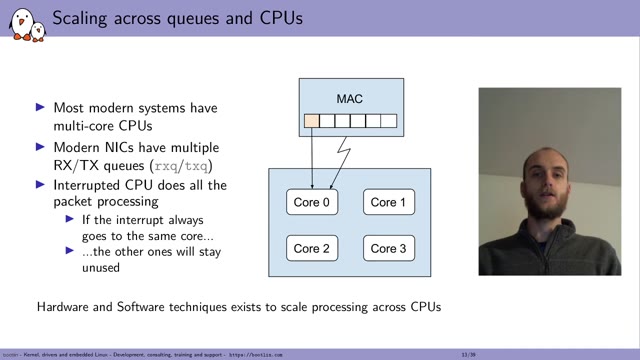
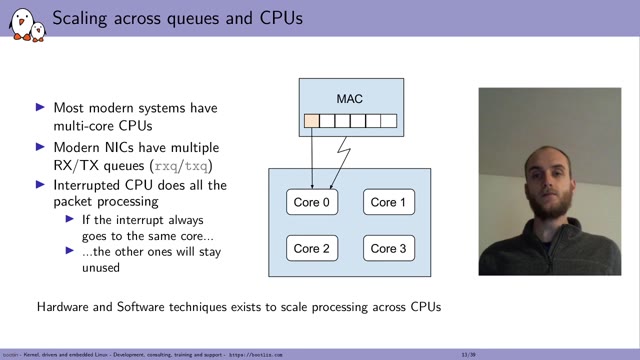
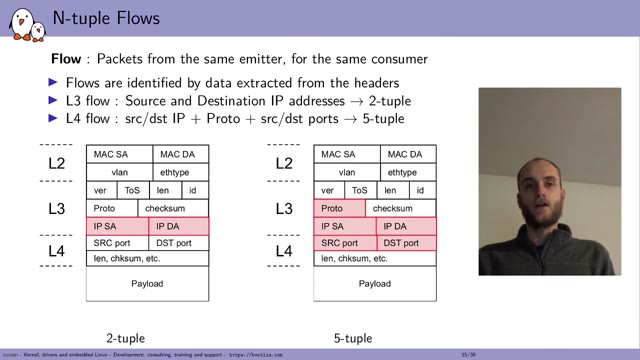
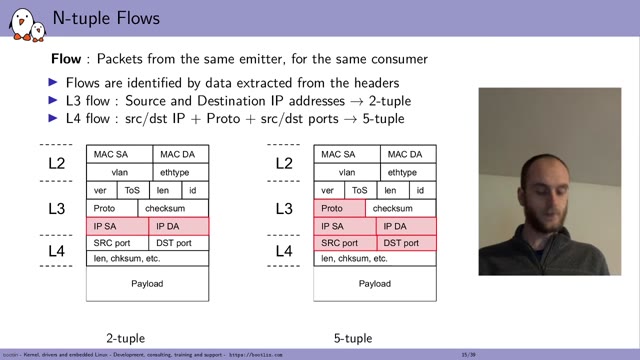
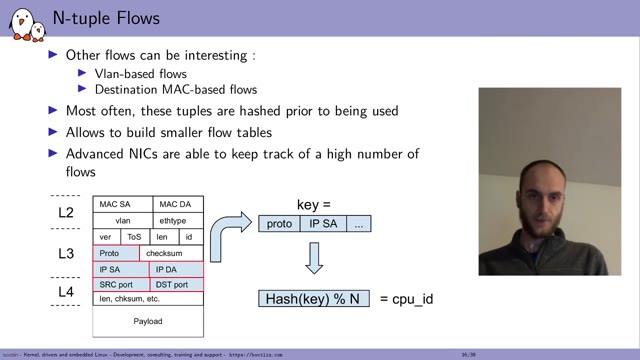
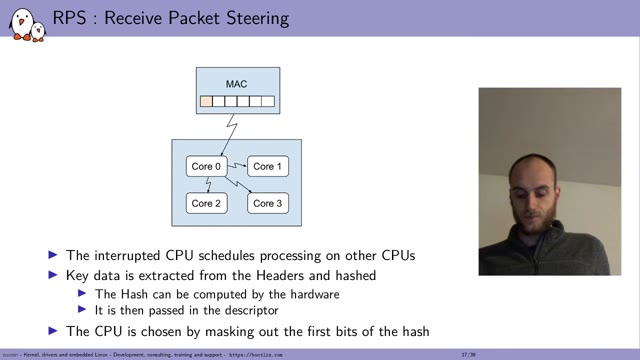
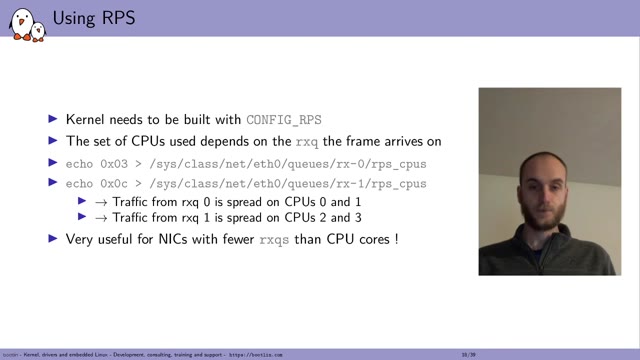
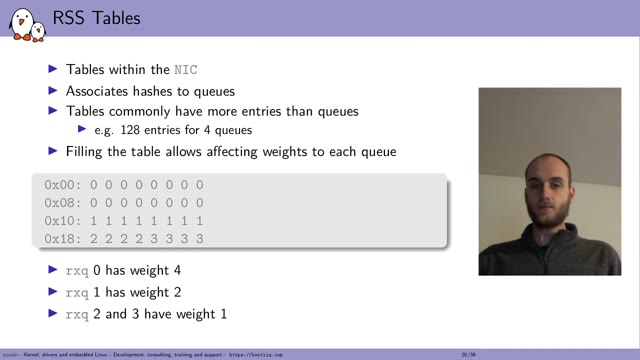
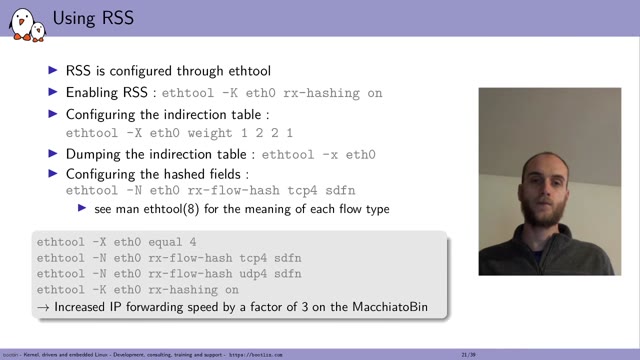
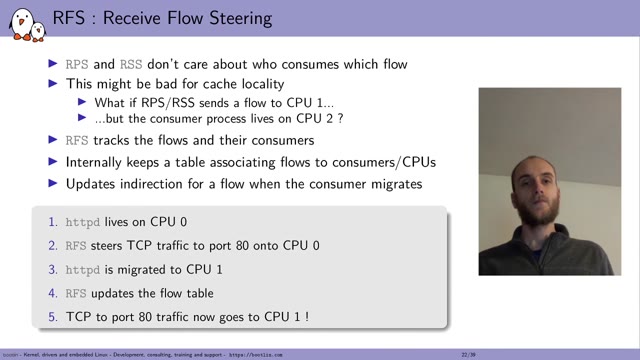
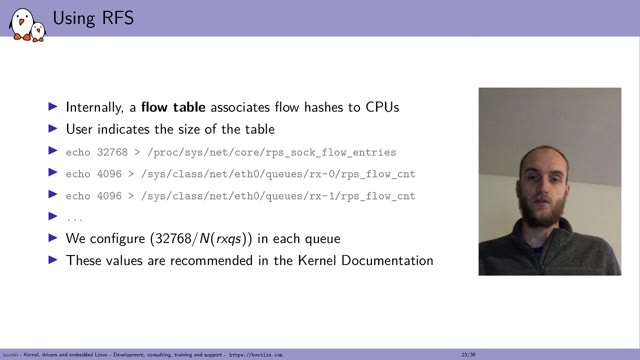
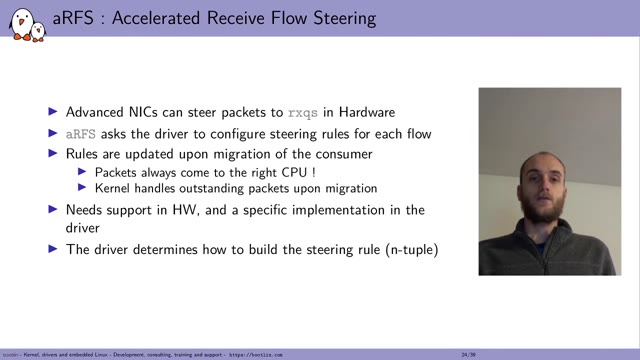
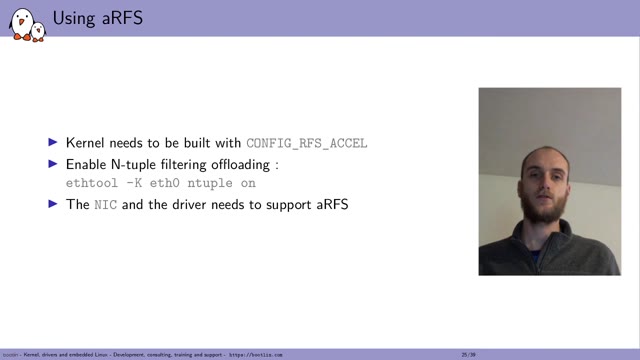
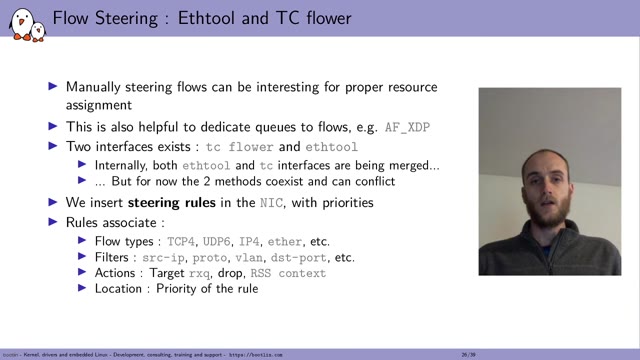
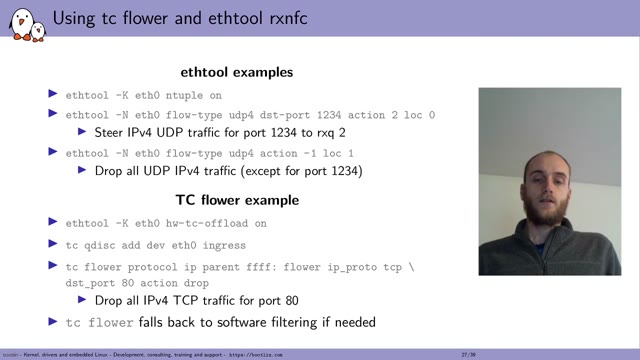
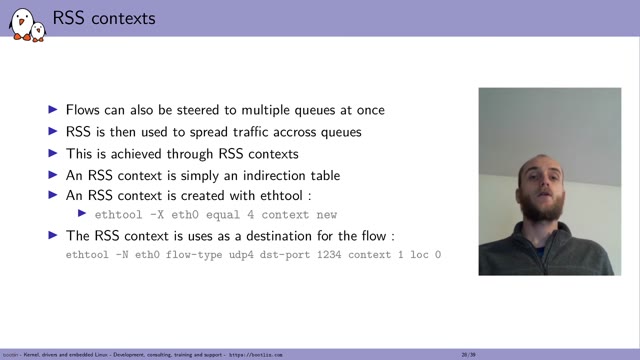
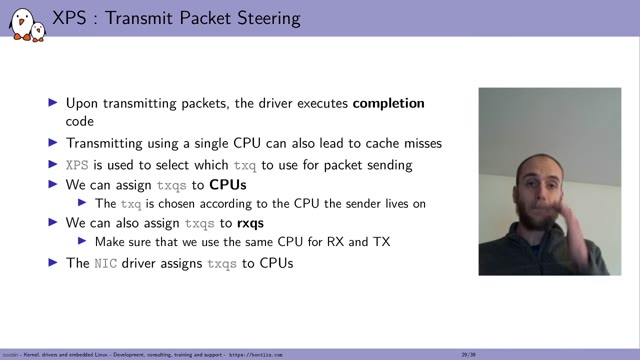
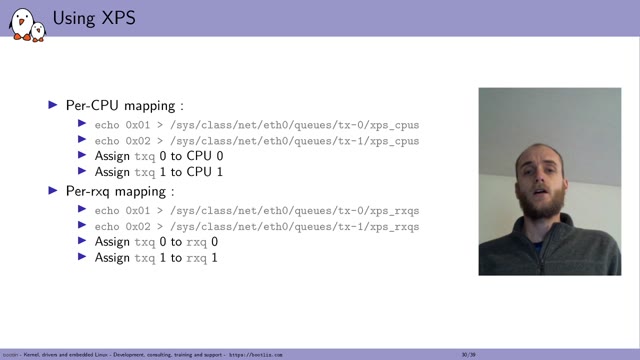
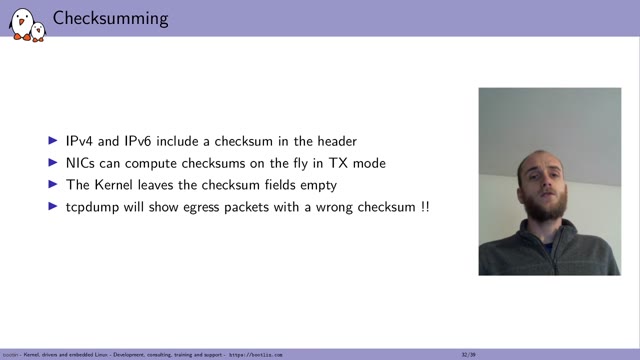
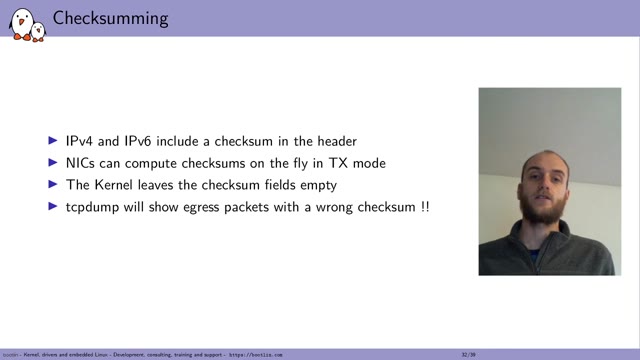
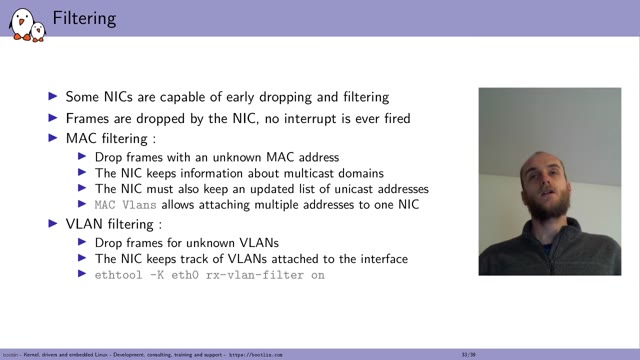
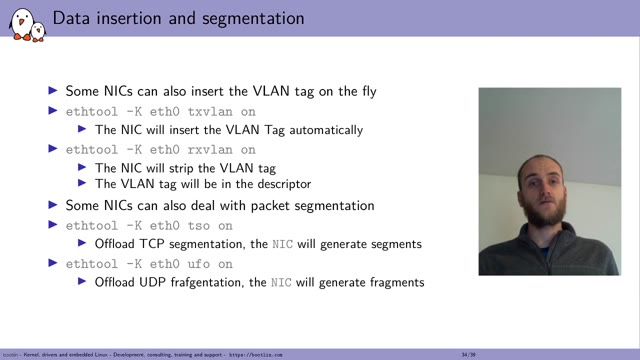
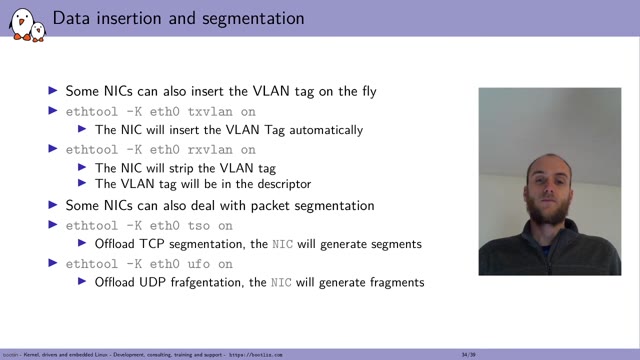
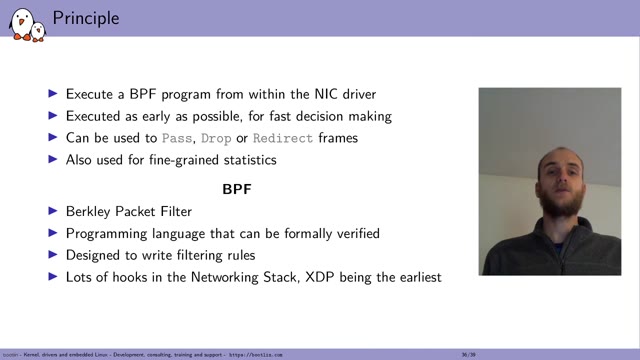
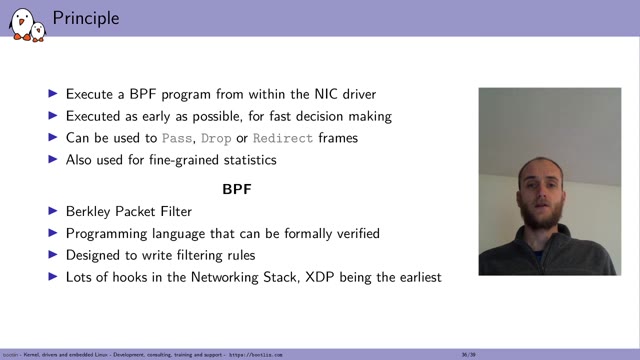
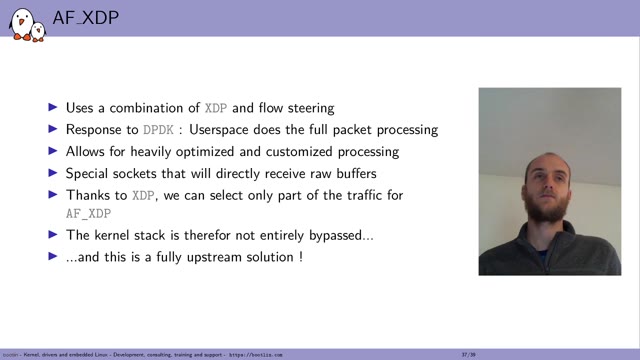
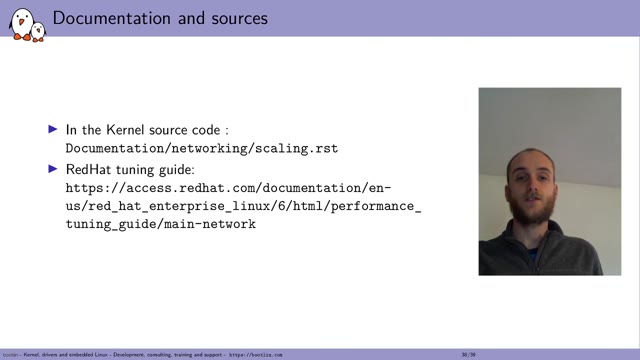

Maxime Chevallier spoke in the Embedded, Mobile and Automotive devroom at FOSDEM 2021 on where networking throughput actually goes in the Linux kernel, and how to use what the hardware already offers — queues, flow steering, RSS and RFS. Video2Any stepped through the 47-minute recording and kept 47 clean frames, one per slide change. The slides carry shell commands as their content, which is worth noting for anyone converting a technical talk: a slide is the frame it came from, so a long path on it is something you read off the picture and type out. Every image below is real output, extracted in a browser tab with nothing uploaded.
Private by design
Uploaded files are decoded, compared, and assembled inside your browser tab. They never touch our servers; close the tab and nothing is left behind.
FAQ
- Are these the actual slides from the talk?
- Yes. Video2Any read the published recording and kept one image per slide change. FOSDEM publishes its 2021 recordings under CC BY 2.0 BE, which permits reuse with credit; we credit FOSDEM and link to the original file above.
- Can I copy the commands out of slides like these?
- Not by selecting them. Each slide here is the frame as it was on screen, so a command is part of the picture — you can read it and type it out, but not copy it. The video of the talk is linked above if you want to pause on a line.
- Can I do this with a talk I have?
- Yes, and it is free for your own files. Drop the recording in and Video2Any detects each slide, keeps one clean frame per change, and exports an .pptx or PDF — in your browser, with nothing uploaded.
Turn any source type quickly, with no guesswork.
Start converting nowTurn a lecture recording into a study deckConvert MP4 to PowerPoint, right in your browser