"Homebrew: macOS Big Sur and ARM" — FOSDEM 2021
35 slides Video2Any pulled straight from the conference recording — no upload, all in the browser.
Mike McQuaid · FOSDEM 2021, Distributions devroom · video.fosdem.org/2021/D.distributions/homebrew_macos_bigsur_and_arm.webm
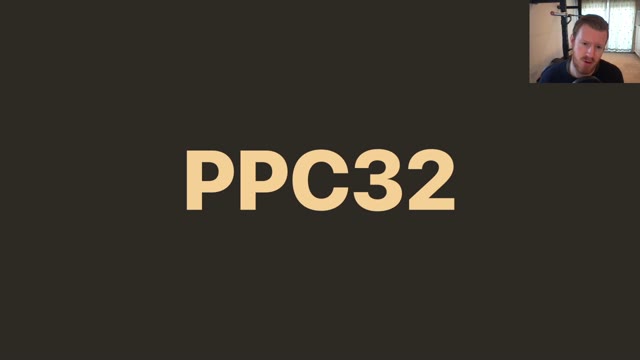
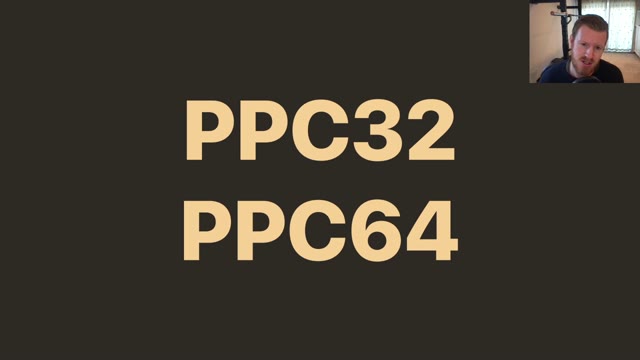
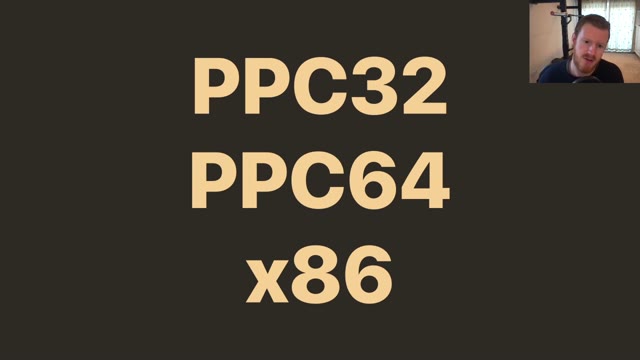
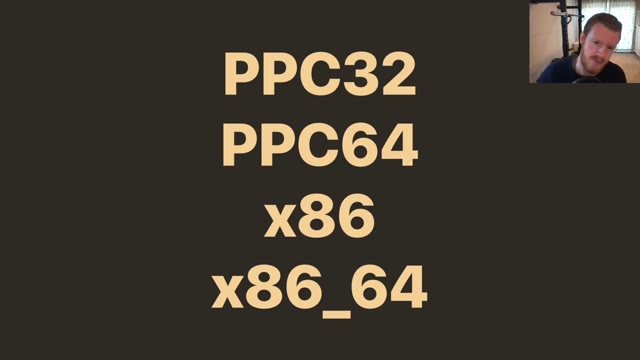
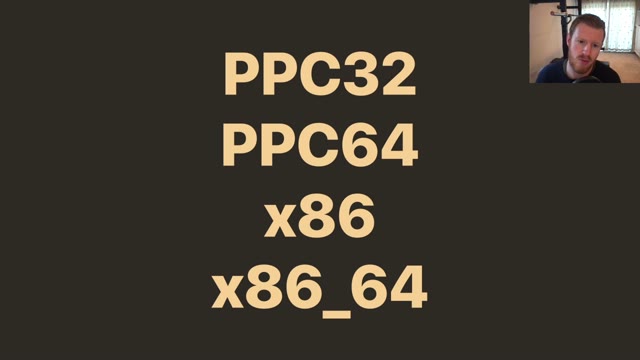
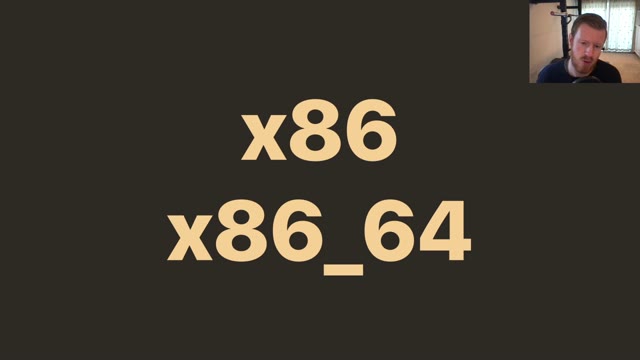
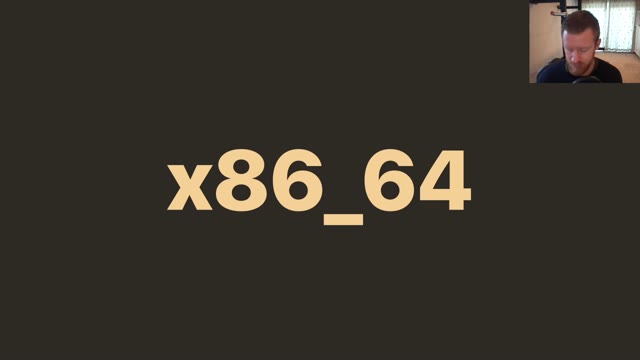
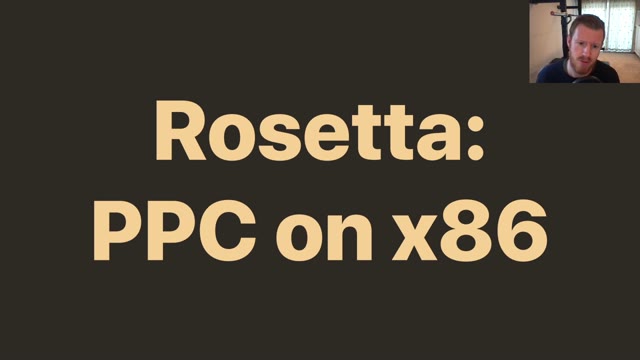
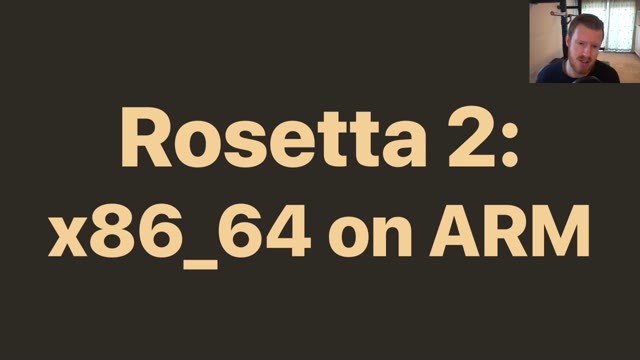
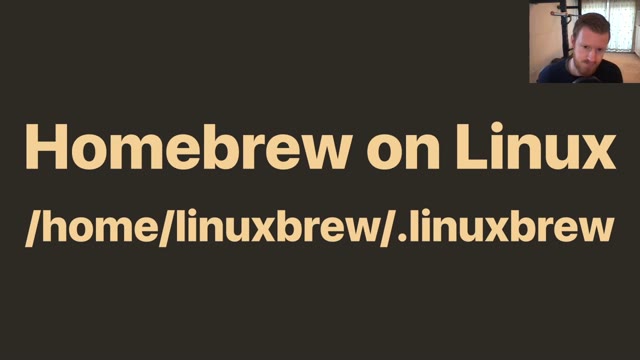
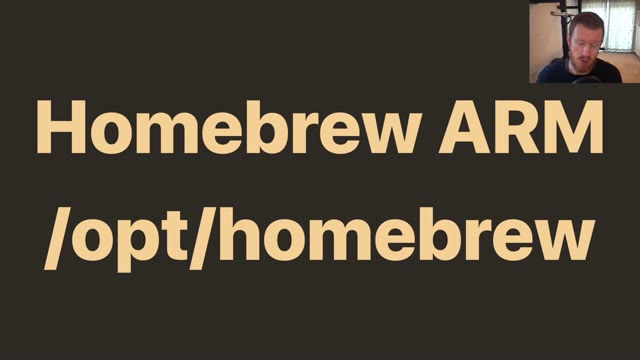
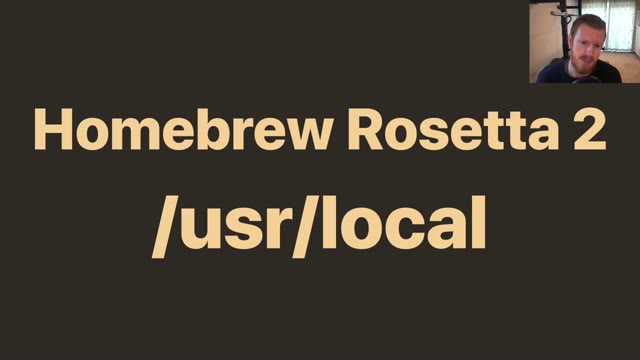
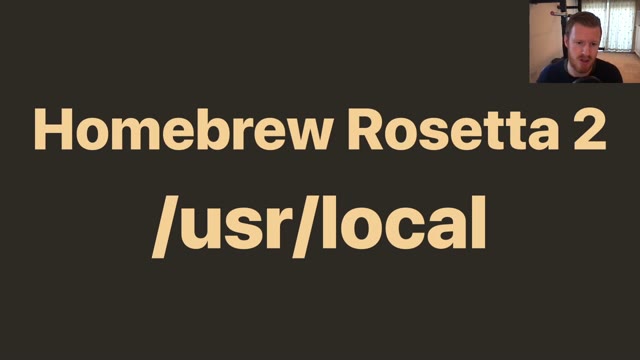
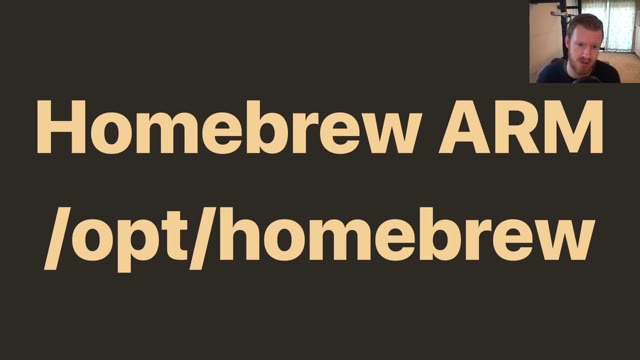
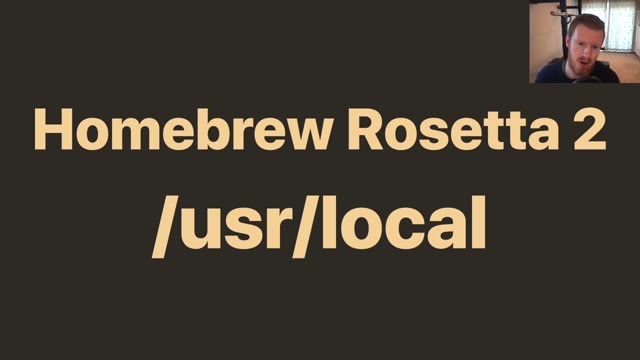
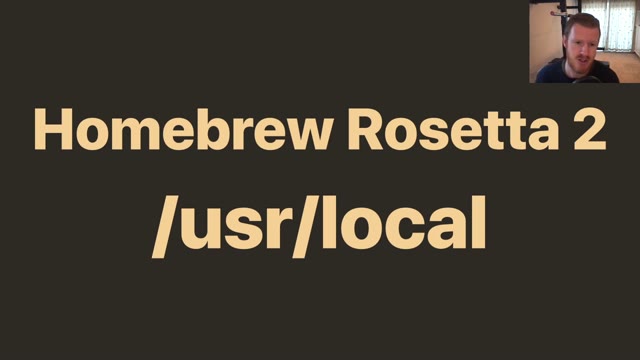
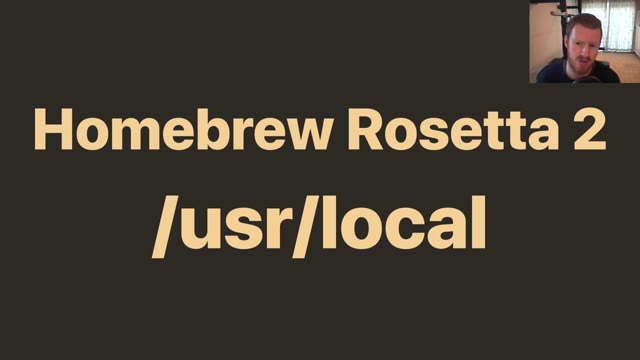
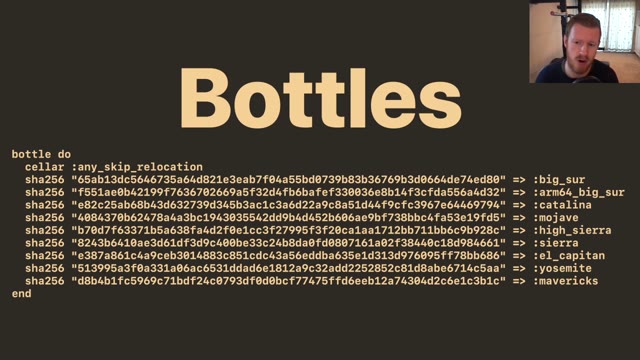
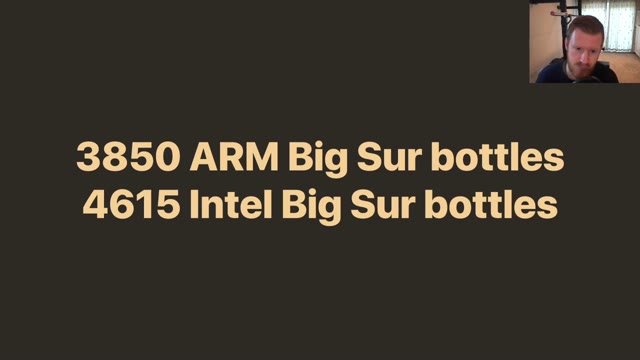
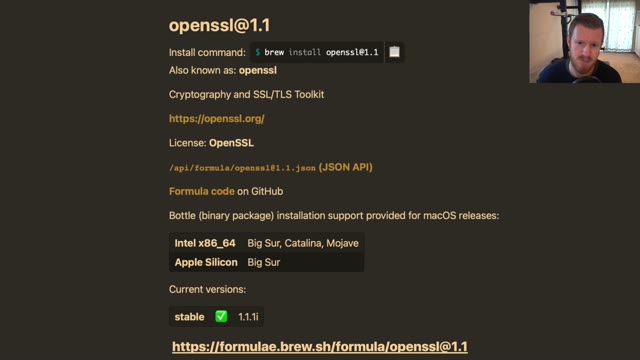
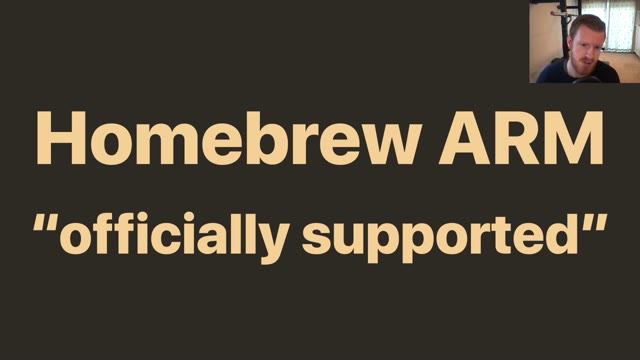
Mike McQuaid spoke in the Distributions devroom at FOSDEM 2021 on getting Homebrew working on Big Sur and on Apple Silicon — Rosetta 2, the new install prefix, and what a package manager does when the platform underneath it moves. Video2Any stepped through the 22-minute recording and kept 35 clean frames, one per slide change. The deck is almost entirely large type on flat colour, one idea per slide, which is the easiest shape there is to convert and also the easiest to read back afterwards. Every image below is real output, extracted in a browser tab with nothing uploaded.
Private by design
Uploaded files are decoded, compared, and assembled inside your browser tab. They never touch our servers; close the tab and nothing is left behind.
FAQ
- Are these the real slides from the talk?
- Yes — frames from the published recording, one per slide change. FOSDEM publishes its 2021 recordings under CC BY 2.0 BE, which permits reuse with credit; we credit FOSDEM and link the original above.
- Does a big-type deck convert differently?
- It converts more cleanly than most, because a full-slide change is unambiguous. The harder cases in this gallery are sparse dark slides and decks with animated builds, both of which are handled by calibrating against the recording.
- Can I convert a talk of my own?
- Yes, free for your own files. Drop the recording in and Video2Any exports an .pptx or PDF in your browser, with nothing uploaded.
Turn any source type quickly, with no guesswork.
Start converting nowTurn a lecture recording into a study deckConvert MP4 to PowerPoint, right in your browser