Skip to content
Decks extracted with Video2Any

"Building cross-platform Go GUIs with Fyne" — FOSDEM 2021

31 slides Video2Any pulled straight from the conference recording — no upload, all in the browser.

Andrew Williams · FOSDEM 2021, Go devroom · video.fosdem.org/2021/D.go/goguifyne.webm
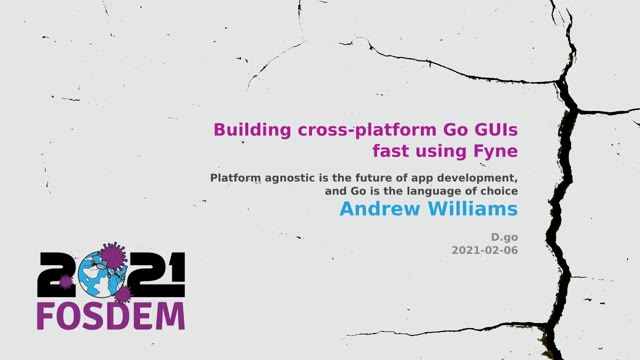
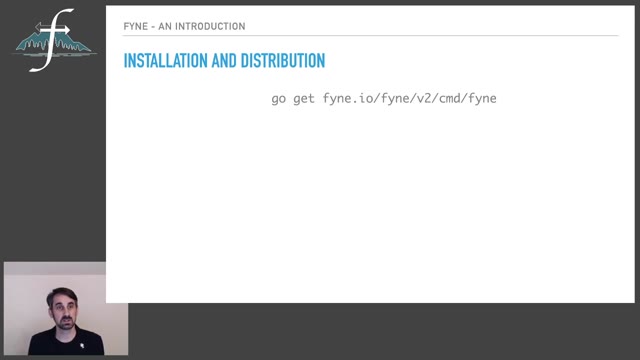
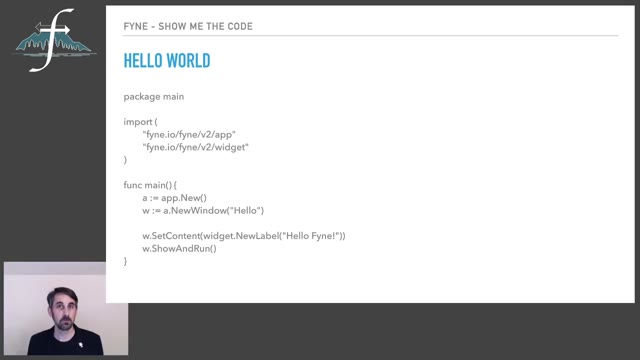
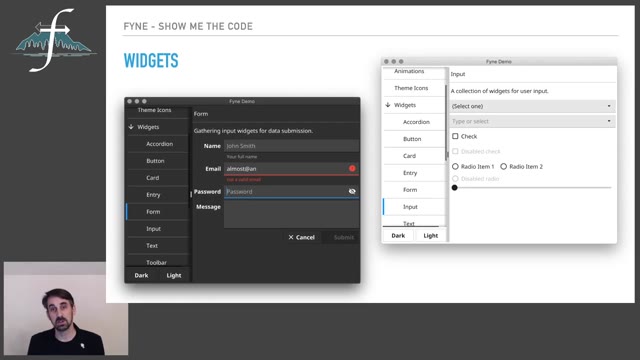
"Building cross-platform Go GUIs with Fyne" — FOSDEM 2021 — slide 1
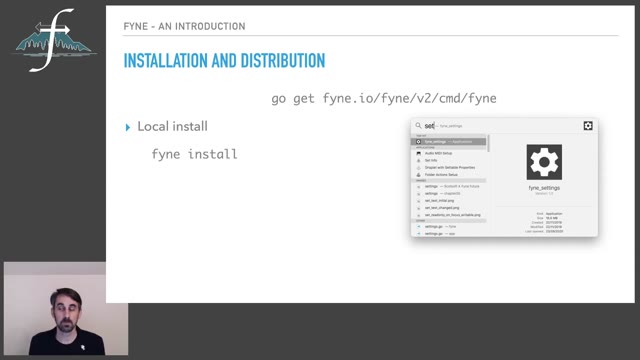
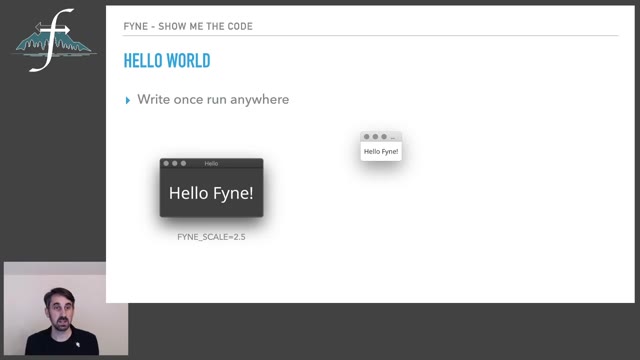
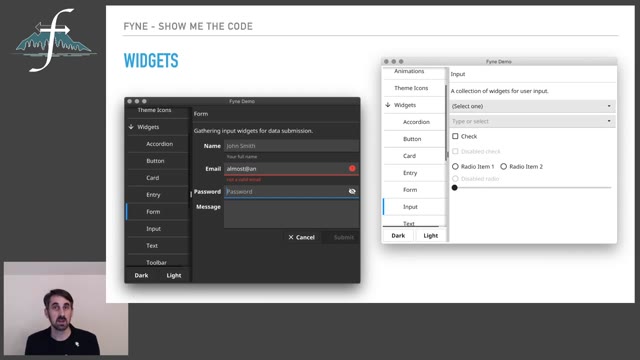
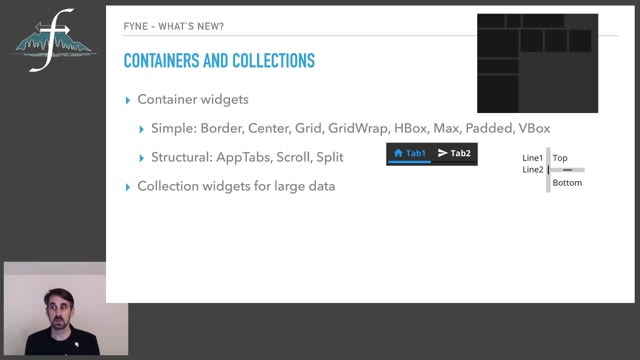
"Building cross-platform Go GUIs with Fyne" — FOSDEM 2021 — slide 2
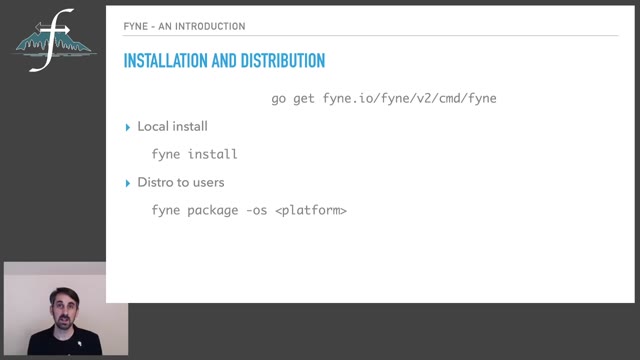
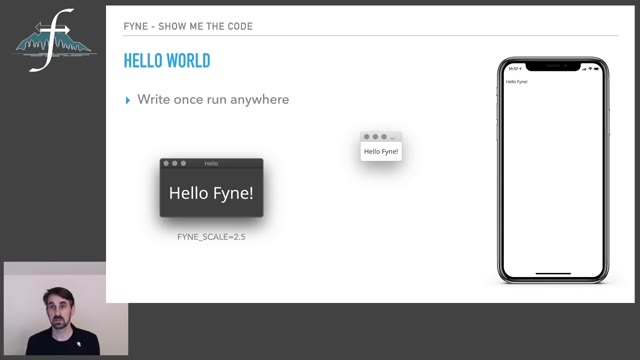
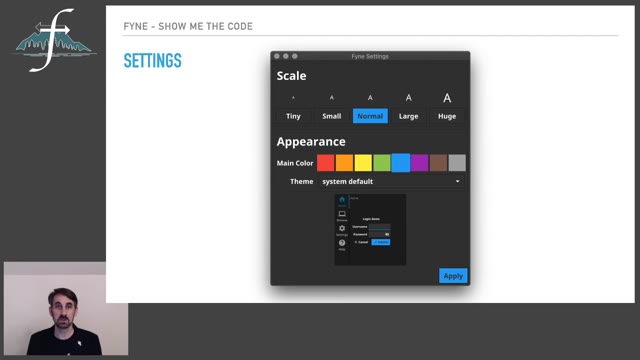
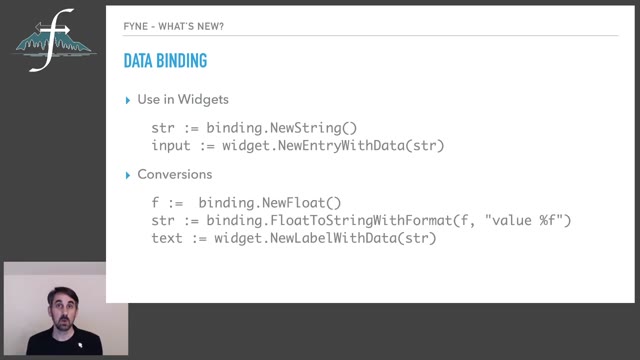
"Building cross-platform Go GUIs with Fyne" — FOSDEM 2021 — slide 3
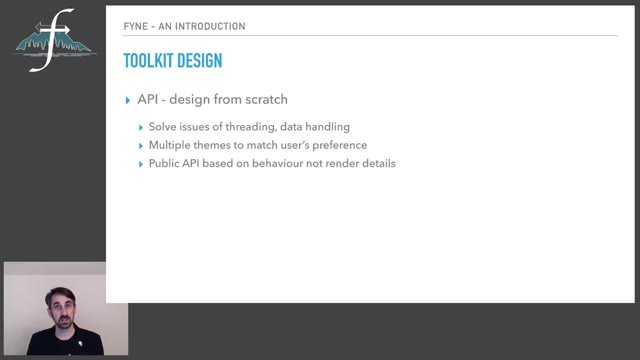
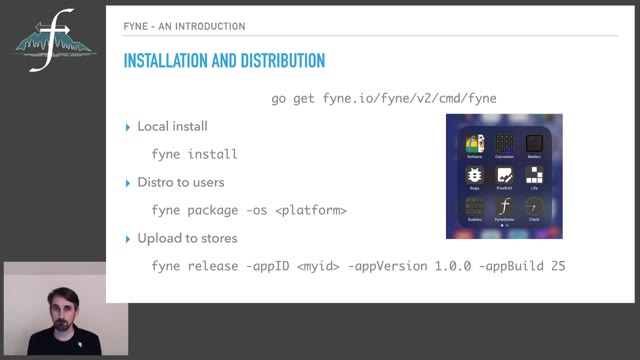
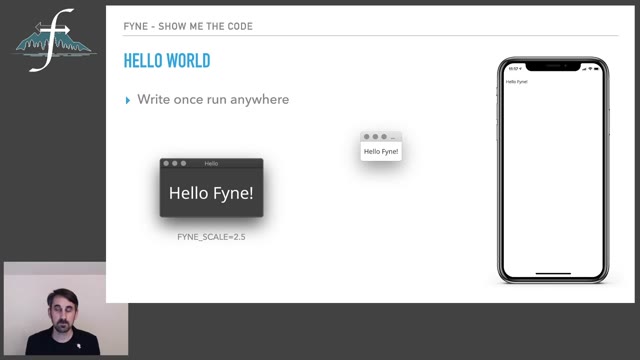
"Building cross-platform Go GUIs with Fyne" — FOSDEM 2021 — slide 4
"Building cross-platform Go GUIs with Fyne" — FOSDEM 2021 — slide 5
"Building cross-platform Go GUIs with Fyne" — FOSDEM 2021 — slide 6
"Building cross-platform Go GUIs with Fyne" — FOSDEM 2021 — slide 7
"Building cross-platform Go GUIs with Fyne" — FOSDEM 2021 — slide 8
"Building cross-platform Go GUIs with Fyne" — FOSDEM 2021 — slide 9
"Building cross-platform Go GUIs with Fyne" — FOSDEM 2021 — slide 10
"Building cross-platform Go GUIs with Fyne" — FOSDEM 2021 — slide 11
"Building cross-platform Go GUIs with Fyne" — FOSDEM 2021 — slide 12
"Building cross-platform Go GUIs with Fyne" — FOSDEM 2021 — slide 13
"Building cross-platform Go GUIs with Fyne" — FOSDEM 2021 — slide 14
"Building cross-platform Go GUIs with Fyne" — FOSDEM 2021 — slide 15
"Building cross-platform Go GUIs with Fyne" — FOSDEM 2021 — slide 16
"Building cross-platform Go GUIs with Fyne" — FOSDEM 2021 — slide 17
"Building cross-platform Go GUIs with Fyne" — FOSDEM 2021 — slide 18
"Building cross-platform Go GUIs with Fyne" — FOSDEM 2021 — slide 19
"Building cross-platform Go GUIs with Fyne" — FOSDEM 2021 — slide 20
"Building cross-platform Go GUIs with Fyne" — FOSDEM 2021 — slide 21
"Building cross-platform Go GUIs with Fyne" — FOSDEM 2021 — slide 22
"Building cross-platform Go GUIs with Fyne" — FOSDEM 2021 — slide 23
"Building cross-platform Go GUIs with Fyne" — FOSDEM 2021 — slide 24
"Building cross-platform Go GUIs with Fyne" — FOSDEM 2021 — slide 25
"Building cross-platform Go GUIs with Fyne" — FOSDEM 2021 — slide 26
"Building cross-platform Go GUIs with Fyne" — FOSDEM 2021 — slide 27
"Building cross-platform Go GUIs with Fyne" — FOSDEM 2021 — slide 28
"Building cross-platform Go GUIs with Fyne" — FOSDEM 2021 — slide 29
"Building cross-platform Go GUIs with Fyne" — FOSDEM 2021 — slide 30
"Building cross-platform Go GUIs with Fyne" — FOSDEM 2021 — slide 31

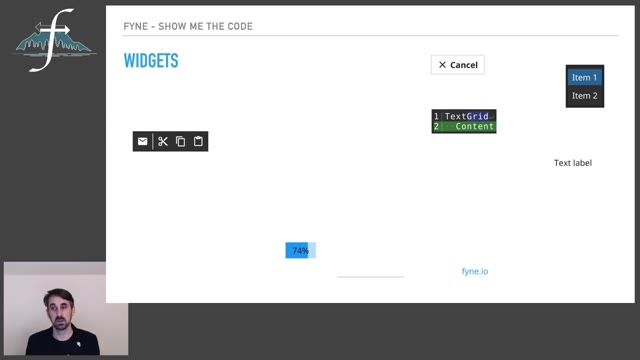
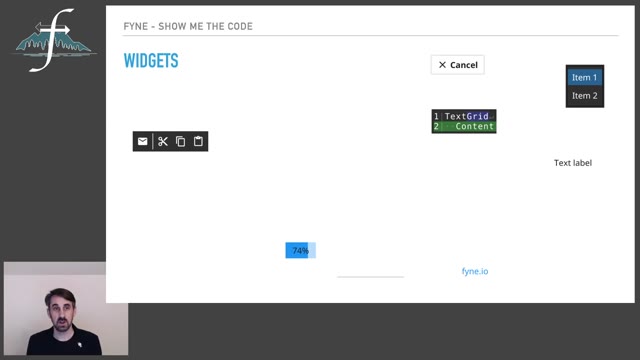
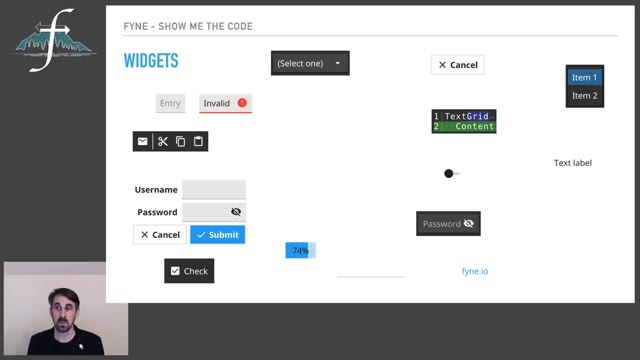
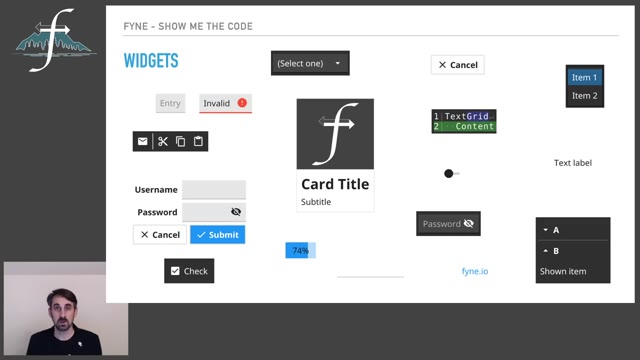
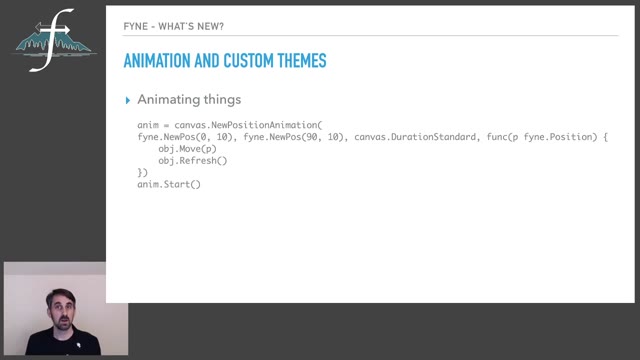
Andrew Williams presented Fyne in the Go devroom at FOSDEM 2021: a toolkit for writing graphical applications in Go that run on desktop and mobile from one codebase. Video2Any stepped through the 23-minute recording and kept 31 clean frames, one per slide change. This talk alternates slides with live demonstrations of the toolkit's widgets, and the output shows the difference — the demonstrations contribute the states the interface came to rest in, not a frame for every click, because a frame is only kept once the picture has changed and then held still. Every image below is real output, extracted in a browser tab with nothing uploaded.

Slides from FOSDEM, used under CC BY 2.0 BE. Extracted from the original recording (linked above) and credited to FOSDEM; not affiliated with or endorsed by them. Rights concern? request removal.

Private by design

Uploaded files are decoded, compared, and assembled inside your browser tab. They never touch our servers; close the tab and nothing is left behind.

FAQ

Are these the actual slides from the talk?
Yes. Video2Any read the published recording and kept one image per slide change. FOSDEM publishes its 2021 recordings under CC BY 2.0 BE, which permits reuse with credit; we credit FOSDEM and link to the original file above.
What happens to the live demo sections?
They contribute the moments the interface settled into something new. Clicking, dragging and typing never hold still, so they are skipped, and what you get is a readable sequence of the states rather than a frame per interaction.
Can I do this with a talk I have?
Yes, and it is free for your own files. Drop the recording in and Video2Any detects each slide, keeps one clean frame per change, and exports an .pptx or PDF — in your browser, with nothing uploaded.