"Escaping the Cargo Cult" — FOSDEM 2021
70 slides Video2Any pulled straight from the conference recording — no upload, all in the browser.
Eric Gazoni and Jason McDonald · FOSDEM 2021, Python devroom · video.fosdem.org/2021/D.python/python_escaping_cargo_cult.webm


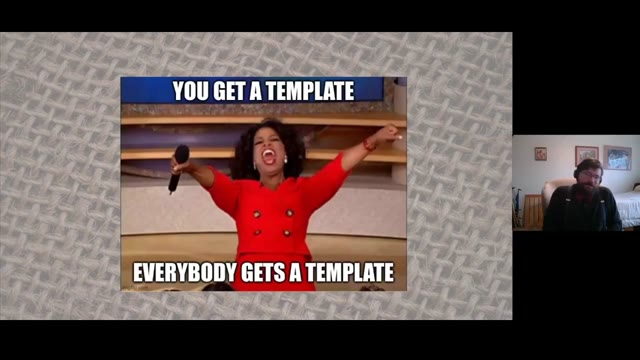
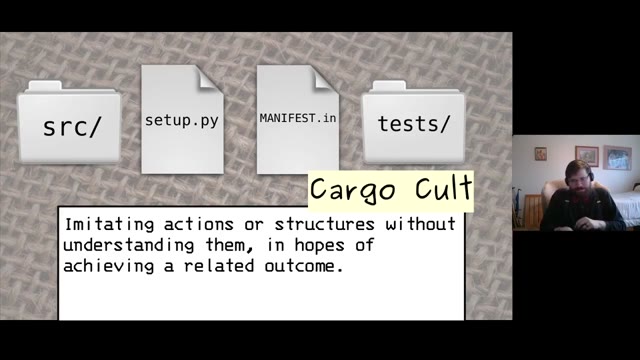
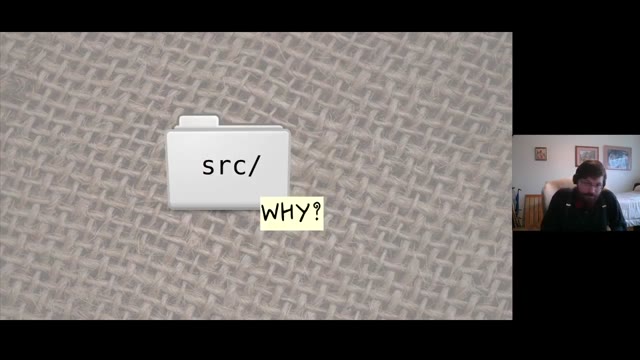
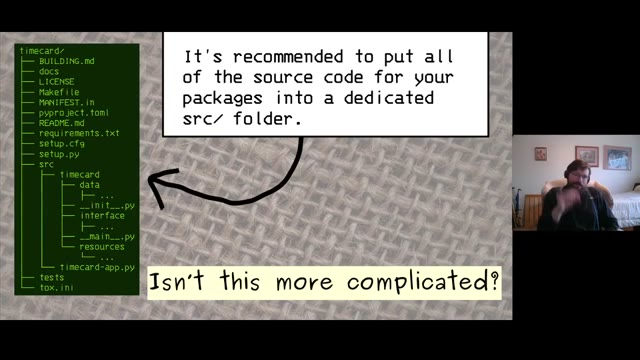
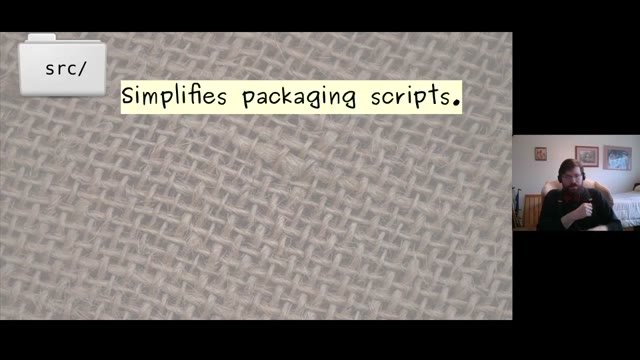
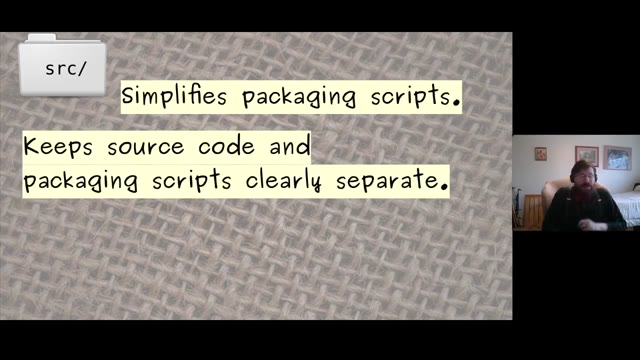
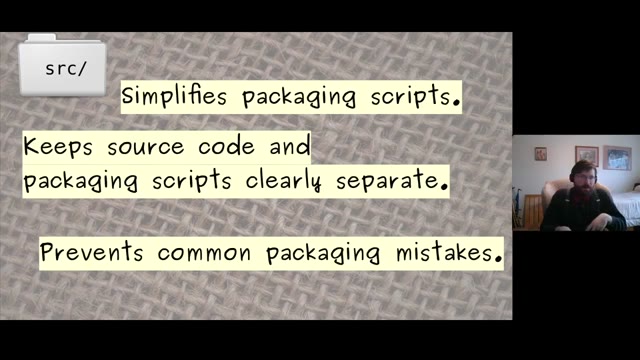
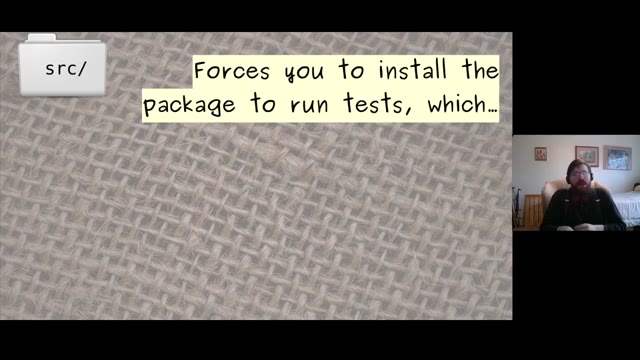
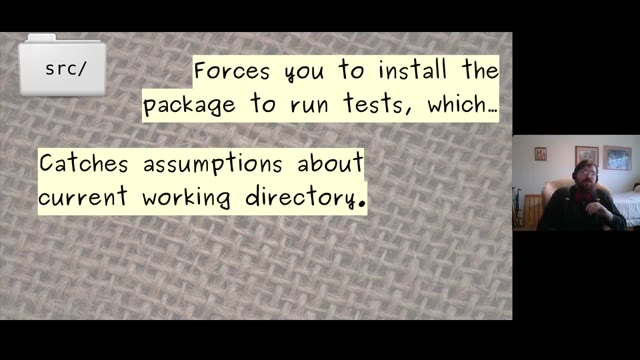

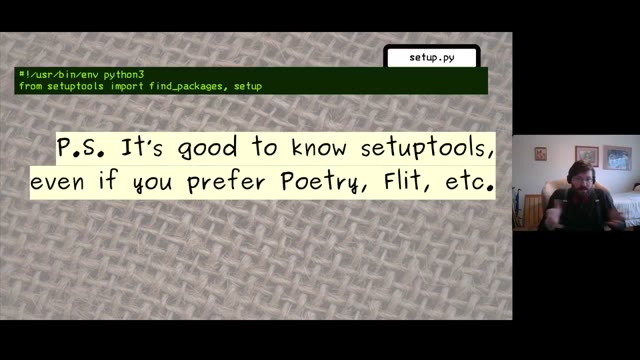
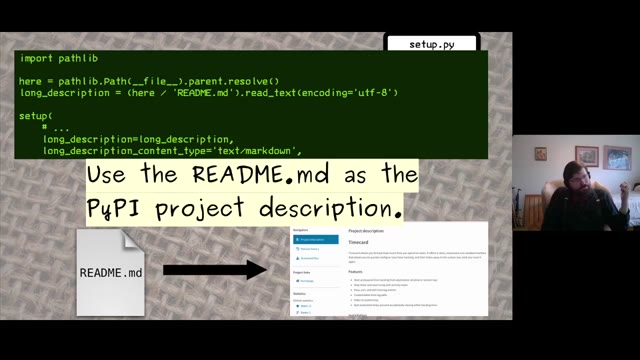
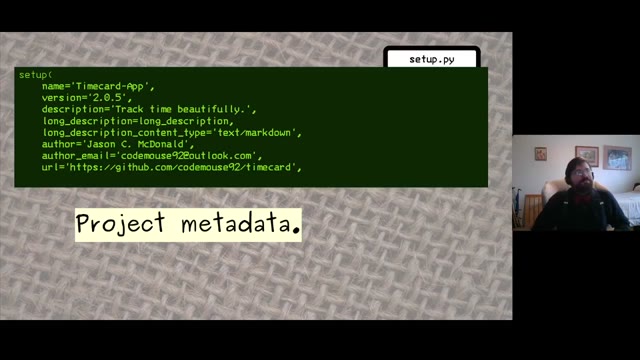
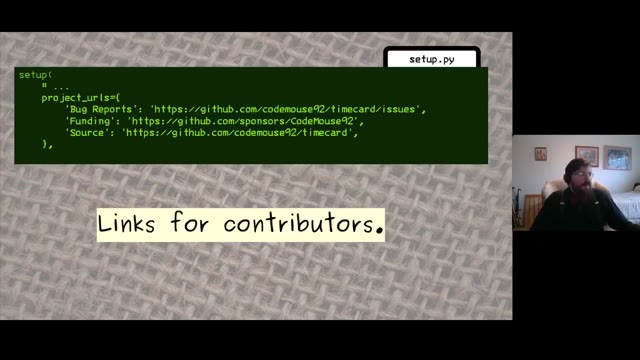
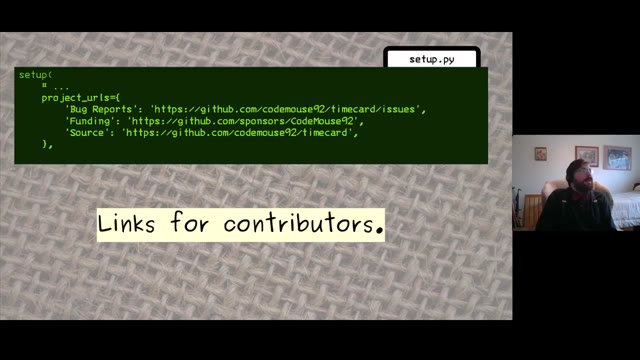
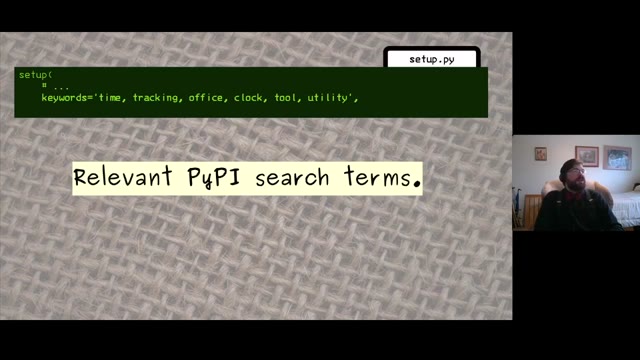
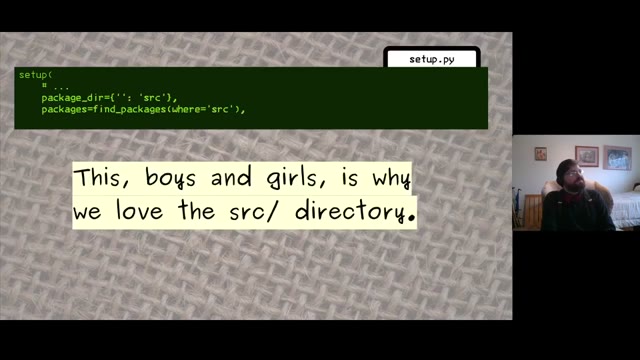
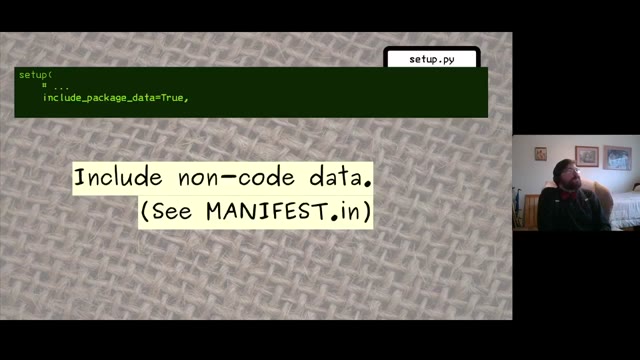
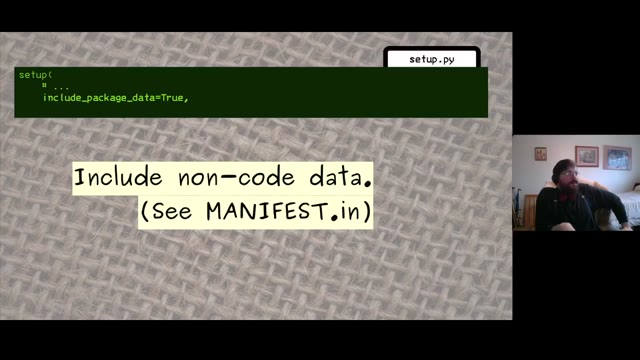
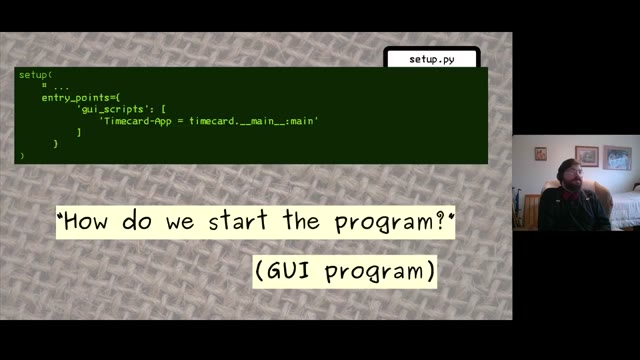
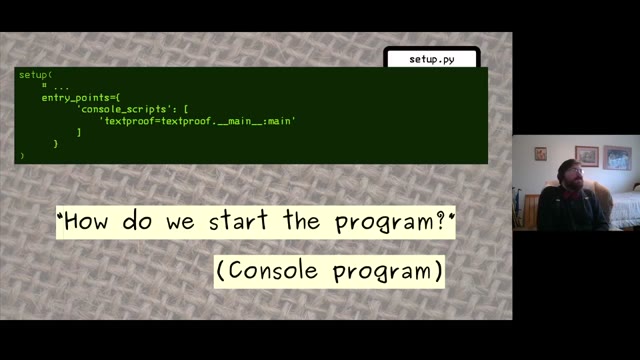
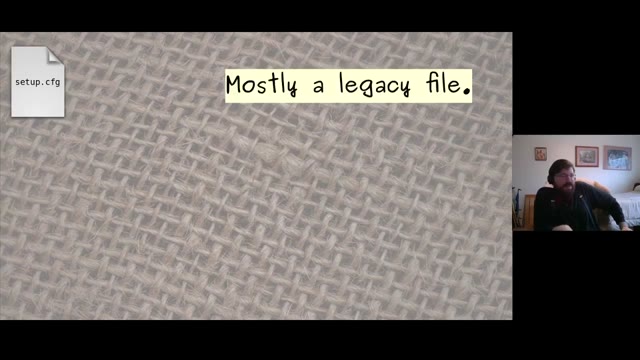
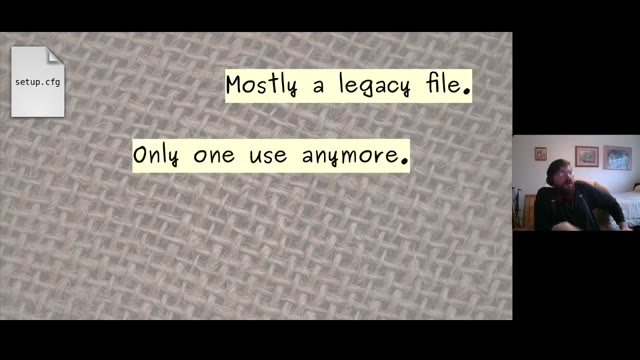
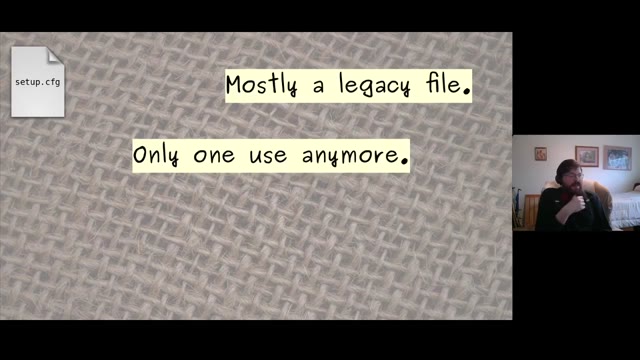
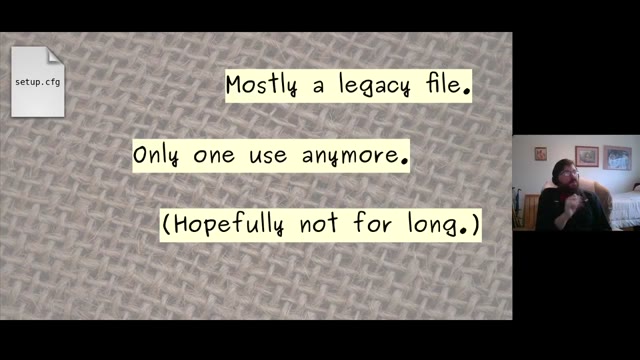
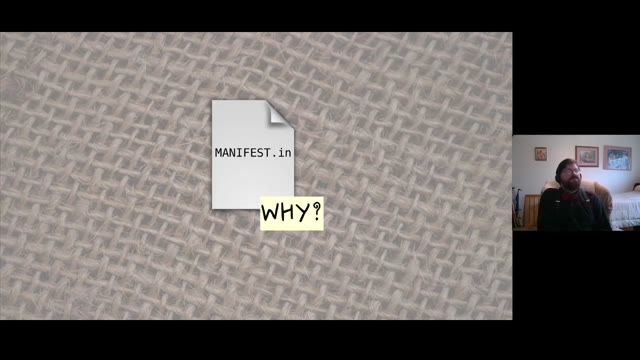
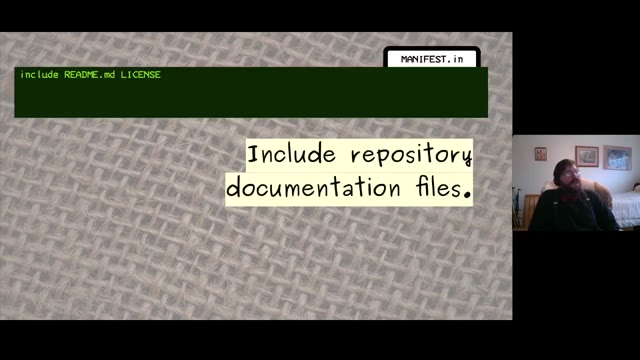
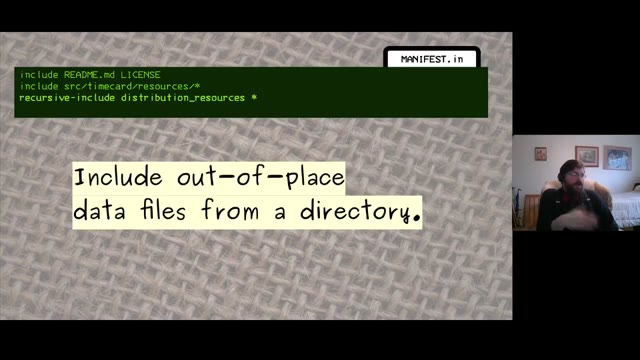
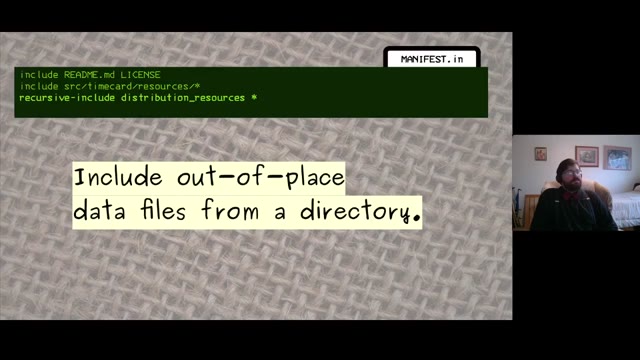
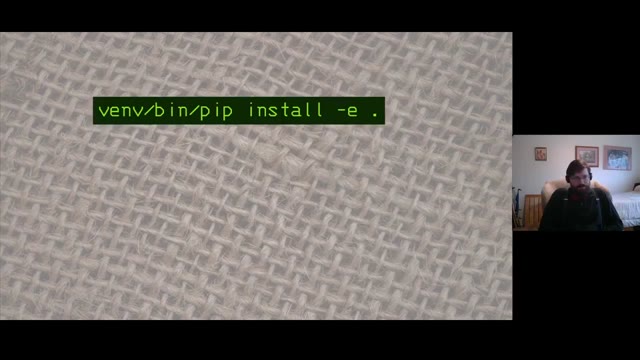
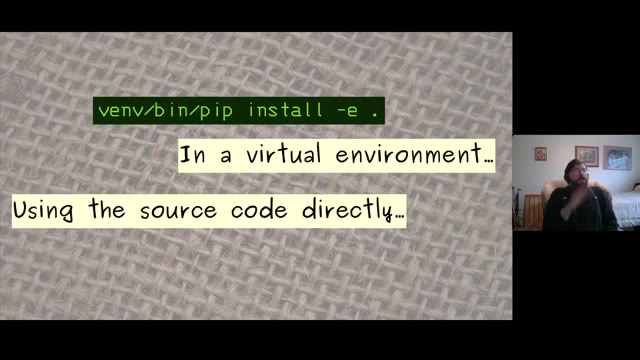
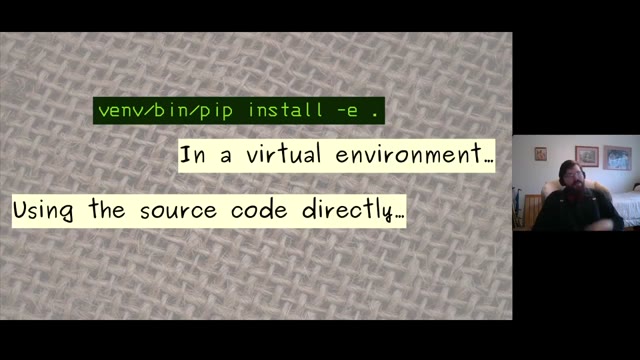
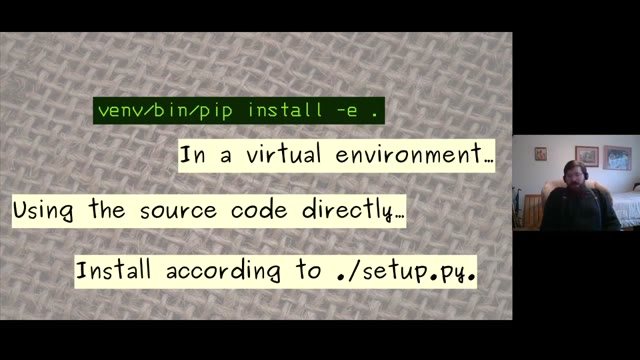
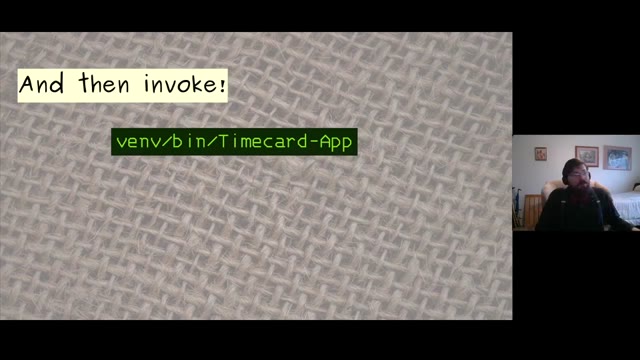
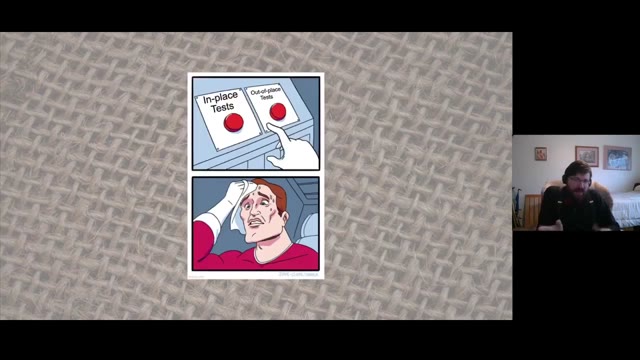
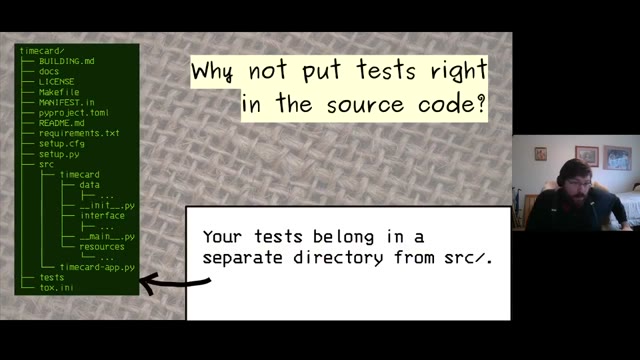
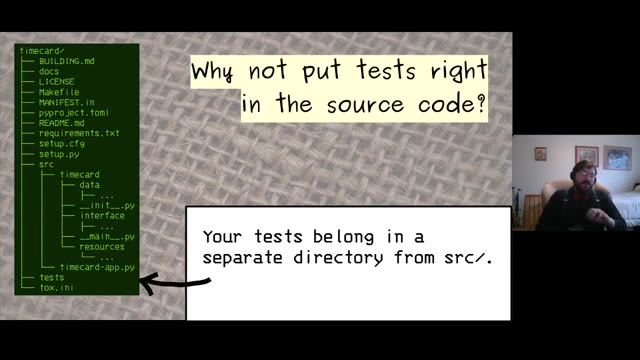
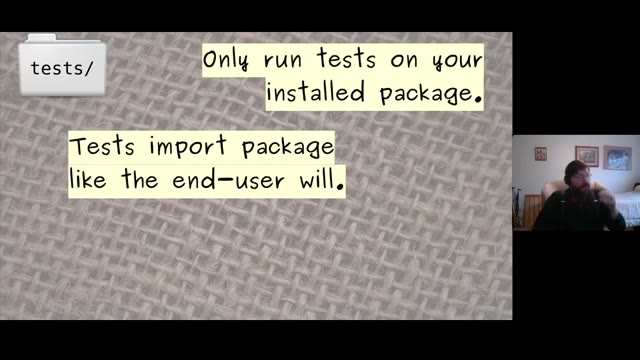
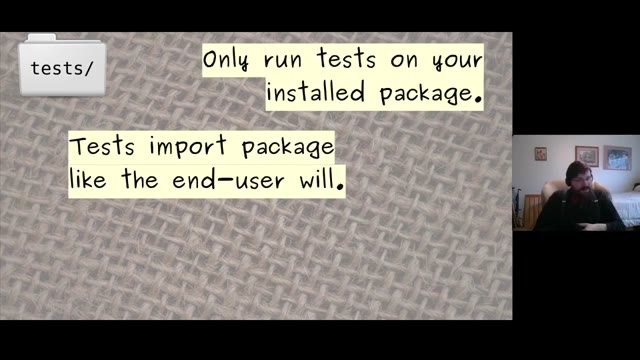
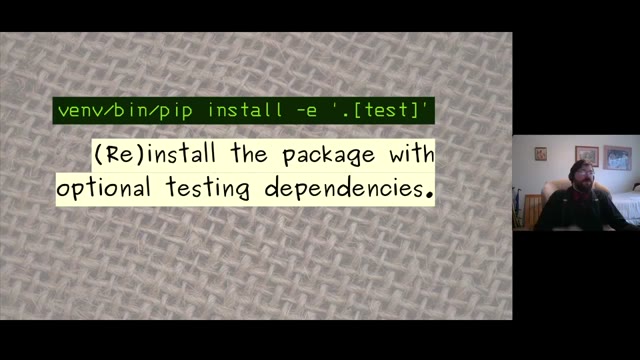
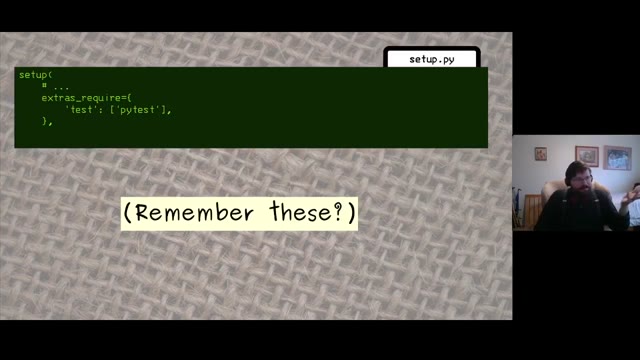
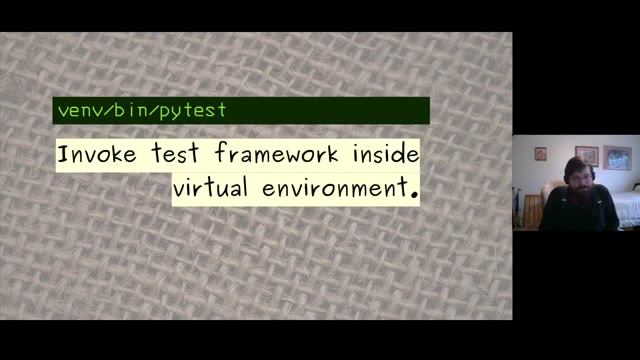
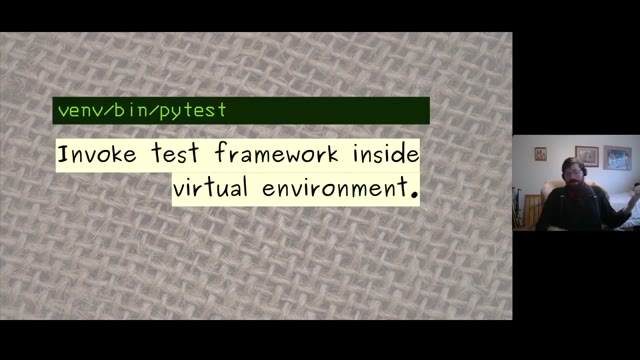
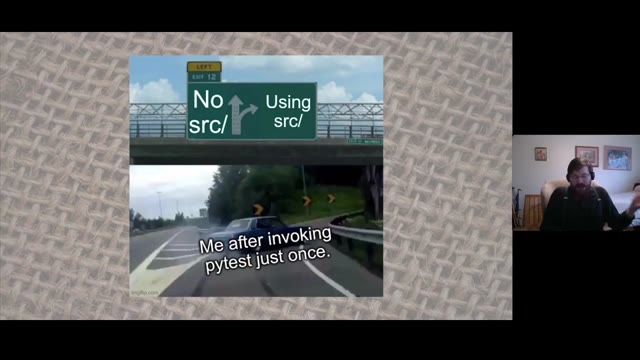
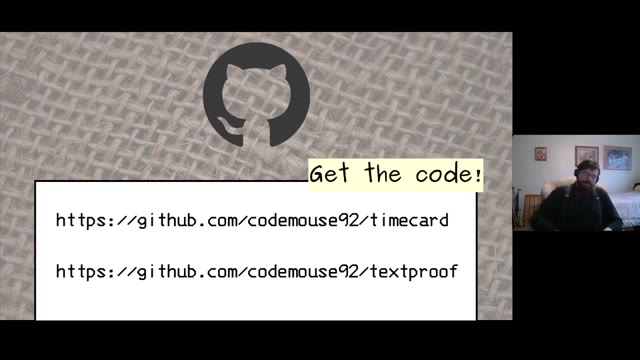













Eric Gazoni and Jason McDonald spoke in the Python devroom at FOSDEM 2021 about structuring a project without copying conventions nobody can justify. Video2Any stepped through the 29-minute recording and kept 70 clean frames, one per slide change. This is an illustration-heavy deck — full-bleed images with a line of text over them — which is a useful case to see, because a picture that fills the frame changes far more between slides than a bullet list does, and the detector calibrates its threshold against this recording rather than using a fixed number. Every image below is real output, extracted in a browser tab with nothing uploaded.
Private by design
Uploaded files are decoded, compared, and assembled inside your browser tab. They never touch our servers; close the tab and nothing is left behind.
FAQ
- Are these the actual slides from the talk?
- Yes. Video2Any read the published recording and kept one image per slide change. FOSDEM publishes its 2021 recordings under CC BY 2.0 BE, which permits reuse with credit; we credit FOSDEM and link to the original file above.
- Do image-heavy slides confuse the detector?
- No, because it works out its threshold from your particular recording. A deck of full-bleed photographs changes by a different amount than a white deck with bullets, and a single fixed number would be wrong for one of them.
- Can I do this with a talk I have?
- Yes, and it is free for your own files. Drop the recording in and Video2Any detects each slide, keeps one clean frame per change, and exports an .pptx or PDF — in your browser, with nothing uploaded.
Turn any source type quickly, with no guesswork.
Start converting nowTurn a lecture recording into a study deckConvert MP4 to PowerPoint, right in your browser