Video2Any now sets aside the speaker's camera
A recorded talk is rarely slides from start to finish. The speaker's webcam fills the screen while they answer a question, the stream cuts to the audience, a black frame sits between two halves. Video2Any keeps a picture every time the screen changes and then holds still, so a speaker who sat still for ten seconds became a slide. In one hour-long FOSDEM talk we publish as an example, 73 of the 141 frames were the speaker's camera.
Since 5 October, Video2Any looks at every frame once the extraction is done and sets aside the ones that do not look like a slide. It does this on your device, without you doing anything, and it deletes nothing.
Four are slides and four are not. The button runs the same check the editor runs, here in this tab; the first time, it has to fetch the check first.
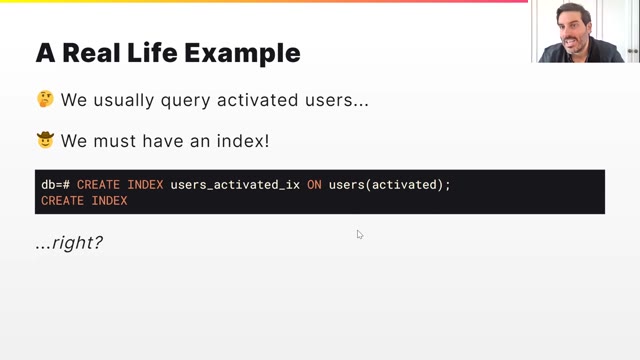
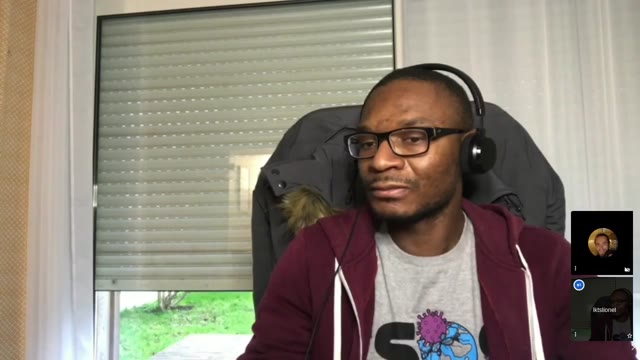
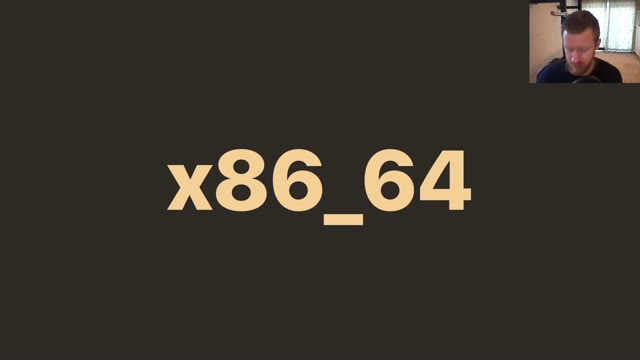
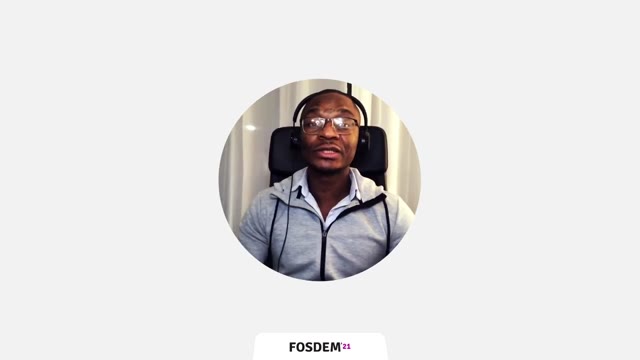

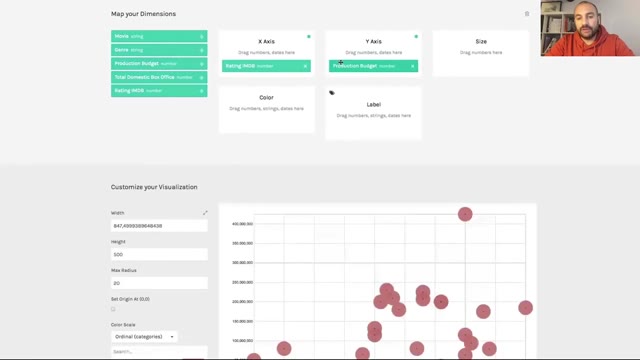
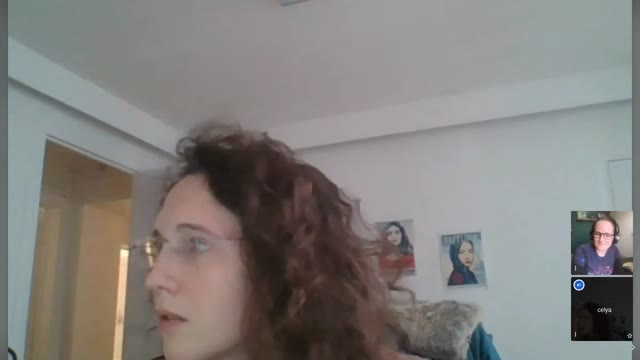
Frames from FOSDEM 2021 recordings, CC BY 2.0 BE.
See the hour-long FOSDEM deck with its camera frames set aside
On this page
What you will see
When the extraction finishes, the slides appear as before. Shortly after, if any frames looked like a camera, an audience or a blank screen, they leave the grid and a single line above it says how many were set aside. Press Put them back and every one of them returns; undo works too.
Set-aside frames are not counted, exported or shared, but they are saved with the deck, so they are still there after a reload. Frames you captured by hand are never touched. And if nothing in a video looks like a slide — someone talking to the camera for an hour, a whiteboard lecture — Video2Any leaves all of it alone rather than hand you an empty deck.
Batch does the same, one lecture after another, without making the next video wait: a row's slide count drops by itself a little after that lecture finishes.
How often it gets it wrong
We measured it on talks it had not been trained on: we split the talks into five groups, trained on four and tested on the fifth, five times over. Out of 3,052 real slides it set aside 6 by mistake, about one in five hundred. Out of 620 camera, audience and blank frames it caught 94%.
The slides it gets wrong are the sparse ones: a single word on a plain colour, a full-page photo, a slide where the speaker's video takes up half the screen. The frames it lets through are wide shots of a room full of people, a speaker's profile picture on a white card, a stage seen from the back of the hall. A projector filmed from the audience is sometimes set aside as well, about one time in eleven. That is why it sets frames aside instead of deleting them: a wrong call costs you one press.
How we built it
The check is a small open-source image model that runs inside your browser. It sees only the frames already on your screen, and the frames themselves never leave your computer.
We taught it with about 4,100 frames we labelled by hand: 1,313 from 115 FOSDEM talks across four years, published under a licence that allows this; the 2,092 frames of our own example decks; and 720 from 29 other recordings of meetings, lectures and short videos. Not a single frame from anyone's upload — we never see those. The model we shipped learned from all of these frames, our example decks included, so the hour-long example deck is one it has already seen, and the demo frames below come from the FOSDEM 2021 recordings it learned from, so it may have seen them too. The error rates above come from the held-out tests, not from those.
We tried smaller and bigger. A model one sixth the size caught 80% of the camera frames at the same strictness, against 94% for the one we shipped. A model that can read a slide and write out its text got Chinese and English slides almost word for word, but it weighs over 2 GB and takes about ten seconds a frame on an ordinary computer: fine on a server, wrong for a browser tab.
What it asks of your computer
The first time, your browser fetches the check while your video is being read. Reading the video uses no network, so in most cases the check is ready before the slides are, and after that your browser keeps it. While it works it uses some extra memory for a minute or so, then gives it back.
On phones, tablets, computers with less than 4 GB of memory and connections in data-saver mode it does not run at all, and the deck comes out exactly as it did before.
What we do record is two numbers, and only the numbers: how many frames were set aside and how many you put back. The second one is how we will know whether the line is in the right place for recordings like yours.
Questions
- Does this upload my video or my slides?
- No. The model comes to your browser; your video and your frames go nowhere. What we do receive is two counts: how many frames were set aside and how many were put back.
- Can I turn it off?
- There is no switch, because nothing is lost: Put them back returns every set-aside frame in one press, and undo works the same way. On phones and low-memory computers it never runs.
- Why did it set aside a real slide?
- Usually because the slide looks like a photo or a plain colour: a one-word title, a full-screen picture. Put it back and it stays, even after a reload.
- Does it work in batch?
- Yes. Each lecture is checked in the background after it is saved, so the next video starts straight away, and the row's slide count updates on its own.
Try it on a recording of your own
Drop a recorded talk or meeting into Video2Any. The slides come out as before, and anything that is the speaker's camera is set aside with a line saying how many.