Extract slides from a playing video with the extension
Datasette: an open source multi-tool for exploring and publishing data · Simon Willison · FOSDEM 2021 · Open Research Tools devroom
#1 · 0:00
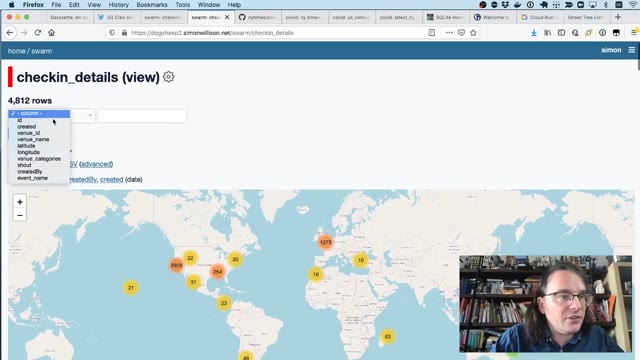
#7 · 1:11
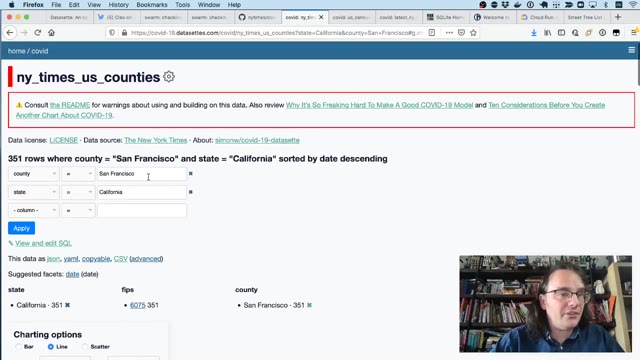
#18 · 3:30
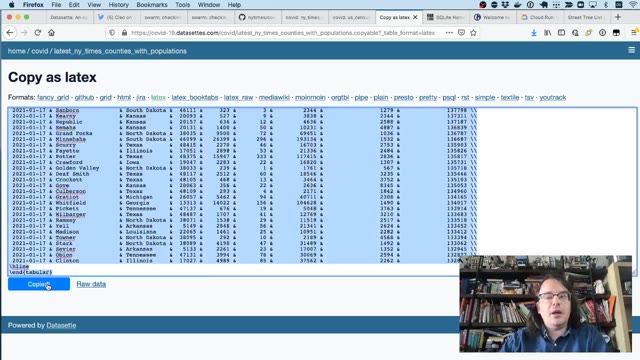
#24 · 5:04
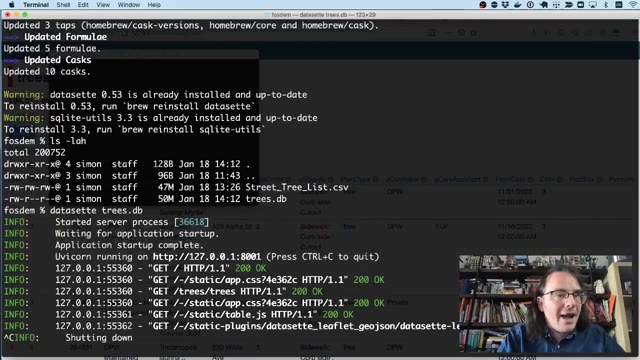
#35 · 9:37
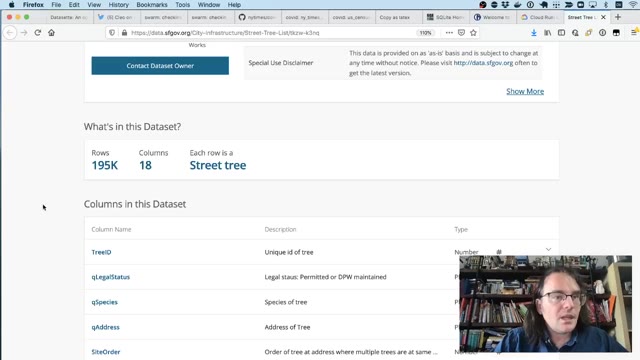
#52 · 14:04
17:27 of recording → 63 slides kept
Six extracted pages, not the full recording. Includes source and licence information.
Recording from FOSDEM, used under CC BY 2.0 BE. open the recording · Rights concern? request removal