YouTube video to PPT: turn a YT video into PowerPoint slides
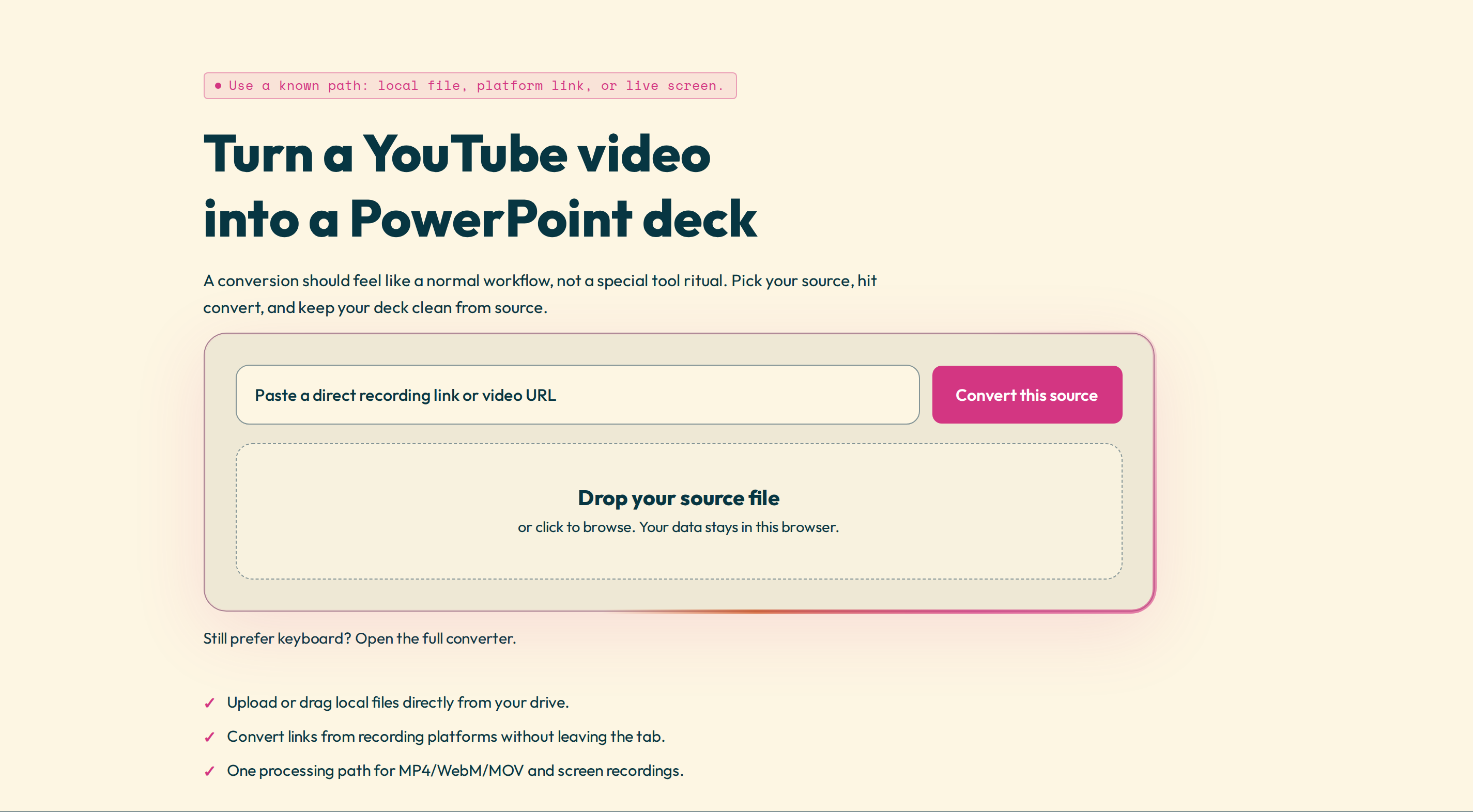
Unlike a file on your disk, a YouTube video is not something you can drag into a converter — it lives online. There are two ways to get one into PowerPoint: paste the link and let Video2Any fetch it, or download the video yourself and convert the file. This guide covers both, for videos you have the right to use.
The fast way: paste the YouTube link
- Open the YouTube to PowerPoint tool.
- Sign in with a free account. Fetching a video from a platform runs on our server, so it needs an account — that step is what a local file skips.
- Paste the YouTube link. The video is fetched and streamed to your browser without being stored, at 720p by default (240p to 1080p if you want).
- The slides are detected on the timeline. Review them: keep the good ones, drop duplicates.
- Export an editable .pptx, a PDF, images, or the subtitles.
The limits, up front
Platform links spend a little processing on our side, so they are metered — and we show the limit before you start, never as a surprise at download. The free tier covers one hour a month, up to twenty minutes per video, with a fair-use cap of twenty fetches a day. Web Pro raises that to 1,000 minutes a month with no per-video length cap. The same flow also fetches TikTok, Instagram, Facebook, X/Twitter, and LinkedIn.
The manual alternative: any length, no account
If your video is long, or you would rather not sign in, download the YouTube video as an MP4 yourself and convert that file. Local files are uncapped and need no account, so there is no length limit — follow how to convert MP4 to PPT from there.
Slides, or just the transcript
You do not always need slides. The same tool can hand back the video's transcript as plain text or SRT, which is often all you want from a talk or tutorial.
Working from a WebM export rather than a link? See WebM in PowerPoint.
Turn a YouTube video into slides — paste a link and review the deck before you export.